1 PREAMBLE
This manual is valid only for VVVF drive connected to the controller via CANopen Bus, and for controller’s
software version v5-10 or higher
You will find here the start process of your controller ASP116 Evolution with CANopen connected
VVVF drive ATVLIFT.
If you follow all the different steps described hereafter, you will get your lift operational quickly and
easily.
Smartphone Application « EvoPad »
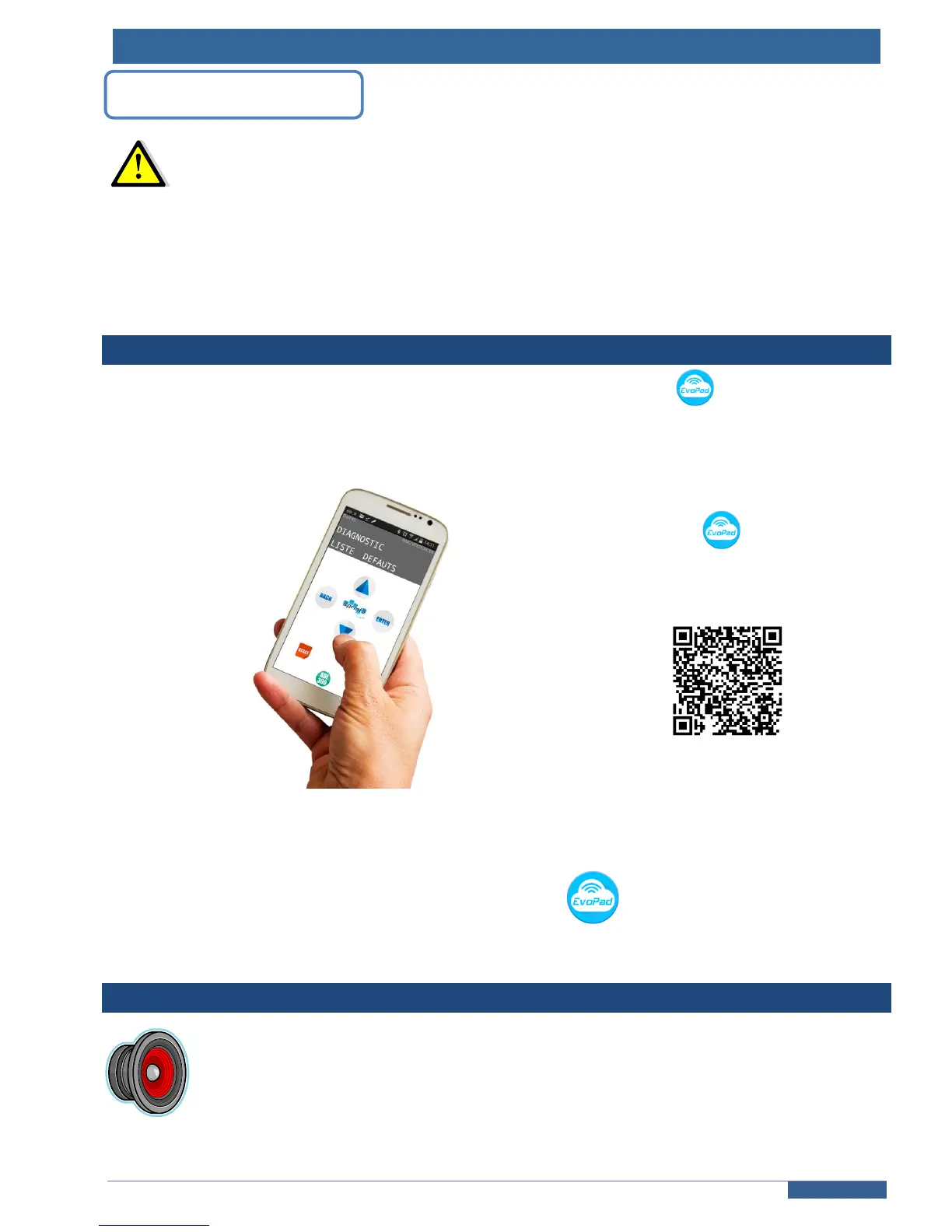
We recommend to use our Androïd Smartphone application « EvoPad » ; it will help you to
set all your parameters and diagnosis while you’re on the top or around the car :
EvoPad is available
on Google PlayStore
This application is nothing more than a remote terminal of the 216SP board’s terminal. There are
no differences, you will find exactly the same menus and settings available.
Throughout this manuel, each time you’ll meet the Application’s icon
this will point you out that the use of the EvoPad application is recommended in order to avoid travels to the cabinet for
the setting or diagnosis required.
VTA function or “Vocal Technical Assistance”
Enable this function to check your installation. A vocal message will be announced for
each lift’s input or lift’s switch activation.
Refer to ANNEX 3 - §1 for more details on this function.



 To Next Page