14 STOP PRECISION SETTINGS
Only with absolute reader K04SP
VVVF inverter settings shall have been done properly.
Shaft’s learning procedure shall have been done (§11.3)
Adjustment of the floor’s heights with moving down
Move the car to the highest floor.
Move down and stop on every floor.
On each floor, measure the stop inaccuracies.
Change the floors heights in the menu « FLOORS POSITION » (see below) and Reset the controller
Do all the procedure once again, to check your corrections.
+ …
+ …
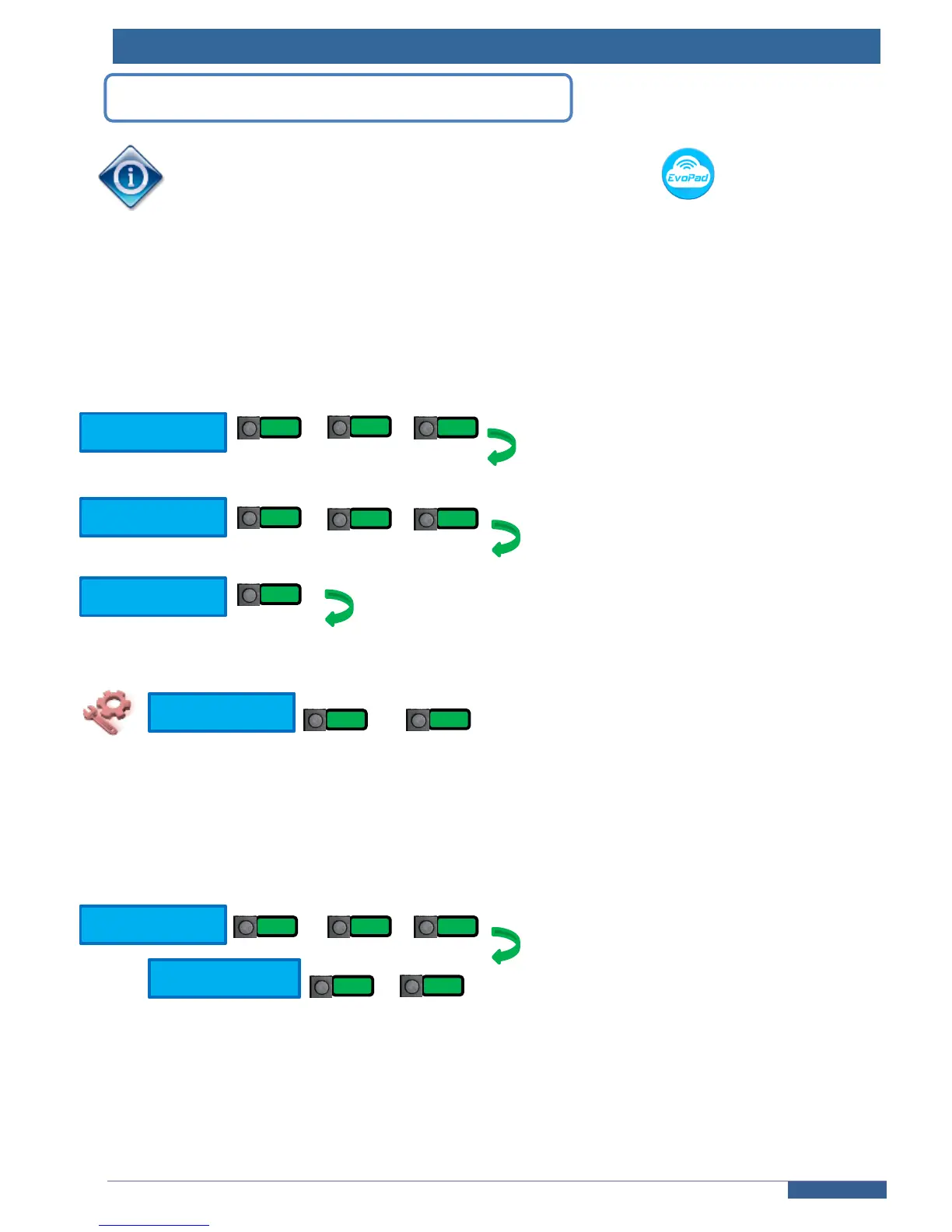
Adjust the floors heights:
…
Stop precision while moving up:
Move the car to the lowest floor.
Move up and stop on every floor.
On each floor, measure the stop inaccuracies.
Adjust the DEALA parameter if there is a precision difference with a down travel (see below).
+ …
…
Add your measured value if the car stops below the floor (+ xx mm) or remove your measured value if the car
stops above the (- xx mm).



 To Next Page