Setting the Temperature
Turn the THERMOSTAT to regulate the temperature you desire: range 62°Fto 90°F.
Setting the Timer
Set the TIMER to the desired operating time (1 to 8 hours).
When the set time has elapsed, the machine will shut off automatically.
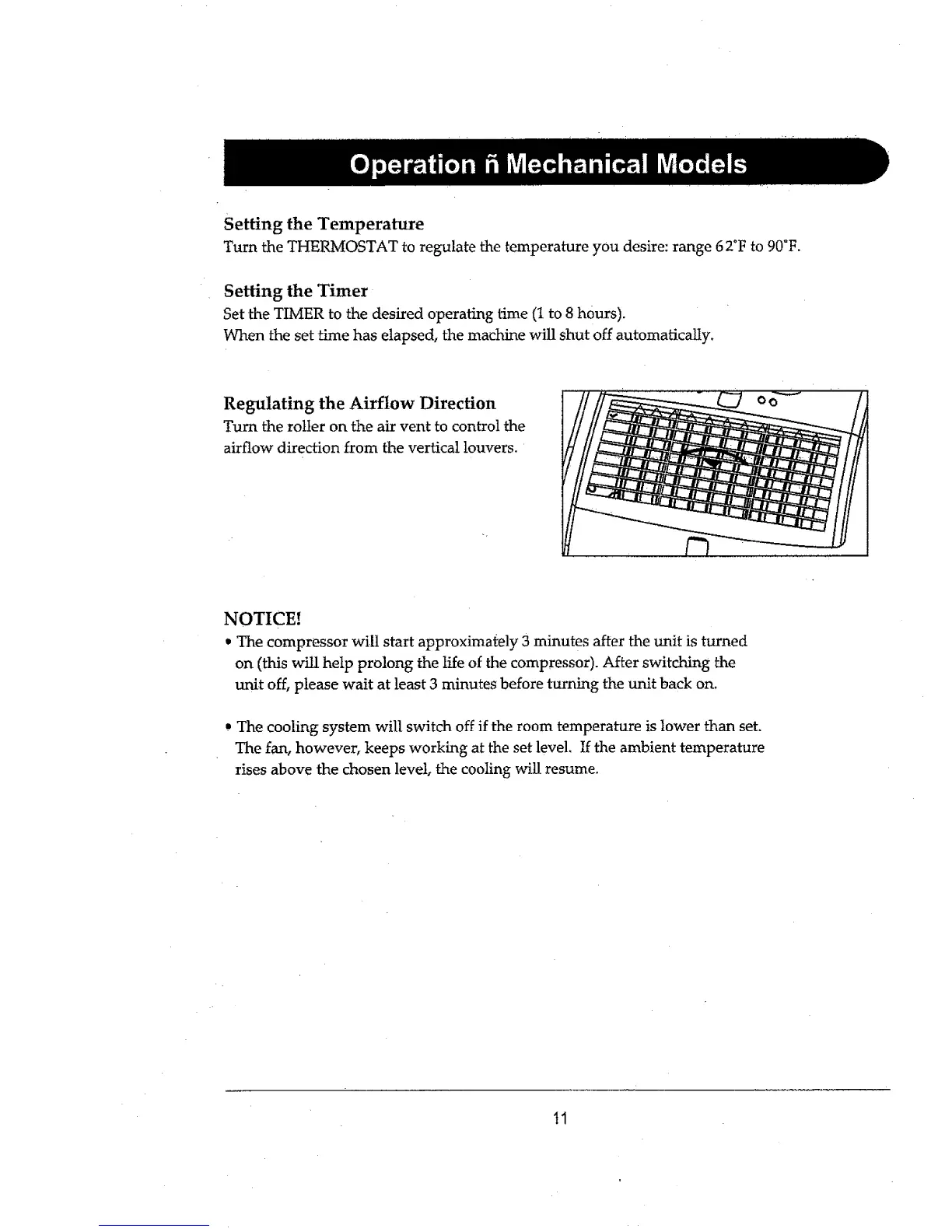
Regulating the Airflow Direction
Turn the roller on the air vent to control the
airflow direction from the vertical louvers.
NOTICE!
• The compressor will start approximately 3 minutes after the unit is turned
on (this wLtl help prolong the life of the compressor). After switching the
unit off, please wait at least 3 minutes before turning the unit back on.
, The cooling system will switch off if the room temperature is lower than set.
The fan, however, keeps working at the set level, If the ambient temperature
rises above the chosen level, the cooling will resume.
11


 To Next Page