© 2021 Radiodetection Ltd 21
RESET: Select YES to reset the internal GPS
(8200G GPS equipped model only)
INT: Select this to use the internal GPS if
present
EXTM: Select this to use GPS from RD MAP+
(features need to be enabled in the app)
OFF: Select this to switch off the internal GPS
module and save battery
SBAS: Select this to switch ON or OFF SBAS
(Satellite-Based Augmentation System).
SBAS can improve GPS accuracy, particularly
in N.America
EXIT: Select this to exit the GPS menu
4 Press the key to accept your changes and exit
the GPS menu
5 Press the key to exit the menu
Note: When SBAS is ON the GPS system may take
longer to lock
Internal GNSS ‘GPS’
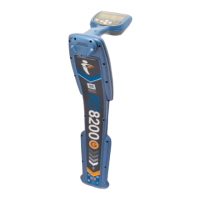
RD8200G GPS locator have an internal GNSS module.
When internal GPS is enabled, it will automatically try to
“lock” onto a number of satellites as soon as the
RD8200G unit is turned on.
The time required for the GPS module to lock onto the
GPS system varies depending on the length of time that
has passed since the last time the locator was used, and
on the presence of obstacles (like high buildings, trees,
etc.) that obstruct sight to the sky.
If the unit has not been used for several days the time to
first fix may take up to several minutes.
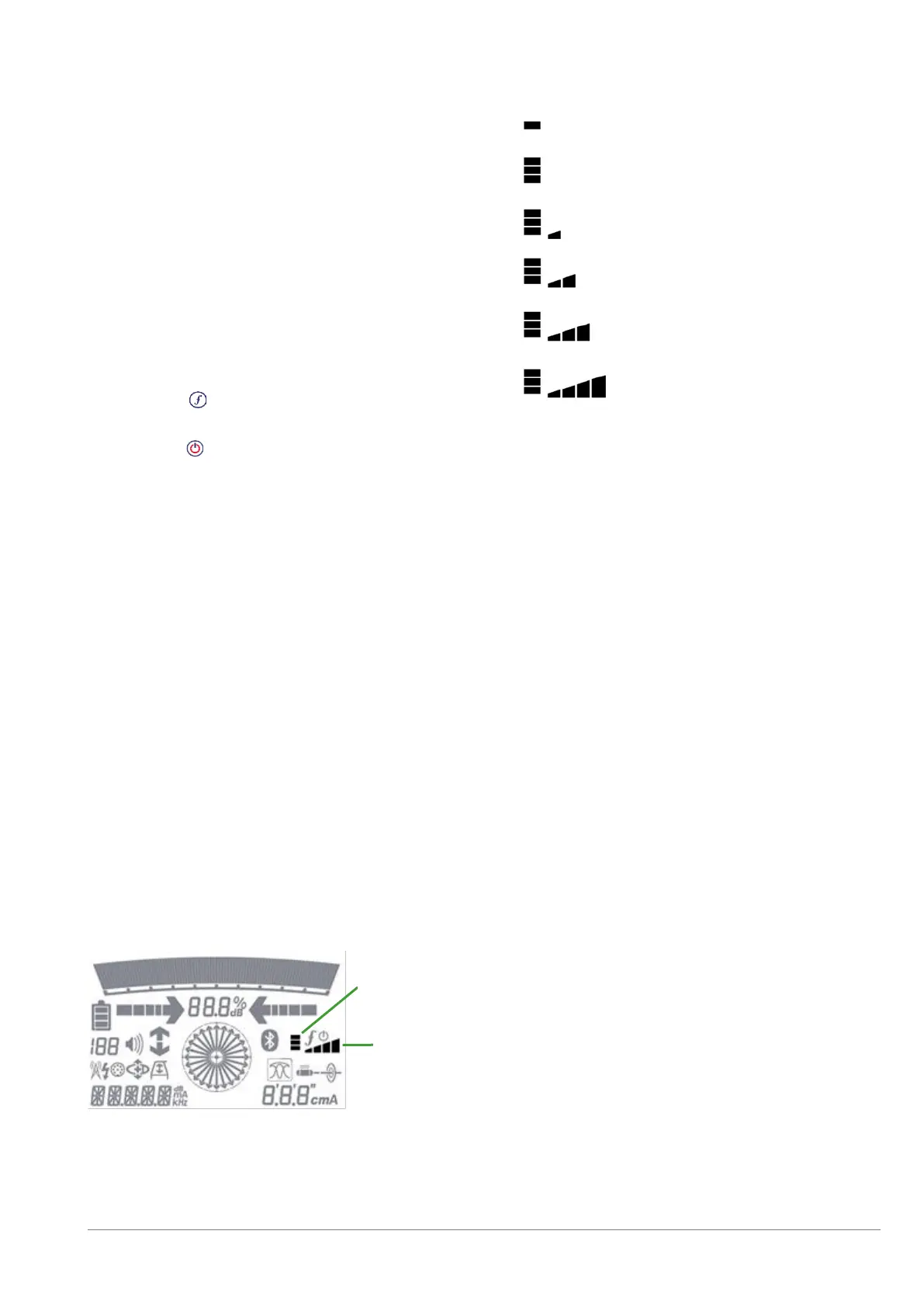
The RD8200G locator display provides a number of
icons indicating the presence of an internal and active
GPS and when this has locked to the GPS system, the
quality of the signal received or numbers of satellites
received.
The accuracy of the GPS module is affected by the
number of satellites received and best accuracy is only
reached when the signal quality is at its maximum.
Figure 4.14 GPS Icons
The LCD GPS operation icons provide visual information
about the status of the internal GPS module:
Figure 4.15 GPS status and satellites in view


 To Next Page