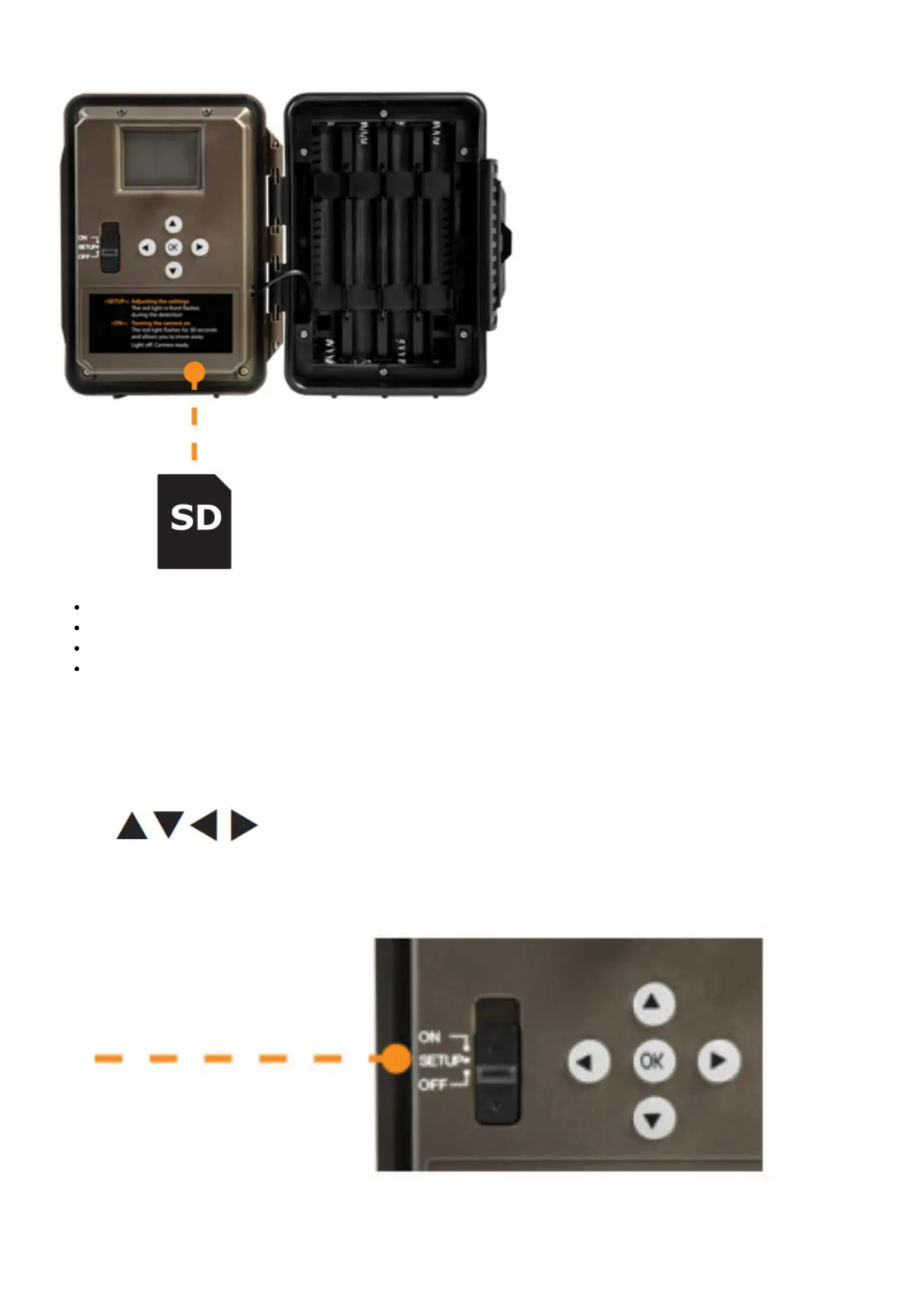
INSERT AN SD CARD
Make sure the camera is turned OFF.
Locate the SD card slot. It is on the right, above the LCD screen (see diagram).
Insert an SD card (up to 32 GB) in the slot and make sure to respect the direction indicated in the diagram.
The card is inserted correctly when a click is heard.
FORMAT YOUR SD CARD
Before inserting the SD card in your camera, it must be formatted to ensure proper operations. See section OTHER
OPTIONS on page 8 for an explanation of the formatting process.
SETUP
Use the buttons to switch to the LCD display or to change options, and press OK to select.
Several setup pages will be displayed.
GENERAL SETTINGS SETUP
1. To turn the camera ON/OFF, use the ON/SETUP/OFF switch.
2. The switch must be on SETUP to make your initial changes.
3. When the switch is on SETUP, press OK to open the MENU:
• Set the language (English, Français, Deutsch)















 To Next Page