14
FORCE-PRO-SSPYPOINT
OTHER OPTIONS
NAME
Allows you to name the camera for easy identication.
This function is very useful for users with more than one camera.
ABOUT
Displays the software version and allows for updates.
DEFAULT
Allows you to reset the camera to its original state.
FORMAT
Allows the camera to format the SD card the next time it is used.
Note: Reformatting the SD card will delete all photos and videos on the card. Only format the card if you are sure you want to delete everything on it.
Transfer all data to your computer beforehand.
INFORMATION ON THE PHOTOS
(xed, not congurable)
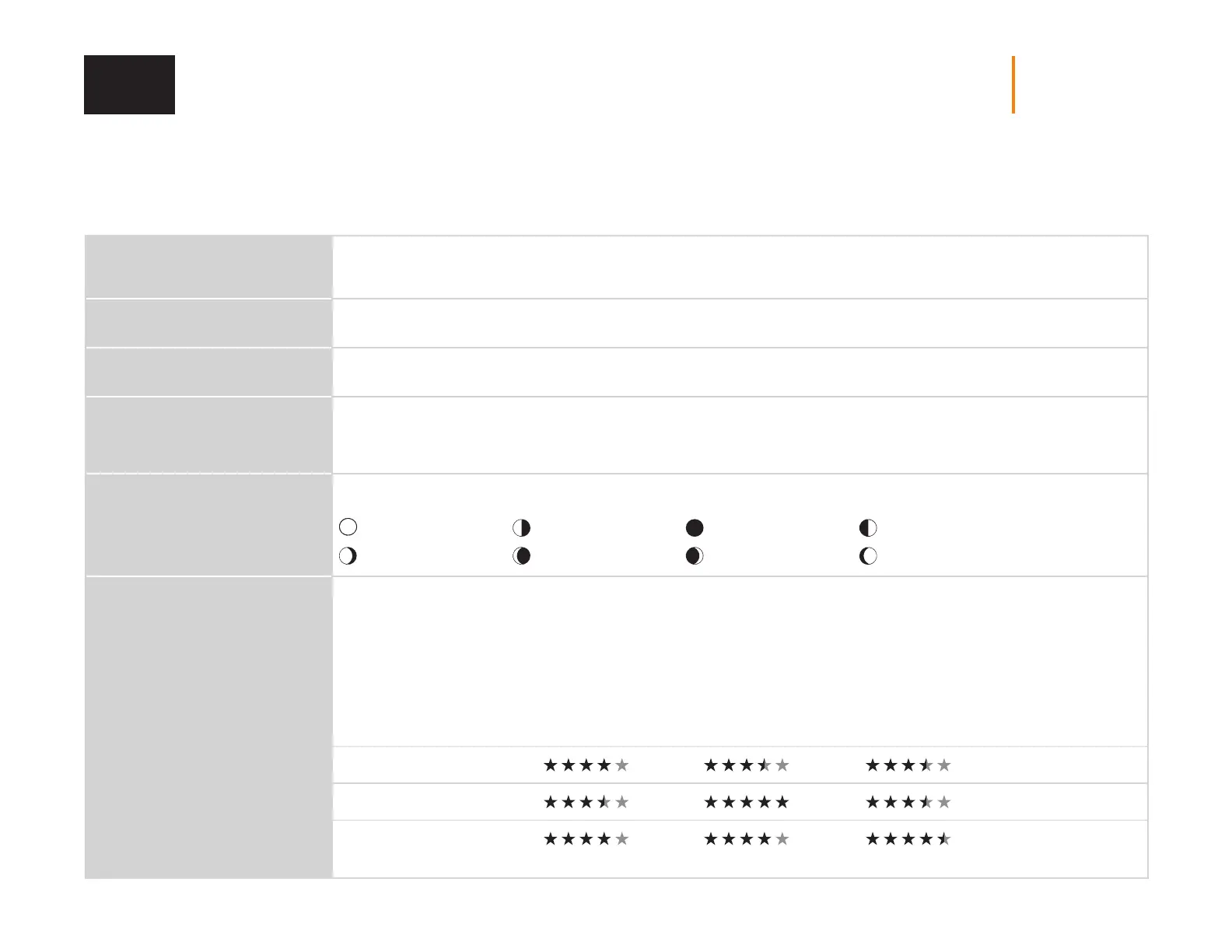
Displays the date, time, temperature, moon phase, SPYPOINT logo, and camera model on each photo.
New moon First quarter Full moon Last quarter
Waxing crescent Waxing gibbous
Waning gibbous
Waning crescent
NIGHT
Allows to select the best lighting option for nighttime photos and videos.
Choose the BOOST option for maximum brightness at night, select OPTIMAL to reduce fuzziness at night, and MIN BLUR to
minimize the blurriness of moving objects. Once you have made your selection, press OK.
Note: Regardless of the mode, the ash remains invisible.
Battery life
Flash range
Blur reduction
Boost mode Min blur mode
SETUP















 To Next Page