10
FORCE-PRO-SSPYPOINT
Setup
GENERAL SETTINGS SETUP
Use the buttons to switch to the LCD display or to change options, and press OK to select.
Several setup pages will be displayed.
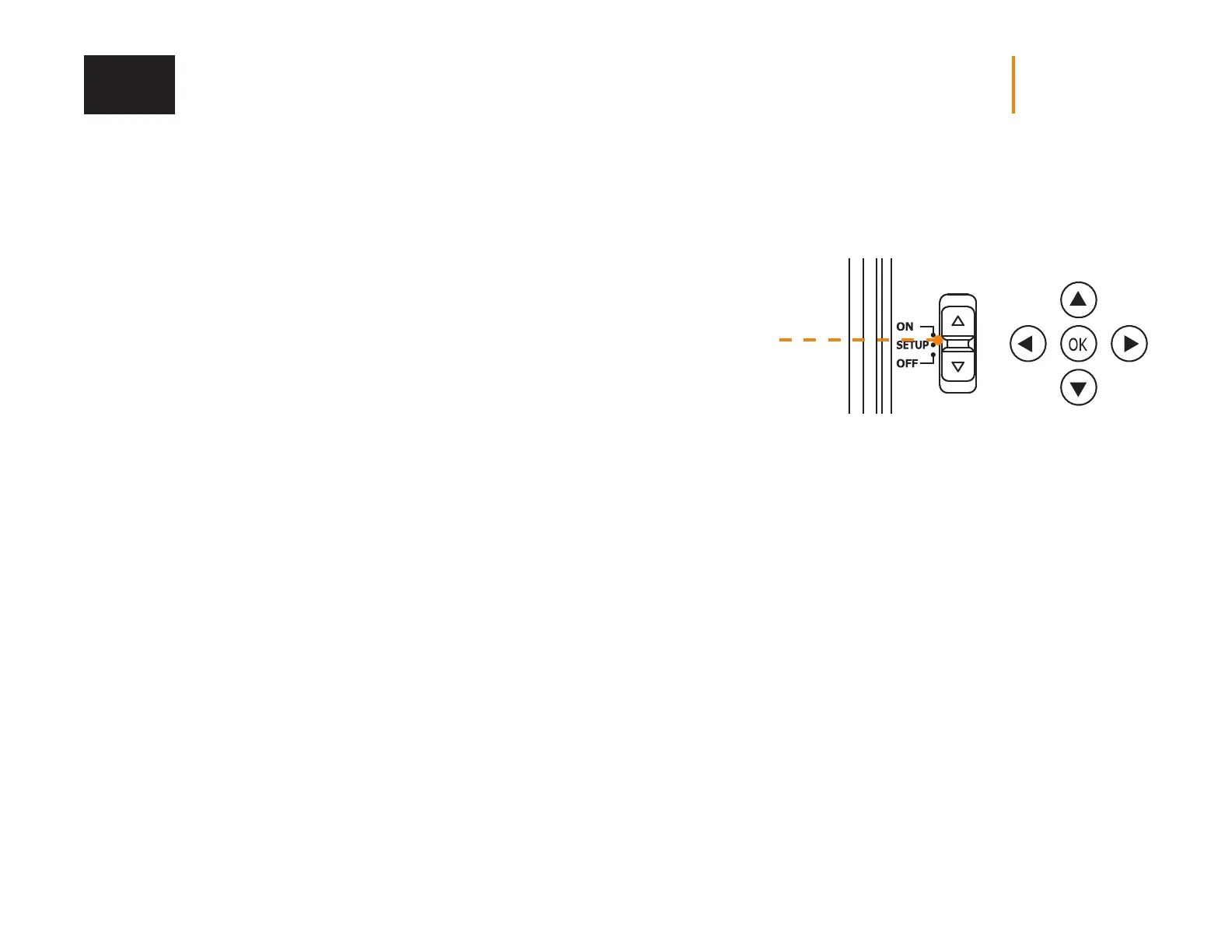
1. To turn the camera ON/OFF, use the ON/SETUP/OFF switch.
In the ON position, the camera turns on. In the OFF position, the camera turns o.
2. The switch must be on SETUP to make your initial changes.
3. When the switch is on SETUP, press OK to open the MENU:
• Set the language (English, Français, Deutsch)
• Set the date (MM/DD/YY or DD/MM/YY)
• Set the time (12 h or 24 h)
• Set the temperature (°F/ °C)















 To Next Page