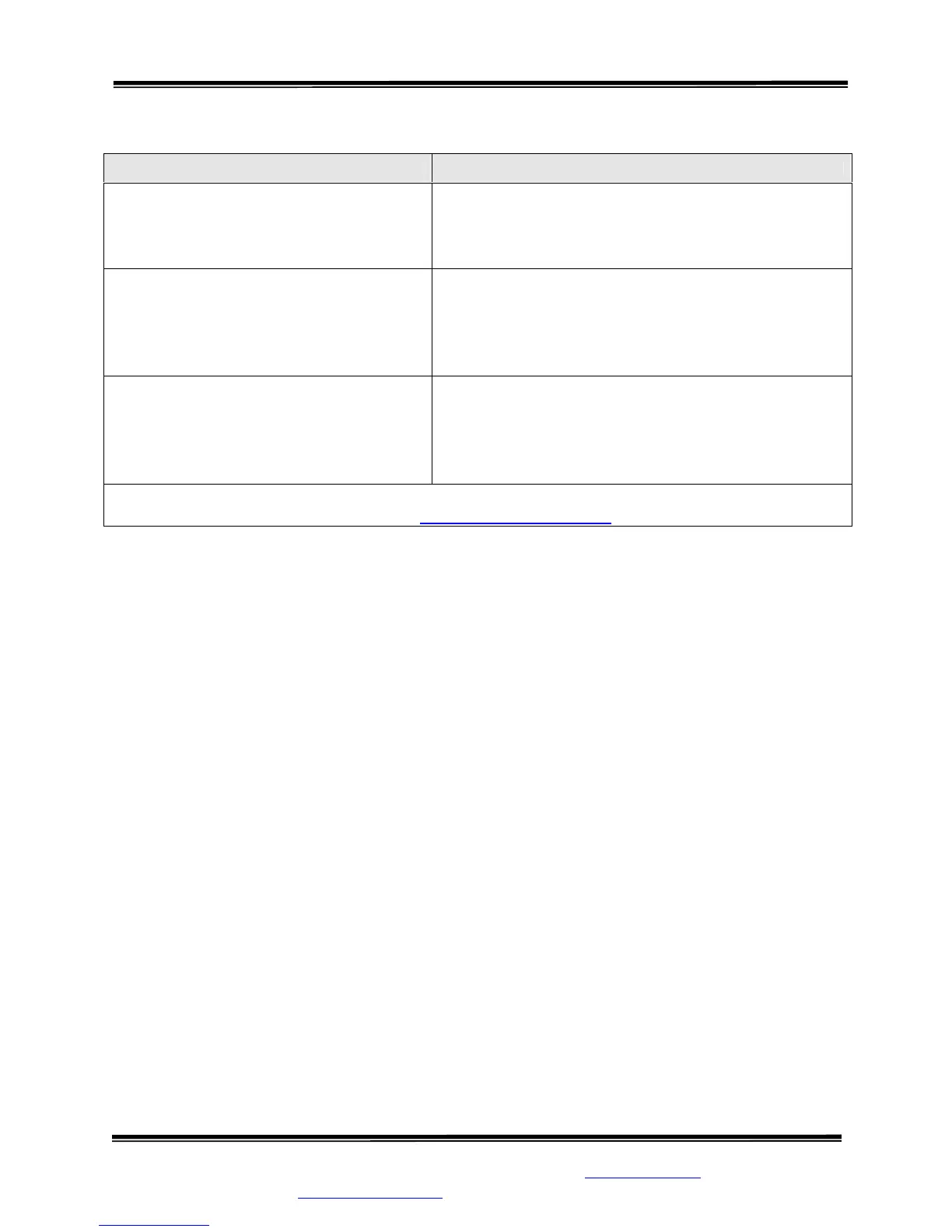
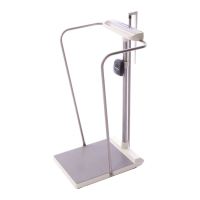
Model SR555 Stand-On Scale
Operating and Service Manual - S/N 1800+
Part No. MAN555_060829 Page 15 of 18
SInstruments, Inc., 600 Young Street, Tonawanda, NY 14150
Tel: 716-693-5977 Fax: 716-693-5854 URL: www.srscales.com
email: sri@srinstruments.com Copyright 2006 SInstruments, Inc.
TROUBLESHOOTING
SYMPTOM REASON/CORRECTIVE ACTION
The characters only appear on half of the
display.
Press the “WEIGH
” button or remove one battery.
Wait five seconds, then re-install the battery and try
the “WEIGH” button again.
The display lights appear to work, but do
not respond to button activation.
Button may not have “bounced” back up after being
pressed. Remove the faceplate and inspect buttons.
Make sure the rubber “boot” is not sitting too high. Re-
attach plate.
The display shows no reading at all. Check to ensure batteries are installed correctly (see
directions for BATTERY REPLACEMENT)
Check display cable to make sure it is connected
securely.
For additional information or assistance, telephone our Service Hotline: 1-800-654-6360
or e-mail: sri@srinstruments.com



 To Next Page