BS and BSA Bias Supply Series and User Manual, Rev 2.60
www.stahl-electronics.com phone: +49 6242-504882, fax: +49 6242 504884
8
3.2.2 LabVIEW
TM
control program
A LabVIEW
TM
based control program is used to operate the device. Its operation is described in
section 4.2. Its installation assumes that the LabVIEW
TM
development environment in Version 8.2 or
higher is available on the target PC (if this is not the case, please see below). Copy the path containing
the LabVIEW
TM
source code VI’s from the installation CD to a proper place of your choice on a local
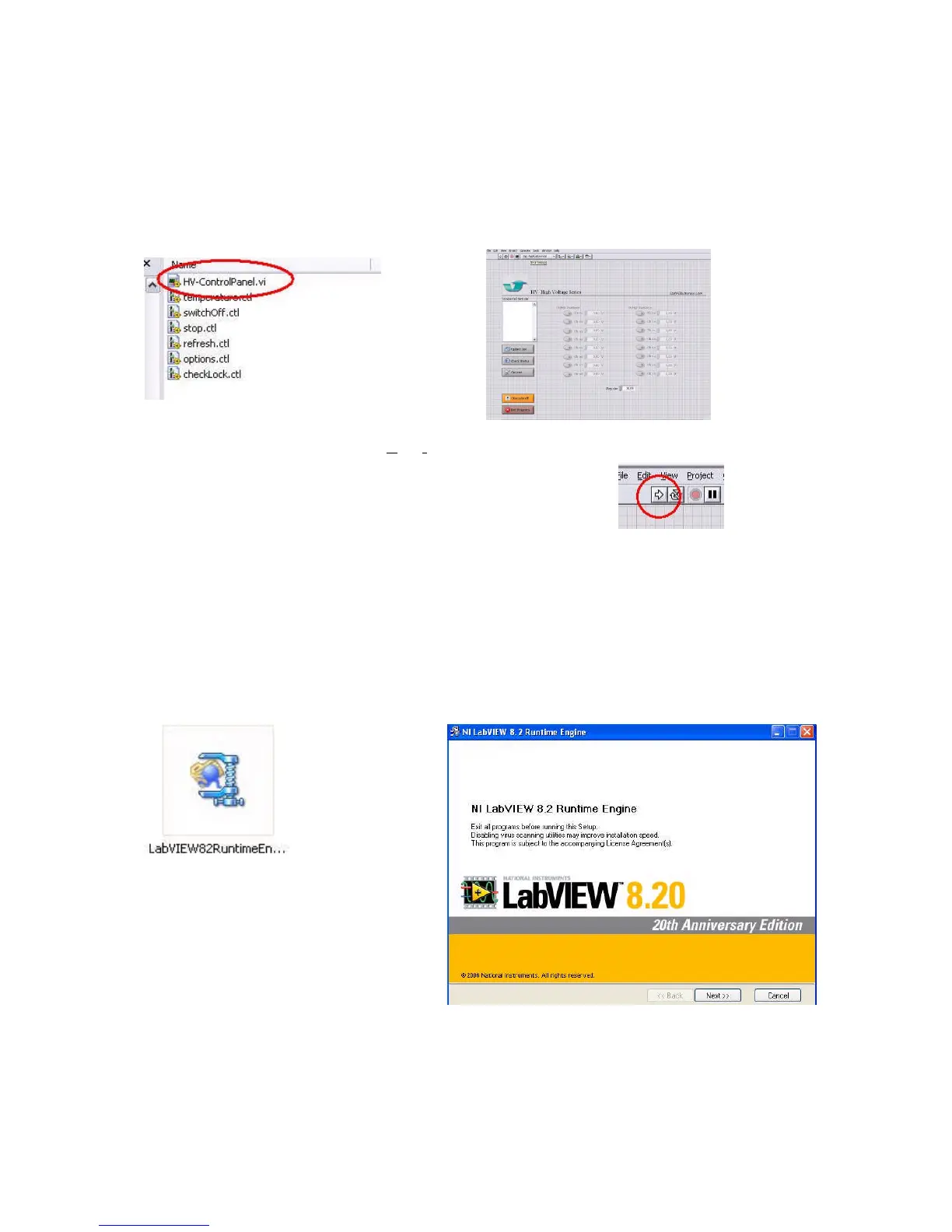
drive. To start it, double-clicking on the file
“ControlPanel.vi” in the path “ui” (“User Interface”) the control panel for HV and BS Series devices
will open, which can immediately be started by clicking on the
start-arrow in the upper left corner.
For details see also section 4.2.
In case that the LabVIEW
TM
development software in version 8.2 or higher is not available on the PC,
which controls the device, there is a second option. The “LabVIEW
TM
run time engine” can be
installed from the installation CD and the application program (containing the control software for the
HV-Series and BS-Series devices) can be run subsequently as stand-alone program. In this case
modifications of the control software or implementation in own programs are not possible but the
completed software can be used unchanged in the version as it is. Please contact manufacturer for
more details and possibilities, in case any changes of the program are desired.
To install, launch the LabVIEW
TM
Runtime Installer Wizard, and follow the instructions.
RuntimeEngine File
Icon
You will be requested to choose an
installation directory and location for
unzipping the required files.



 To Next Page