7 | P a g e
Direct Computer Connection
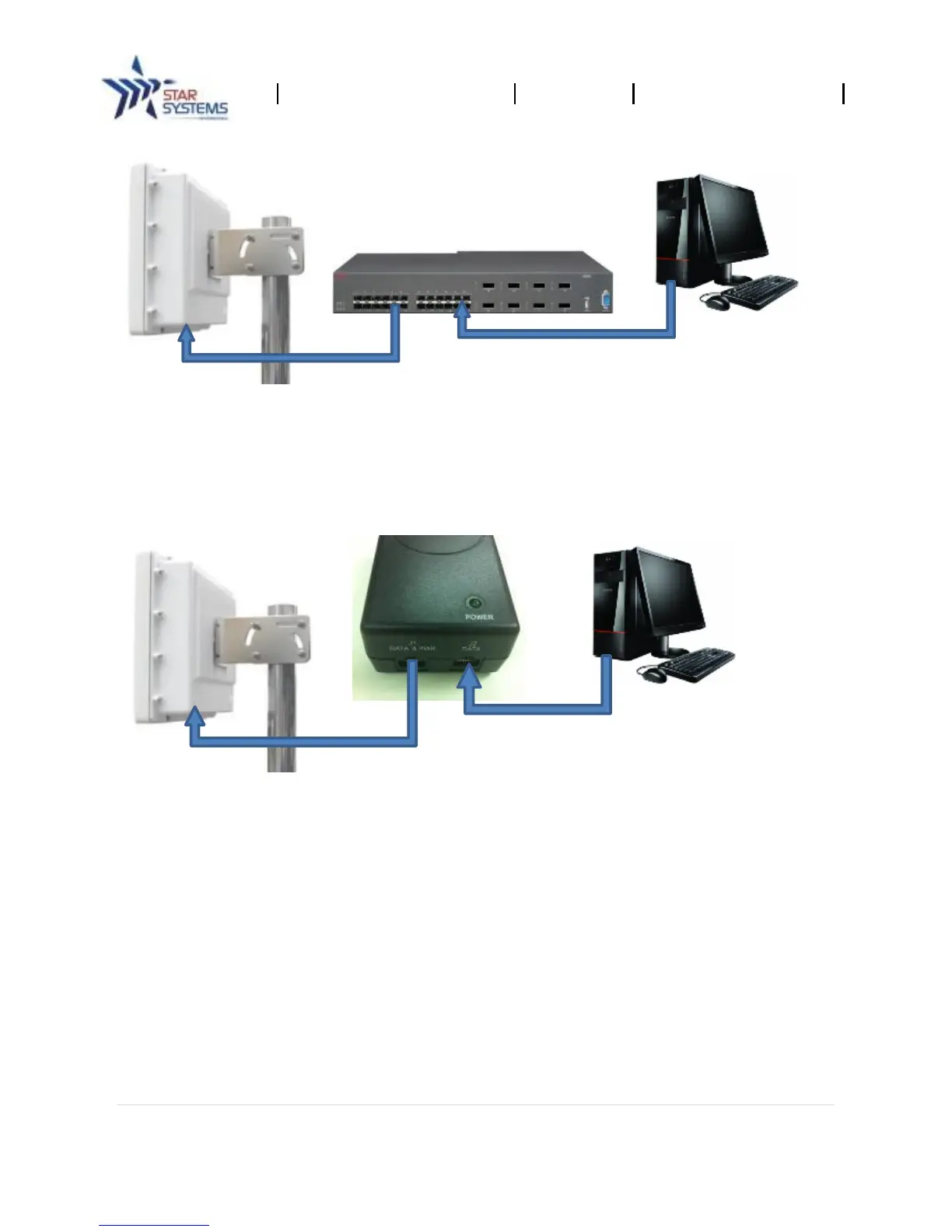
Unless the Ethernet port on your host computer supports PoE, a PoE injector is required. The
following diagram illustrates set-up using an injector.
1. Connect the reader to the PoE injector with a full feature Category-5 Ethernet cable.
2. Connect the PoE injector to the host computer.
Note: The Procyon reader can also be connected to access points or switches that do not have PoE
support by using a PoE injector as shown below.


 To Next Page