Operation | 17 16 | Operation
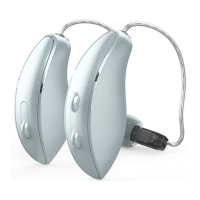
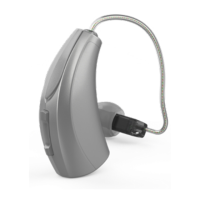
User Controls
Your hearing aid’s user control may have been
customized by your hearing professional. Ask your
hearing professional how the user control on your
hearing aid is set.
Available User Control Functionality
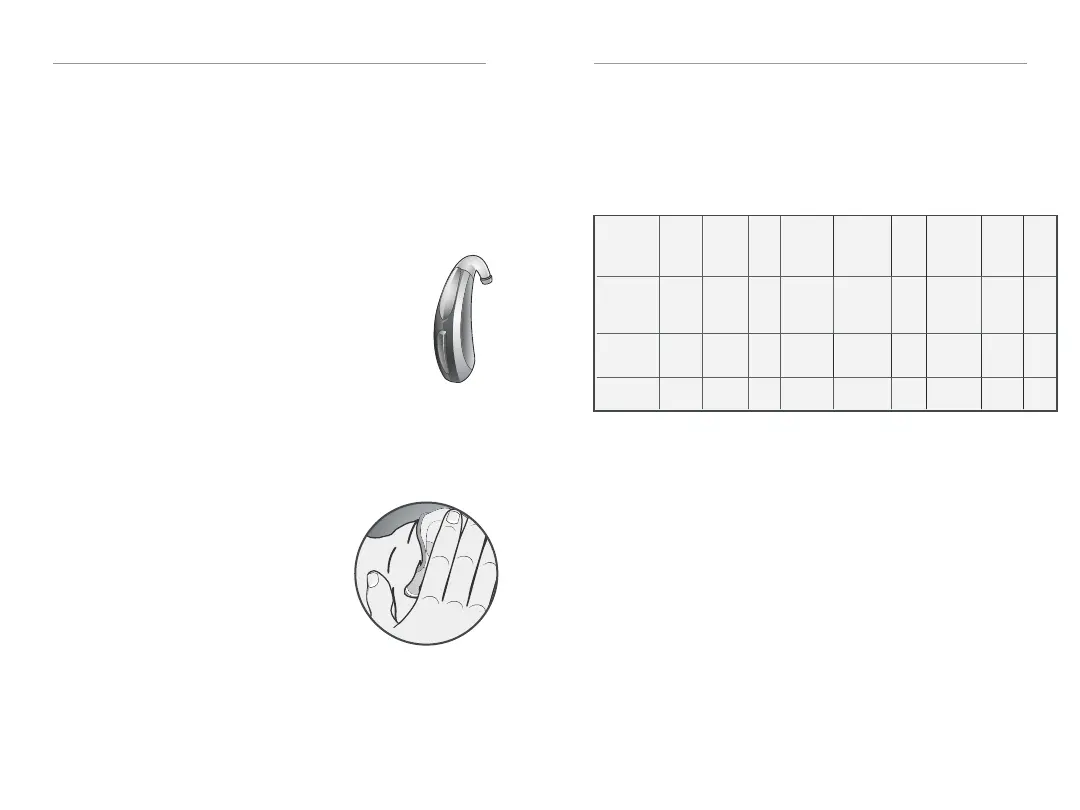
The user control on your hearing aid can
respond differently depending on how
long you activate (press) the button. Your
hearing aid is capable of having one
function assigned to a short press (press
and release) and one function assigned to
a long press (pressandhold). The options
selected on the next page indicate how
your particular user controls areconfi gured.
Tap Gesture
Your hearing aid may support an
additional user control. This control
can be confi gured by your hearing
professional to start/stop streamed
audio from a 2.4 GHz accessory
by tapping your ear twice. The
tap gesture may have other options
assignable depending on your hearing aid.
Edge Mode
Edge Mode works to identify and create a temporary,
real-time adjustment tailored for challenging
environments. No app or smartphone required. Upon
activation, your devices use an environmental scan
to bring comfort and clarity. For more information,
consult with your hearing professional.
Assigned User Control Settings
*Hearing aid may support
Volume Control
Power On Volume Level
Your hearing aid has been set to a specifi c volume
level (VolumeHome) determined by your hearing
professional. If sounds are generally too loud or too
soft, please contact your hearing professional for
advice and adjustment.
Sprinkler Volume Control
If your user control is confi gured as a sprinkler volume
control, each time you activate the user control, the
volume of your hearing aid changes.
Continue to activate the user control until you reach
the desired loudness.
Sprinkler
Memory
Change
Mute
Multifl ex
Tinnitus
Level
Start/Stop
Accessory
Streaming
Power
On &
Off
Accessory
Volume
Manual
Alert
Edge
Mode
Short
Press
(Press and
Release)
Long Press
(Press and
Hold)
Tap
Gesture*


 To Next Page