Operation | 17 16 | Operation
environments� No app or smartphone required� Upon
activation, your devices use an environmental scan
to bring comfort and clarity� For more information,
consult with your Hearing Professional�
Assigned User Control Settings
Volume Control
Power On Volume Level
Your hearing aid has been set to a specific volume
level� If sounds are generally too loud or too soft,
please contact your hearing professional for advice and
adjustment�
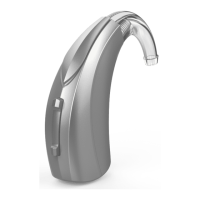
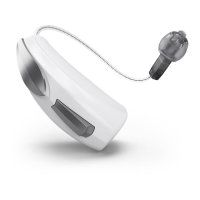
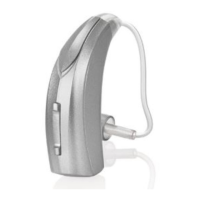
Rocker Switch Volume Control
If your rocker switch is configured to control volume,
pressing the top part of the switch increases the
volume while pressing the lower portion of the
switch decreases volume�
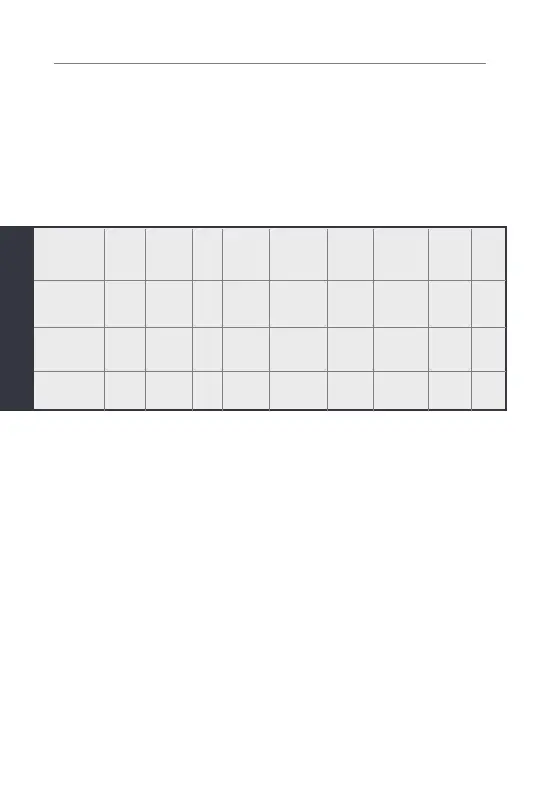
Volume
Control
Memory
Change
Mute
Multiflex
Tinnitus
Level
Start/Stop
Accessory
Streaming
Balance
Control
Accessory
Volume
Manual
Alert
Edge
Mode
Short Press
(Press &
Release)
Long Press
(Press & Hold)
Tap Gesture*
*Hearing aid may support


 To Next Page