26 | Fall Alert Fall Alert | 27
app on your smartphone� An SMS text message will
be sent to a maximum of three predefined contacts,
notifying them of the alert� The SMS text message will
contain a link from which each contact can confirm
receipt of the message and view a map, indicating
your location�
Alert Cancellation
An Auto Alert or Manual Alert can be cancelled from
either your hearing aid(s) or your smartphone� To
cancel an SMS alert text message from your hearing
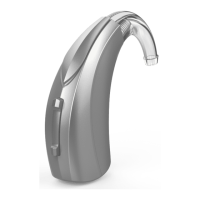
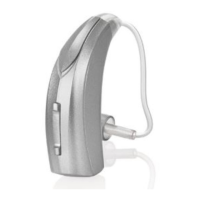
aid(s), press the user control on either hearing aid�
Fall Alert messages can be cancelled within the 60- or
90-second preselected cancellation time following
alert initiation� It may take up to 20 seconds for a fall
alert to be automatically initiated�
Contacts
You can identify up to three contacts to whom you
would like alert text messages sent� You must enter
the name and smartphone number for each contact
into the Thrive app on your smartphone� Each of your
contacts will receive an SMS text message prompting
them to confirm participation in your Fall Alert system�


 To Next Page