30 | Adjustment
To access the native iOS hearing aid controls, triple-
click the
Home button
(On the iPhone
®
8 or earlier
versions� Please consult Apple
®
support for iPhone X
options) on your iOS device� From this screen you can
adjust the volume, select memory or use your
iOS device as a remote microphone�
Select
Start Live Listen
to stream the iOS device
microphone input directly into your hearing aid� Point
the iOS device microphone toward the audio source�
To minimize background noise and provide the best
signal, place the iOS device as close to the source
as possible�
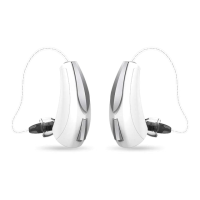
Right Volume/Left Volume
allows you to increase and
decrease volume for each hearing aid individually�
Turn off
Adjust Independently
to make changes to
both hearing aids simultaneously�
Normal
indicates the name of a memory setting in the
hearing aid� You can select from any memories shown
in
the list to change the hearing aid to that memory
setting�


 To Next Page