Operation | 15 14 | Operation
Sprinkler
Memory
Change
Mute
Multiflex
Tinnitus
Level
Start/Stop
Accessory
Streaming
Power
On &
Off
Accessory
Volume
Manual
Alert
Edge
Mode*
Short
Press
(Press
and
Release)
Long
Press
(Press
and
Hold)
Tap
Gesture*
Assigned User Control Settings
*Hearing aid may support
Volume Control
Power On Volume Level
Your hearing aid has been set to a specific volume
level (VolumeHome) determined by your hearing
professional� If sounds are generally too loud or too
soft, please contact your hearing professional for
advice and adjustment�
Sprinkler Volume Control
If your user control is configured as a sprinkler volume
control, each time you activate the user control, the
volume of your hearing aid changes�
Continue to activate the user control until you reach
the desired loudness�
NOTE: If 10 minutes or more have passed since the
last volume change, the volume will automatically
decrease before it increases�
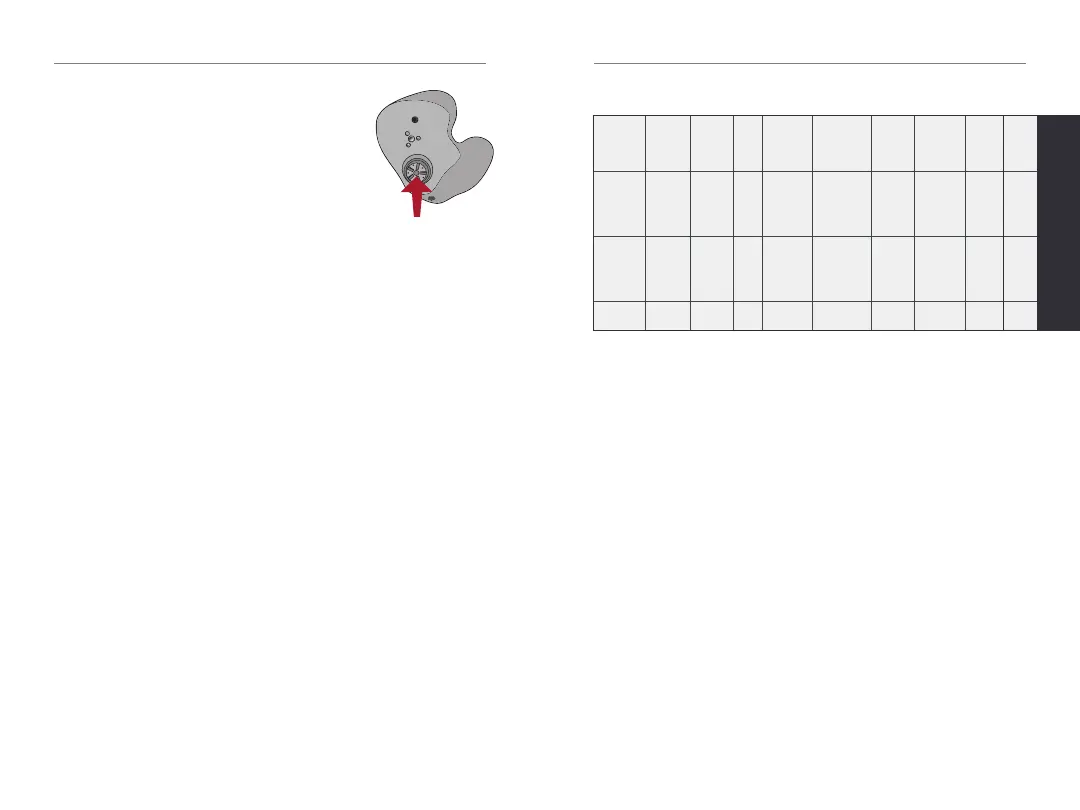
Available User Control Functionality
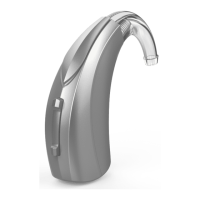
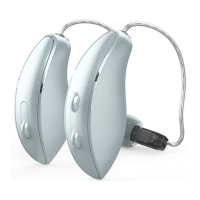
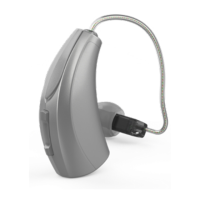
The user control on your hearing aid can
respond differently depending on how
long you activate (press) the button� Your
hearing aid is capable of having one
function assigned to a short press (press
and release) and one function assigned to a long press
(press and hold)� The options selected on the next page
indicate how your user control is configured�
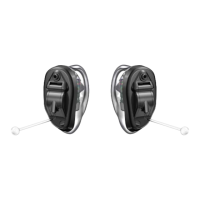
Tap Gesture
Your hearing aid may support an additional user
control� This control can be configured by your hearing
professional� Once configured, while the hearing aid is
in your ear simply double tap directly on the device with
one or two fingers�
Edge Mode
Your hearing aid may have an additional feature� Edge
Mode works to identify and create a temporary, real-
time adjustment tailored for challenging environments�
No app or smartphone required� Upon activation, your
hearing aids use an environmental scan to bring comfort
and clarity� Ask your hearing professional for more
information�


 To Next Page