About the camera
2.
On the StarLeaf Portal, find the Edit room system page for this meeting room system
and open the Audio and video settings.
3.
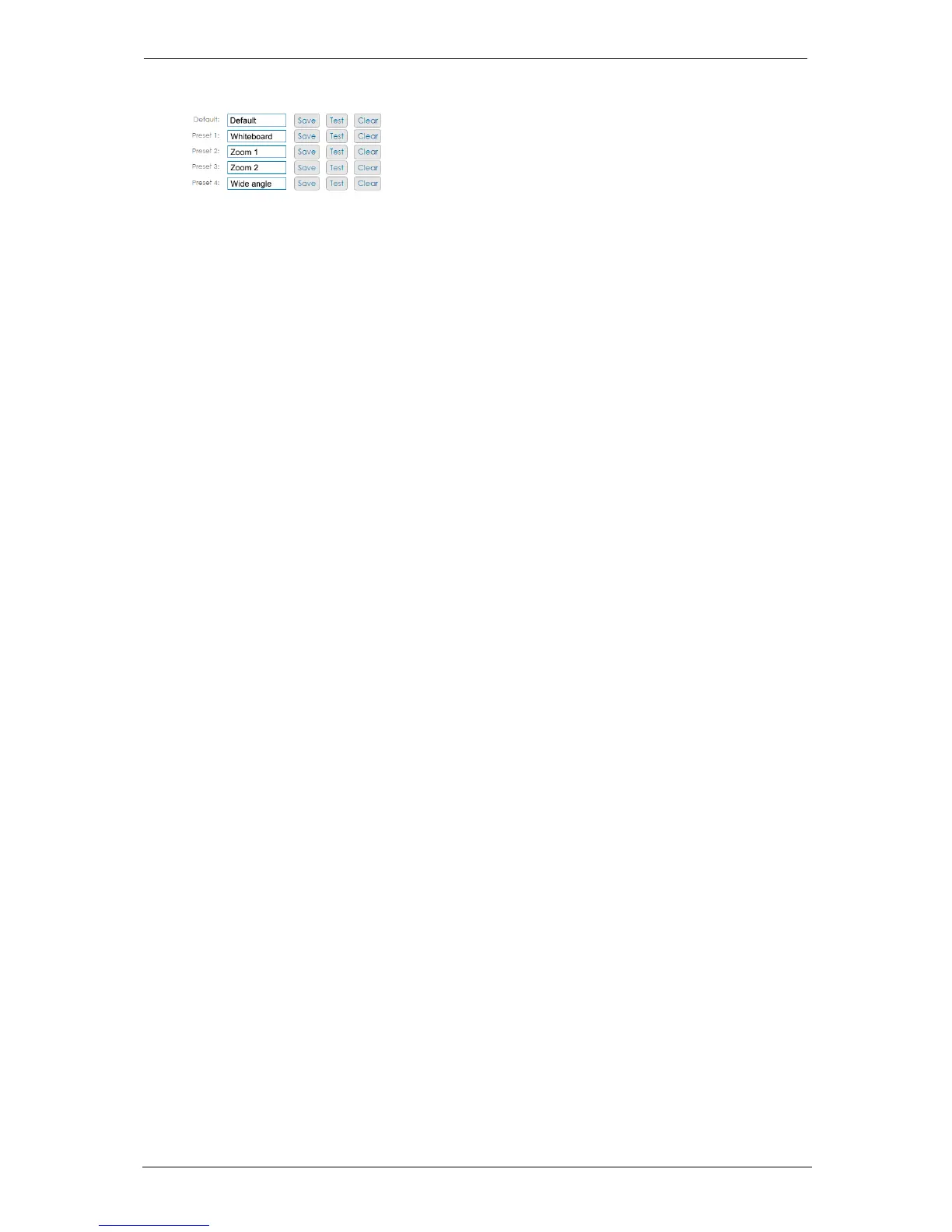
In the Portal, enter a name for the preset and select Save. To move the camera to a
preset, select Test. To delete a preset, select Clear.
StarLeaf GT Mini, 01 February 2018 Page 16 of 31



 To Next Page