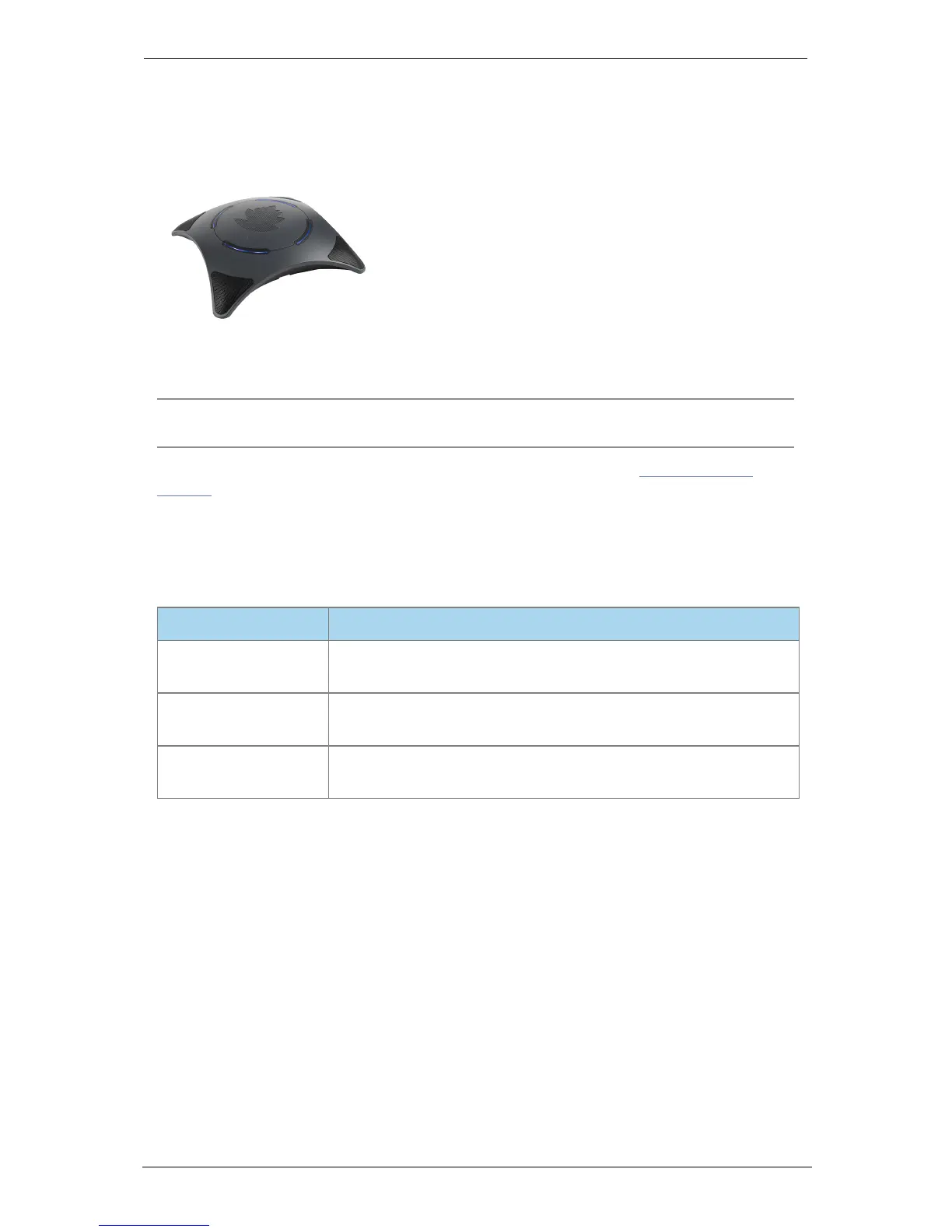
Using the Conference Phone 2220
Using the Conference Phone 2220
The Conference Phone 2220 is an optional accessory for the Group Telepresence system.
It is a powerful and highly sensitive speakerphone and microphone.
To toggle the microphone on and off (audio mute), touch the lights on the Conference
Phone 2220.
Note: StarLeaf recommends a distance of 50cm (20") between the Conference Phone
2220 and the Touch 2035.
For information about installing the Conference Phone 2220, refer to the Knowledge
Center.
LED behavior
The table below explains the behavior of the lights on the Conference Phone 2220
LED State
Solid blue The Conference Phone 2220 is on. The audio is not muted. The
Group Telepresence system is not currently in a call
Solid red The Conference Phone 2220 is muted (either in a call or not in a
call)
Solid green The Conference Phone 2220 is ringing or the Group
Telepresence system is currently in a call and audio is not muted
Installing the Conference Phone 2220
If you are using the Conference Phone 2220, the installation procedure for the Group
Telepresence system is slightly different. The diagram below shows how to connect the
StarLeaf Touch to the Conference Phone and into the StarLeaf Controller connector on
the rear of the Group Telepresence system.
StarLeaf GT Mini, 01 February 2018 Page 22 of 31



 To Next Page