RDCM V03-101514
User manual Starline Roldeck
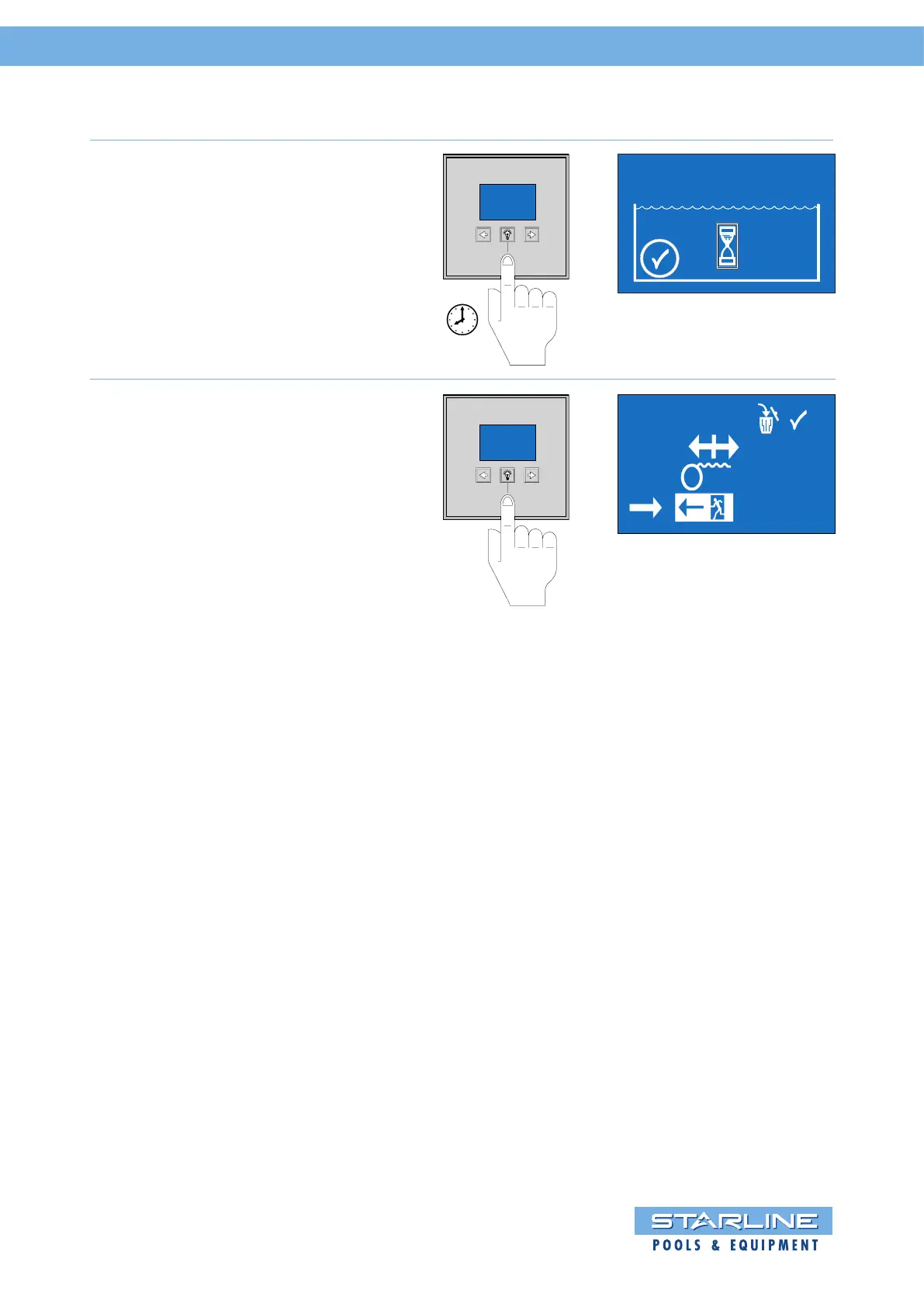
Press the middle key “light symbol”
again once to save the “CLOSE“
position. The hourglass “” shows
again a short waiting time.
1 sec.
OPEN
CLOSE
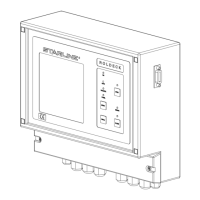
When the Roldeck is programmed,
the display changes to the
programming menu.
The “” indicates that the
programming was successful.
Go to exit and press the middle key
“light symbol“ to finish this program.
Also remove the jumper on the PCB
of the controller!
For “fine” tuning Roldeck see
following pages.
User manual Starline Roldeck


 To Next Page