16
• from the personal account on the website starline.online;
• by activation of standard system security in the «Slave» mode;
• in case of tag loss or touch of the door handle sensor in the
«Hands free» mode;
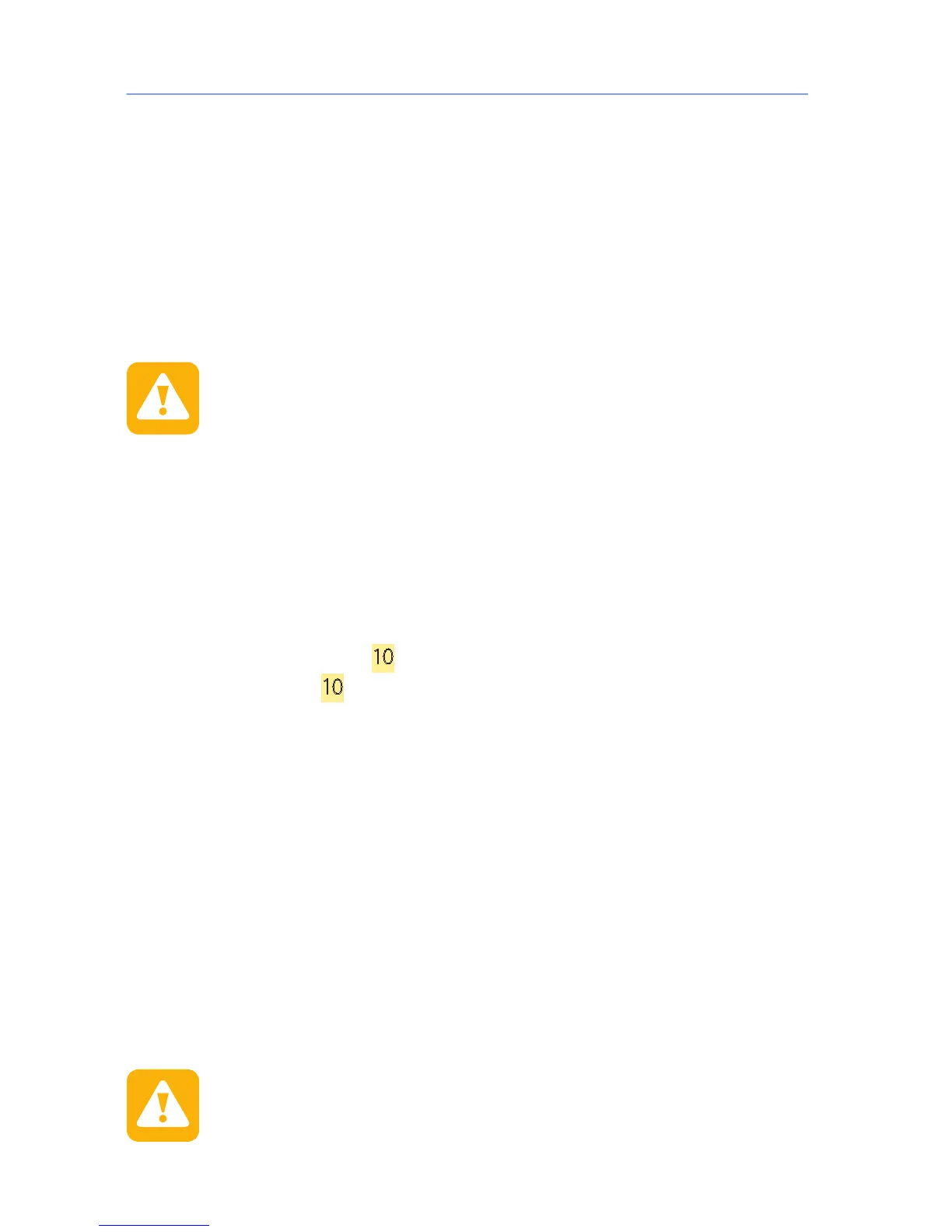
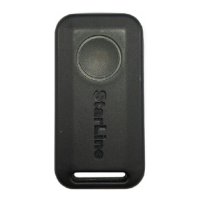
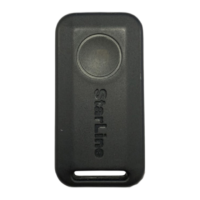
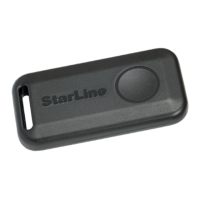
• by single pressing on the tag button in the «Security o» or
«Alarm» mode.
The system will conrm successful security activation by one sound
signal and one ash of light emergency alarm.
If the doors, hood, trunk are not properly closed, the parking
brake is not tightened, the brake pedal is pressed or one of the
limit switches of the doors, hood, trunk is faulty (constantly
closed), the system will warn thereof by 4 sound signals and 4
ashes of light signals.
Restore the violated security zone and check presence of a
single conrmation signal on switchover to the security mode.
«Security off» mode
Security deactivation is performed by one of the following methods:
• by SMS-command 10;
• by command
10 from the voice menu;
• from the StarLine mobile application;
• from the personal account on the website starline.online;
• deactivation of standard system security («Slave» mode);
• in case of tag detection or touch of the door handle sensor
(«Hands free» mode);
• by single pressing on the tag button in the «Security on» mode.
Successful security deactivation will be conrmed by 2 sound signals
and 2 light signals. If the «Alarm» mode was activated during security,
3 sound signals and 3 ashes of light signals will follow.
After system security deactivation, the remote key screen will display
all the events which occurred during the security.
After security deactivation, if no actions are taken, the
system will automatically set to the «Security on» mode and
close the central lock in 30 seconds.


 To Next Page