19
«Hands free» mode
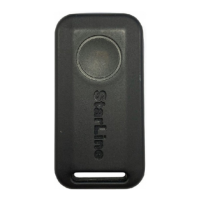
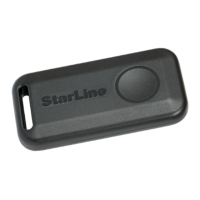
Use the wireless tag or smartphone for the «Hands free»
mode.
The «Hands free» mode is intended for automatic control of security
activation/deactivation according to tag presence.
When the tag is present near the car, security deactivation is
performed automatically. When the tag disappears from the visibility
zone, the system sets to the «Security on» mode.
The «Hands free» mode can be activated or deactivated by SMS-
command (
71 or 70, respectively), a command from the voice menu,
from the mobile application or personal account on the website
starline.online
.
Service (Valet) mode
The service mode is intended for temporary deactivation of
security functions and prohibition of access to system settings. It is
recommended for the maintenance period.
The service mode can be activated only from the «Security
o» mode near the car.
Switch over to the service mode is performed by one of the following
methods:
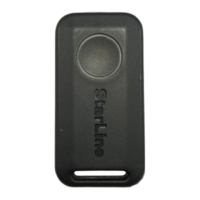
• holding of the tag button for 5 seconds;
• by SMS-command
51;
• by command
51 from the voice menu;
• from the StarLine mobile application;
• from the personal account on the website starline.online.
Switch over to the service mode will be conrmed by yellow indication
of the tag LED.


 To Next Page