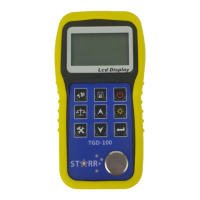
3.5 System Setting
3.5.1 Display Mode
LCD display direction can be transformed
according to the position of force gauge
automatically.
You can set it to Obverse or Reverse and not
Automatic.
3.5.2 Power Off
The force gauge can turn the power off
automatically, some time interval after no
measuring and no any operation. 5 minutes is
default. You can change it for a longer or shorter standby.


 To Next Page