32
738.955 | 10.40
EN
8.2.2 Using the settings menus
To open the settings menus, press the
SET
button
for approx. 2 seconds.
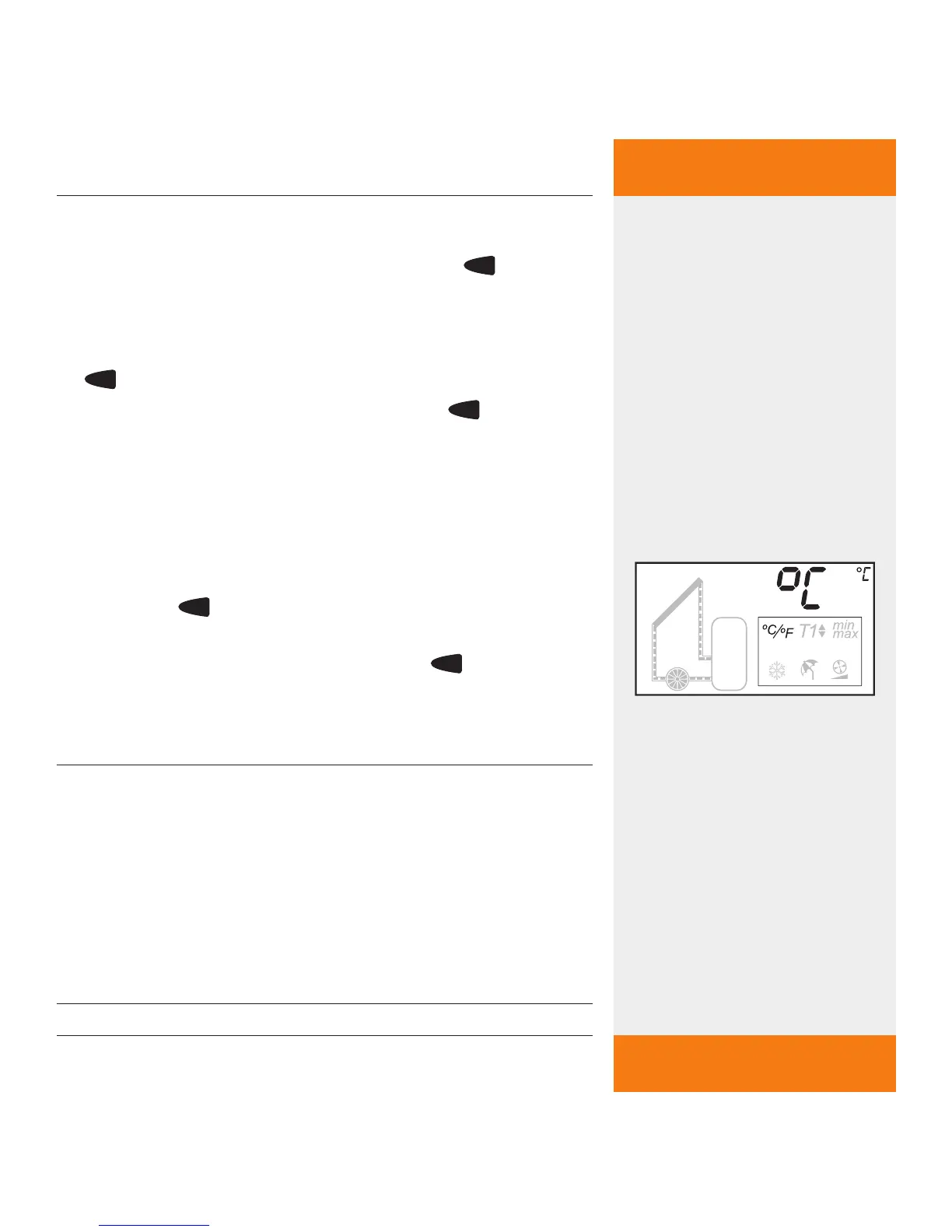
Settings menu "Temperature unit" is displayed.
To switch to the next settings menu, press the
button.
To exit the settings menus, press the
button
again until the temperature sensor and tempera-
ture reading (main menu) are shown again.
8.2.3 Selecting the te
mperature unit
The settings menu is open.
Temperature unit "°C" or "°F" flashes
Press the
SET
button for approx. 2 seconds to
toggle between "°C" and "°F".
To exit the settings menu, press the
button
again until the main menu appears.
8.2.4 Activating the tu
be collector function
NOTE
Incorrectly setting the controller can compromise the
efficiency of the solar energy system. Therefore, only
activate the tube collector function if the construction
of the collector does not allow its temperature to be
recorded immediately and/or accurately (in some cases
there are no immersion sensors; the sensor is outside
the collector pipe).
✓
✓



 To Next Page