16 CI2 Operation Manual
The Controls and Connectors
English
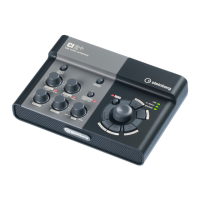
The functions of AI KNOB section in the Normal mode and the Browse mode
Normal mode BROWSE off Browse mode BROWSE on
Turning the AI KNOB
This multi-function knob can control a de-
sired parameter within the principal window
and plug-in software in Cubase, specified via
the mouse pointer.
Moves the cursor. Turning the AI KNOB
while holding down the [Action Pad] button
lets you move the cursor to the next column
(only for window having two or more col-
umns).
Pressing the AI KNOB
Opens certain windows in Cubase, such as
the Browse Sounds window (while entering
Browse mode in this case). See page 15 for
details.
Turns the selected item on/off (only for win-
dow in which two or more items can be se-
lected) or sets the selected item.
Pressing the [LOCK]
button
You can “lock” the parameter to be edited via
the AI KNOB by turning this button on. See
page 15 for details.
Cancels the selected item and closes the
window (returns to Normal mode). Holding
down for two seconds or longer cancels all of
the selected items (only for window in which
two or more items can be selected).
Pressing the [Action
Pad] button (pressing
the foot switch)
This button is used for an Interactive Record-
ing function on Cubase. See page 15 for de-
tails.
Moves the cursor to the next column (only for
window having two or more columns).



 To Next Page