20 CI2 Operation Manual
Try it out
English
Recording
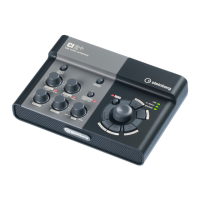
With the [Action Pad] button (or an optional
Yamaha FC5 foot switch as an alternative), you
can use the Interactive Recording function on
Cubase. The Interactive Recording function pro-
vides easy and quick recording. You can record
your performance to Cubase with the Interactive
Recording function by following the instructions
below.
1. Connect external devices such as micro-
phones and instruments to analog input
jacks.
Before connecting external devices such as micro-
phones and instruments, set the volume of external
devices and monitor speakers (powered speakers) to
the minimum. We also recommend that you set the
MASTER control to the minimum and turn off (N)
both the [HI-Z INPUT 1] button and [PHANTOM INPUT
1&2] button, to avoid risk of loud noises that could
cause hearing loss or device damage.
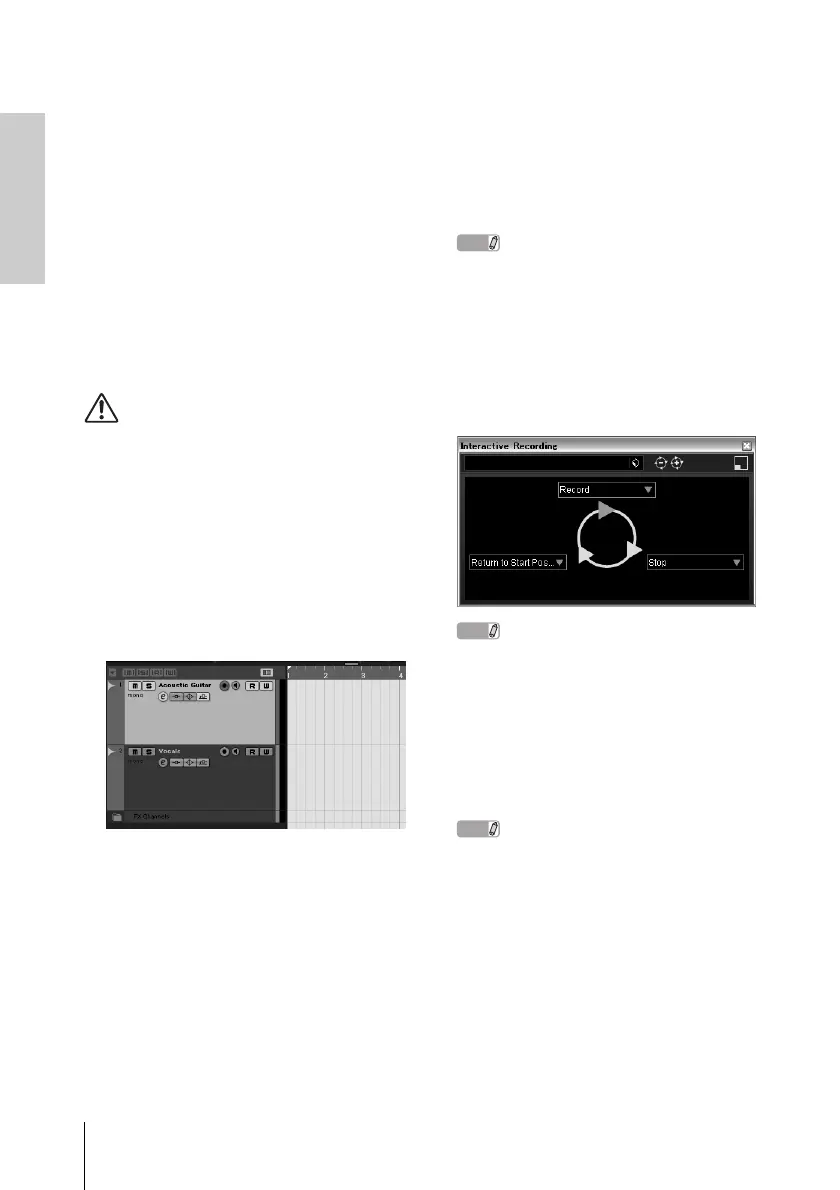
2. Click in the track list (the area in which
the track names are displayed) to select
a track to record on.
3. Make sure the [Record Enable] button
for the track to be recorded is turned on.
If the [Record Enable] button is off, click it to
turn it on.
4. Play the instrument, and adjust the re-
cording level with the CI2 GAIN controls.
To achieve the best balance of the recording
level between S/N ratio and dynamic range, ad-
just the level so that the PEAK Indicator lights
only occasionally and briefly on the highest in-
put transients.
• If the Clipping Indicator in the Transport panel
on Cubase lights, lower the CI2 GAIN controls.
• The MIX control let you adjust the signal level
balance between the signal from the analog in-
put jacks and the signal from Cubase.
5. Press the [Action Pad] button.
The interactive Recording panel will appear.
NOTE
The connected optional Yamaha FC5 foot switch
operates the same as the [Action Pad] button.
6. Press the [Action Pad] button.
Recording will begin since “Record” has been
executed on the Interactive Recording panel.
7. Play the instrument.
NOTE
You can return to step 6 to abort and retry the re-
cording by holding down the [LOCK] button for two
seconds or longer.



 To Next Page