How to Open the Operation Manual
UR44 Getting Started 7
English
For instructions on using the UR44 with
a computer, refer to the operation
manual.
How to Open the
Operation Manual
The operation manual is included in
the TOOLS for UR44 CD-ROM. Follow
the steps below to open the operation
manual.
1. Insert the TOOLS for UR44
CD-ROM into the CD-ROM
drive.
2. Open the CD-ROM then
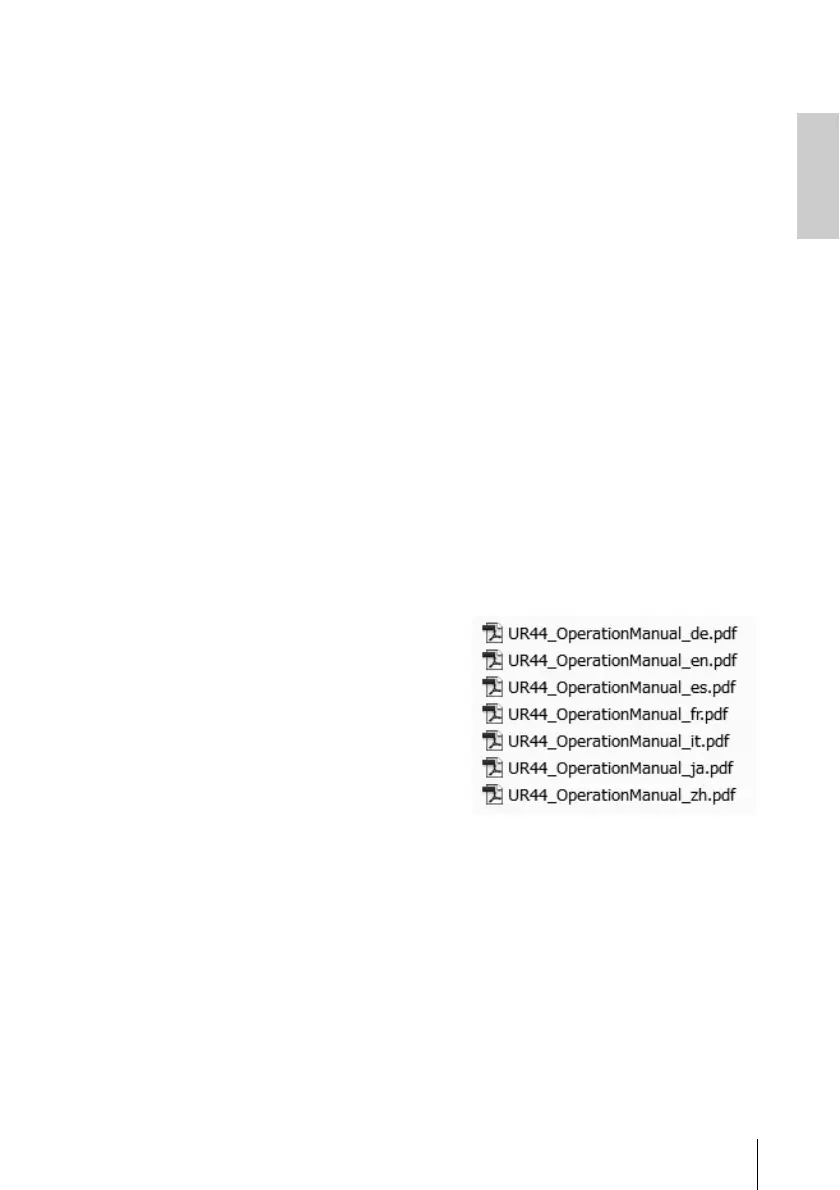
double-click the folder [UR44
OperationManual].
3. Drag and drop the file
“UR44_OperationManual_en.
pdf” (English Operation
Manual) onto the desktop.
4. Double-click the file to open
the operation manual in
Adobe Reader.
NOTE
To view PDF files, you need to install Adobe
Reader on your computer. You can
download the latest version at the following
website.
http://www.adobe.com/



 To Next Page