EasyManua.ls Logo

stellar labs 14528 - User Manual

Default Icon
62 pages
Print Icon
To Next Page IconTo Next Page
Loading...
®®
14528
30
40
10
20
0
80
70
60
50
Indica
tor
Angle
Stellar Industries, Inc.
190 State Street
PO Box 169
Garner, IA 50438
800-321-3741
Fax: 641-923-2811
www.stellarindustries.com
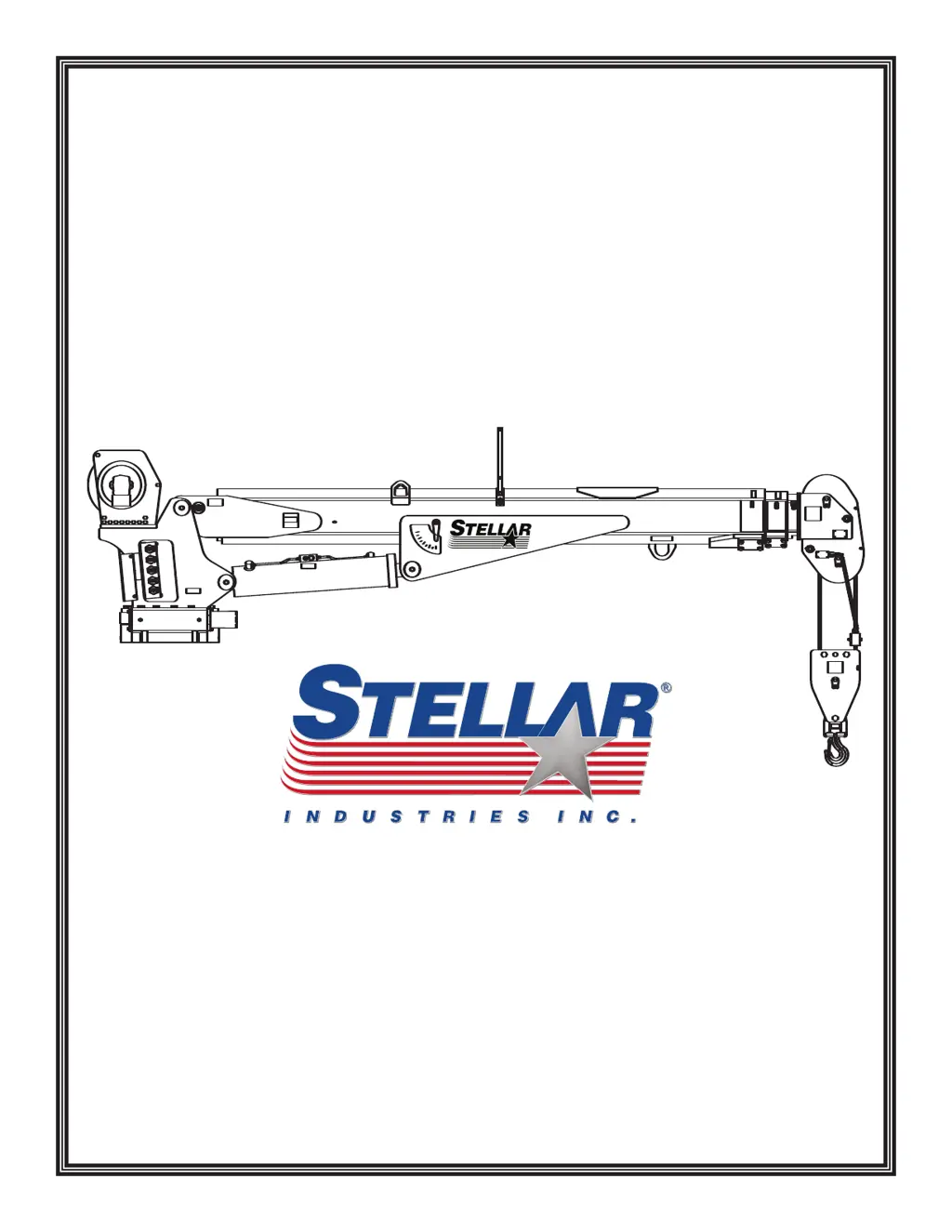
14528 Telescopic Crane
Manual Part No. 31713
Last Revision: 10/10/09
Subject to Change without Notification.
© 2009 Stellar Industries, Inc.
Safety, Installation, Maintenance, and Operation
OWNERS MANUAL

Questions and Answers

  • N
    Natasha RodriguezAug 3, 2025
    What to do if the Stellar Labs Construction Equipment transmitter is transmitting but the crane won't respond?
    • M
      Melissa SteeleAug 3, 2025
      If the transmitter's power LED is flashing but the crane isn't responding, there might be several reasons. First, ensure the E-Stop switch isn't engaged by pulling out the E-Stop push button and activating the switch on the transmitter. Check that the transmitter is within range of the receiver. Also, verify that the receiver has power and that the E-Stop pushbutton isn't damaged, and the wiring to the contact element is intact. Repair or replace the E-Stop push button or wiring if necessary.
  • D
    Desiree GrayAug 9, 2025
    What to do if the Stellar Labs Construction Equipment system will not operate after normal start-up?
    • C
      Carl AguilarAug 9, 2025
      If the system won't operate after the normal start-up, check these potential causes: * Make sure the E-Stop switch is disengaged by pulling it out. * Verify the batteries have a full charge, and replace them if needed. * Confirm the receiver is getting power by checking the diagnostic LED and ensure the system is properly grounded.
  • N
    Nicholas YoungAug 15, 2025
    Why do all crane motions operate intermittently on my Stellar Labs Construction Equipment?
    • E
      Erica PriceAug 15, 2025
      Intermittent crane motions can stem from a few issues. Ensure the receiver antenna is tightened or replaced if loose or missing. If using an external antenna, tighten both the antenna and ground connections to eliminate any looseness, poor grounding, or interference. Also, confirm that the ground wiring is properly connected to the machine power source ground, using a minimum 12 AWG conductor diameter.
  • S
    Shawna DavisAug 21, 2025
    What to do if the LED will not light when any button is pushed on Stellar Labs Construction Equipment, or LED remains on continuously?
    • A
      Alexander StaffordAug 21, 2025
      Replace the batteries. If replacing the batteries does not fix the problem, the transmitter must be returned for repair.
  • A
    Anna ColemanAug 27, 2025
    What does it mean if the LED is off on Stellar Labs Construction Equipment?
    • S
      Sandra GonzalesAug 27, 2025
      If the LED is off, the transmitter is off.

Summary

Chapter 1 - Safety

Personal Safety Precautions

Guidelines for operator personal protection and safety equipment.

Maintenance Safety Practices

Safety precautions to be observed during maintenance activities.

Stability and Load Safety

Ensuring stability and safe loading practices for crane operation.

Electrocution and Environmental Hazards

Awareness and prevention of electrocution and environmental risks.

Chapter 2 - Operation

Chapter 3 - Maintenance

Daily Inspection Checklist

Checks to perform each day before crane use.

Chapter 5 - Decals

Chapter 6 - Installation

Installation Overview Steps

Step-by-step guide for mounting the crane.

Installation Details

Detailed steps and illustrations for crane mounting.

Stability Procedure

Method for testing crane stability and determining load capacity.

Chapter 8 - Hydraulics - Electrical

Chapter 10 - Troubleshooting

Crane Will Not Operate

Solutions for when the crane fails to operate.

Manual Operation Only

Troubleshooting electrical issues when manual operation works.

Intermittent or Partial Function Operation

Issues with remote control functions operating intermittently.

Winch Brake Issues

Solutions for when the winch brake does not hold.

Radio Remote Troubleshooting

Troubleshooting the 6-function Hetronic radio remote system.

4 & 7 Function Radio Remote Issues

Troubleshooting specific issues with 4 and 7 function radio remotes.

stellar labs 14528 Specifications

General IconGeneral
Brandstellar labs
Model14528
CategoryConstruction Equipment
LanguageEnglish

Related product manuals