7Operation 7
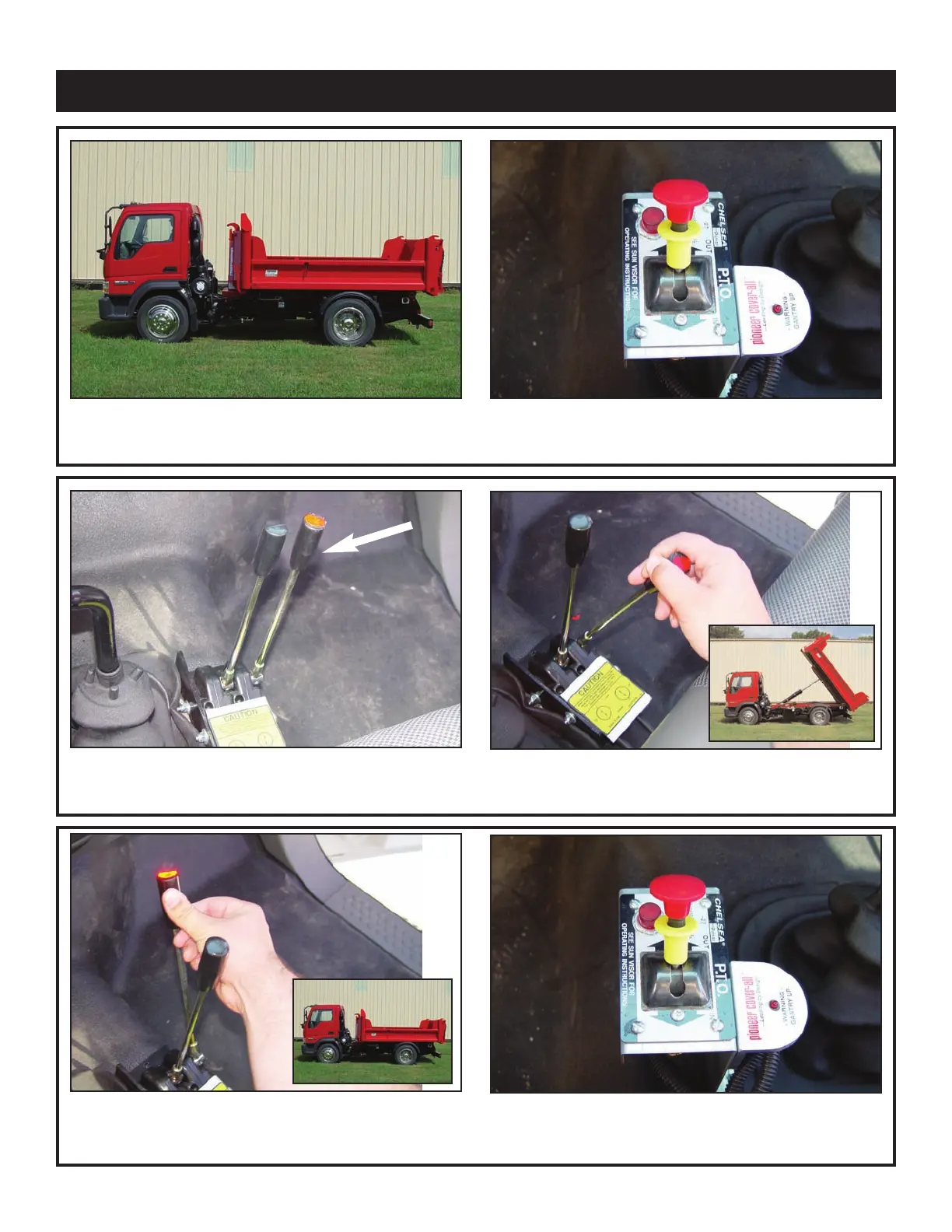
Dumping Operation
1. Stop the truck at the location
you wish to dump the load.
2. Put the truck in neutral and engage the PTO.
Run RPM as needed.
3. Locate the red lever labeled lift.
4. Pull the lift lever to dump the body.
5. Wait until dumping is complete, then push the
r
ed(lift) lever until the main cylinder fully r
etracts.
6. Disengage the PTO.



 To Next Page