040D05A_INSSTZW402+1215
4
Thermostat mounting and connection
1. Cut off power supply on lead wires at the electrical panel in order to avoid any risk of electric
shock.
2. If an existing thermostat is being replaced, remove the previous thermostat.
3. Ensure that the air vents of the Ki thermostat are clean and clear of any obstruction.
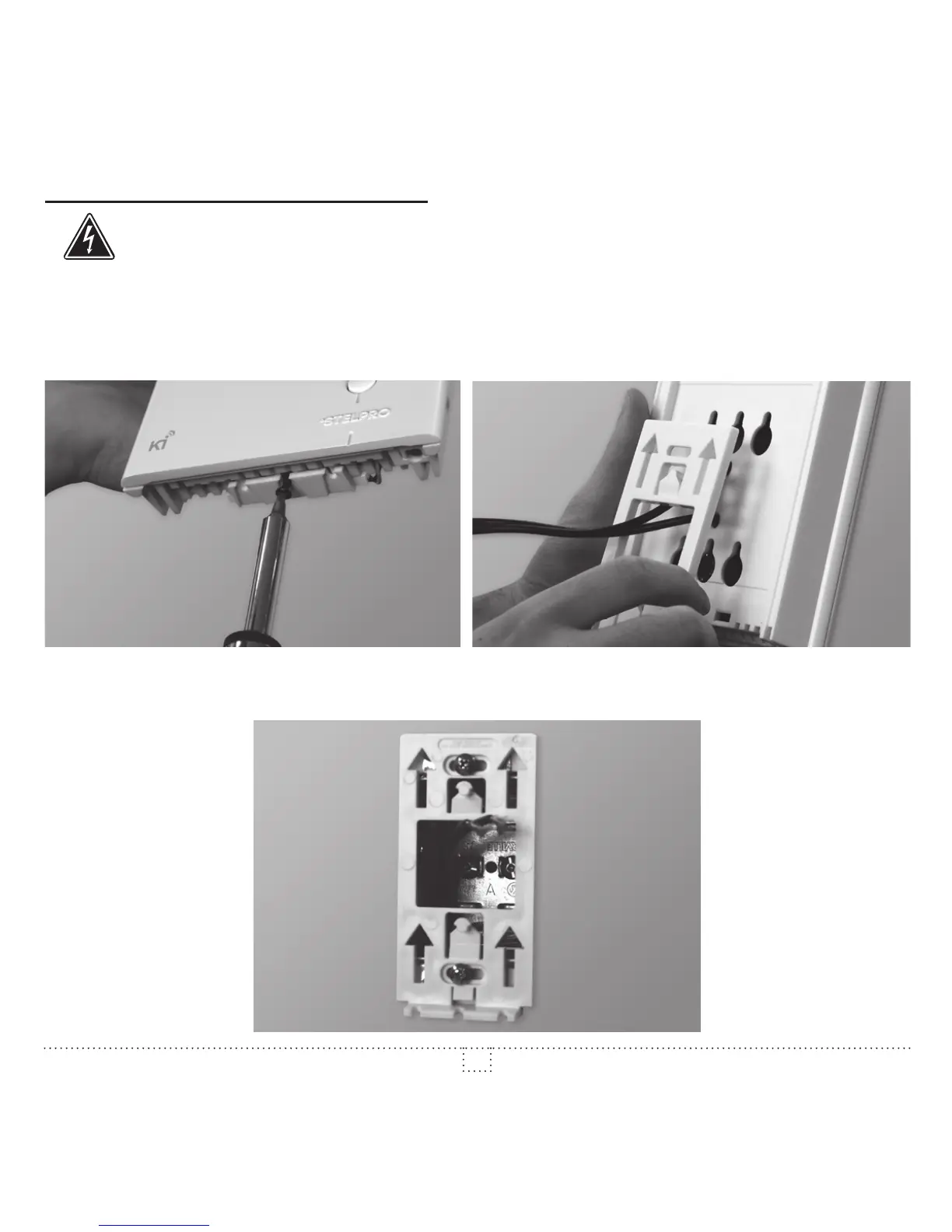
4. Using a screwdriver, loosen the screw retaining the mounting base of the thermostat (do not
completely remove the screw).
Then, remove the mounting base at the back of the thermostat by tilting it downward, then towards you.
5. Align and secure the mounting base to the connection box using the two screws supplied.



 To Next Page