5
1 GENERAL NOTES
This manual is intended to familiarize you with your desktop CNC / 3D system and to provide you with all the
information you need in order to produce your first 3D print workpiece.
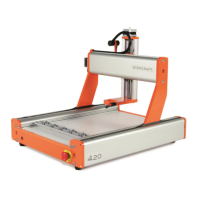
These instructions equally apply to the desktop CNC / 3D systems STEPCRAFT-2/210, /300, /420, /600 and /840,
referred to in the following as STEPCRAFT.
In order to operate the machine safely and professionally please read through this entire
manual and all additional documentation provided prior to your first usage of your
machine:
1. Operating instructions of your STEPCRAFT system
2. Operating instructions of your STEPCRAFT 3D print head FDM 1.75 or the
documentation provided of your third-party 3D print head tool
3. User manual of the CNC control software
To minimize the risk of injury and / or to prevent property damage, only operate the machine and
the associated control unit when you are sure you have understood all of these instructions in their
entirety.
Should questions arise, please contact us. Our contact details can be found on the front page of this manual.
2 WORK PREPARATION (DESKTOP 3D SYSTEM)
The following installation and testing instructions only apply to machines with a parallel interface and the control
software UCCNC. For buyers of the machine with an USB port together with the control software WinPC-NC, ask
for the appropriate documentation.
2.1 INSTALLING THE SOFTWARE
NOTICE: UCCNC comes with a STEPCRAFT desktop 3D system. This should only be connected to the
computer when the software is completely installed and necessary drivers have been copied.
The installation of UCCNC is an easy to use set up program. Please insert the CD into the drive and wait for the
automatic installation to start. If it does not start within a few seconds, run the SETUP.EXE program from the CD.
NOTICE: The complete UCCNC software installation process is documented in the user manual of
UCCNC. Please refer to document “UCCNC_usersmanual.pdf” in the /manual/ folder of the UCCNC CD.
Do not forget to copy the user license of UCCNC into the UCCNC installation directory!
2.2 INSTALLING THE MACHINE PARAMETERS
After installation of the UCCNC software you need to install the appropriate STEPCRAFT machine parameters for
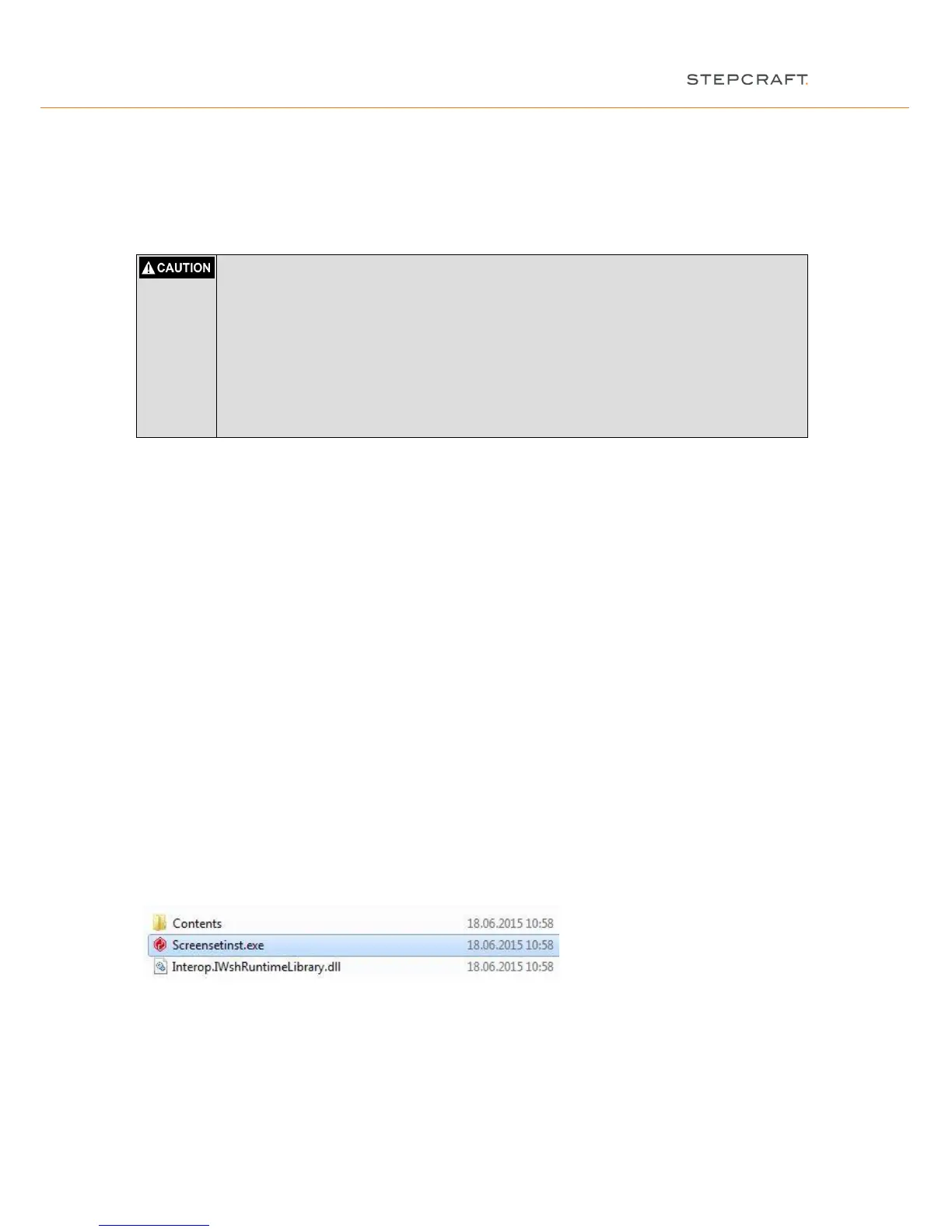
UCCNC. Start “Screensetinst.exe” in the /Stepcraft/ folder:
Choose your type of machine size (210 to 840) and type of machine series (Stepcraft 1 or 2) and install the 3D
print configuration to operate the 3D print head.


 To Next Page