7
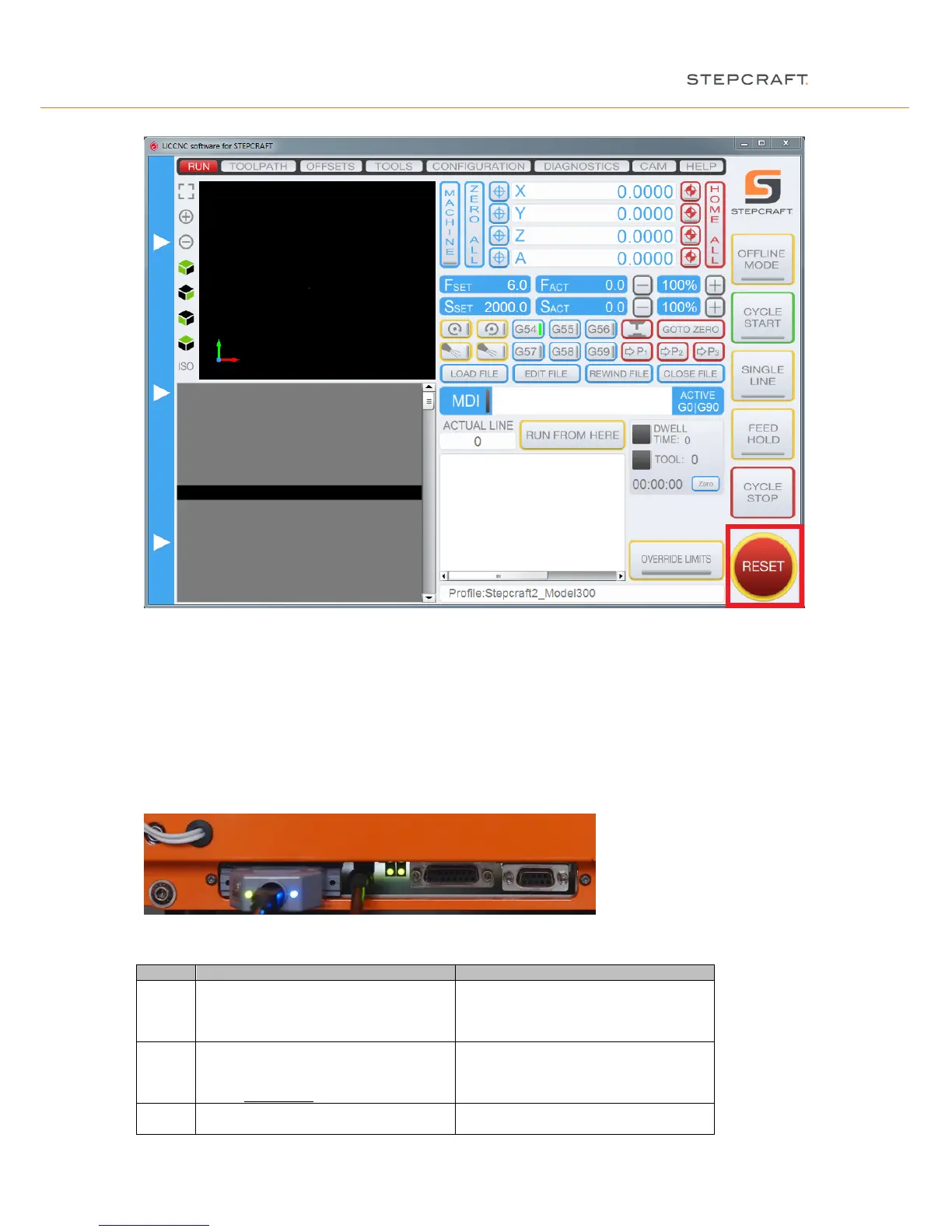
Every time you start the program, the reset-button in the bottom-right corner is flashing.
NOTICE: Release the emergency switch from the machine and make sure that no reference switch of the
machine is being pressed.
Press the reset-button. The machine is ready for operation now.
2.4 CHECKING OPERATIONAL READINESS
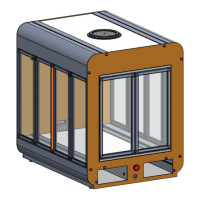
After completing the software installation, the machine is ready. You can check the status of the machine via the
LEDs on the control board at the rear of the machine:
(left-to-right direction. UC100 device LED 1 and LED 2, control board LED 1 and LED 2)
Status = on
Sharing ok, output stage switched on,
emergency switch switched off


 To Next Page