6
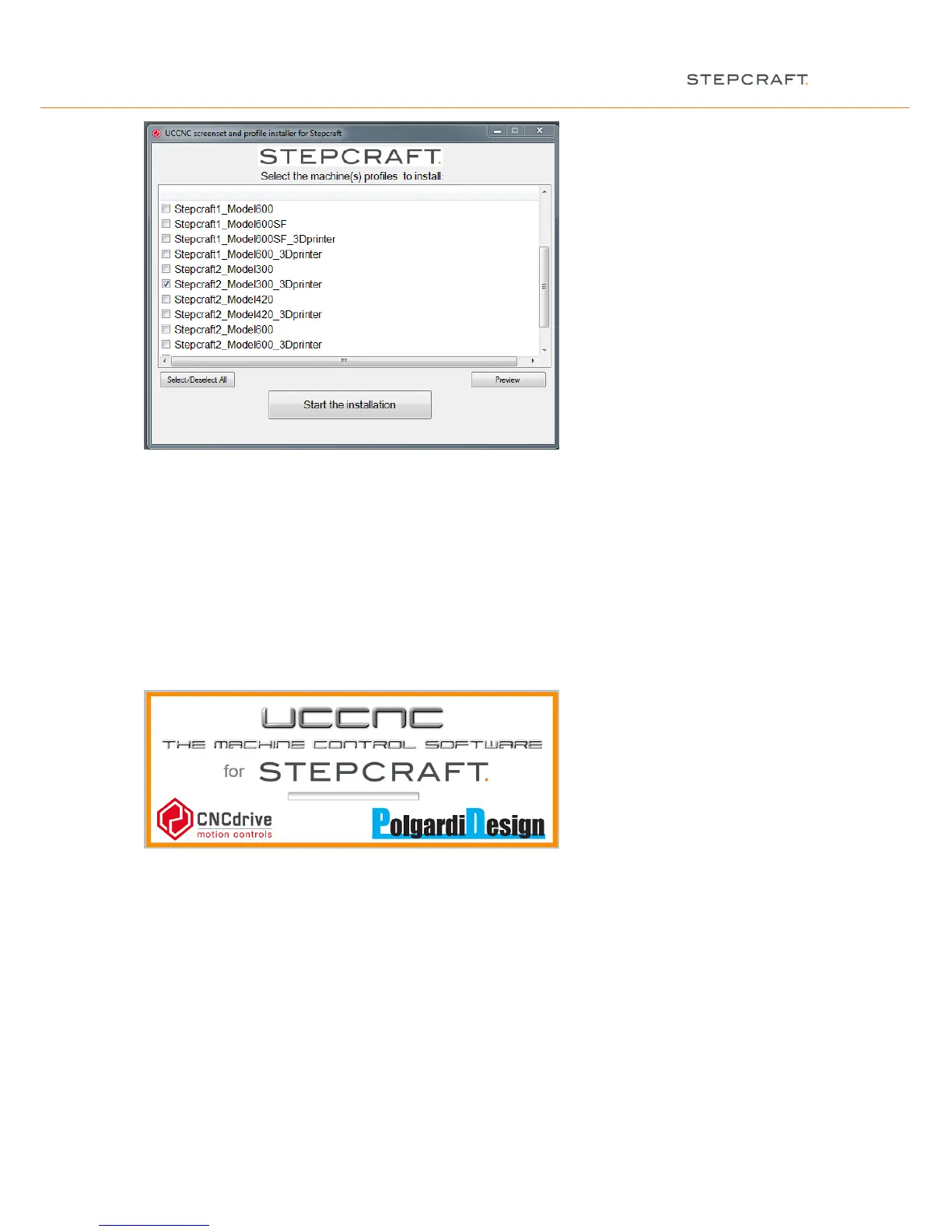
Start the installation. The installation will create a desktop icon and prepares, for example, different technical
parameters for the 4
th
axis. In the 3D print configuration a plugin will be installed additionally to control the 3D print
head.
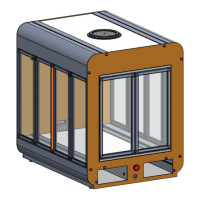
NOTICE: You can start UCCNC in the 3D print configuration with the STEPCRAFT parameters by clicking this
icon. Always make sure that you choose the correct parameter setting / start icon for the intended machine
operation.
2.3 CONNECTING THE MACHINE TO THE COMPUTER
After completing the software installation, connect the AC adapter to the power supply and the STEPCRAFT
desktop 3D system. Connect the machine / the UC100 device with the enclosed USB cable to the computer and
launch the program:


 To Next Page