ASTOTHERM PLUS Instructions for Use
10 Alarms and troubleshooting
34
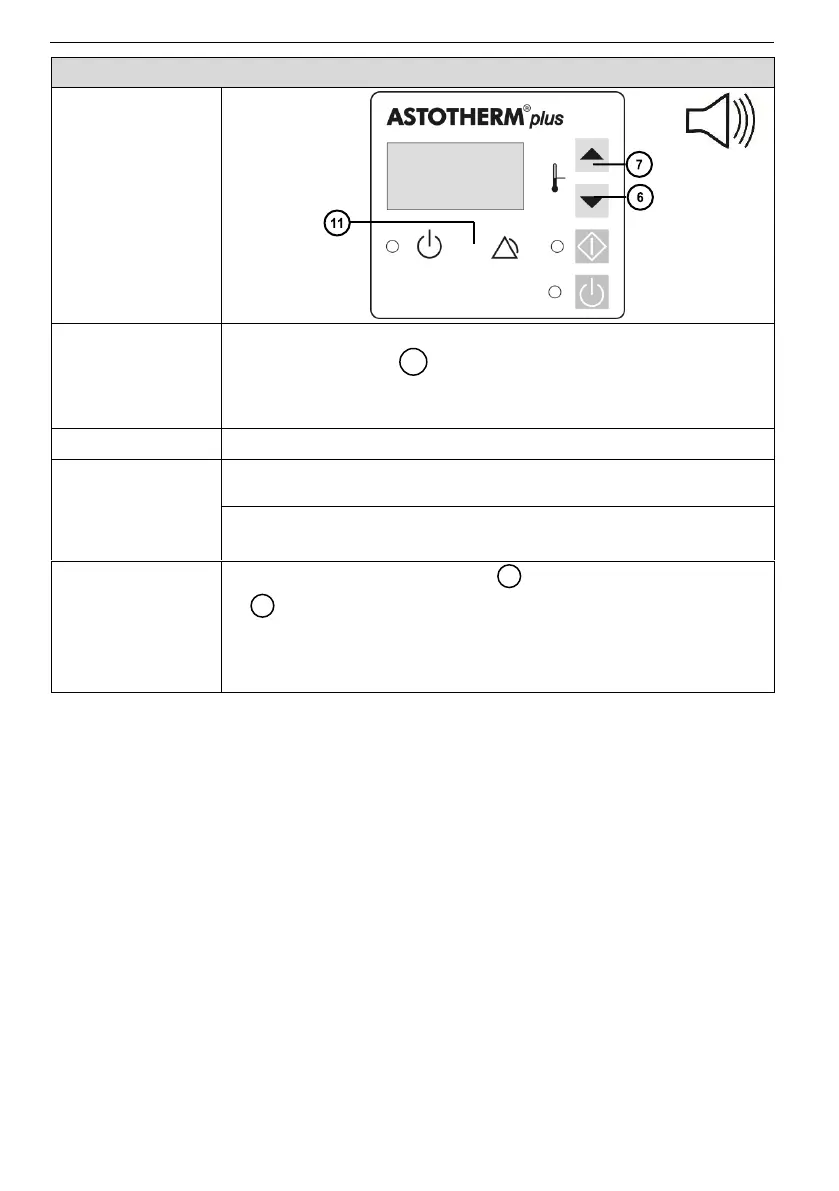
Even when you plug in the power cord ….
the “Alarm” LED lights yellow.
the acoustic alarm signal sounds every 17 seconds.
none of the buttons can cause a device reaction.
Possible
reason(s)
►Required
action(s)
Temporary program fault.
►Alarm reset (see below).
Permanent program fault caused by defect data file.
►Return ASTOTHERM PLUS to local sales office.
Possible actions
to clear
1. Press the “Increase” button and the “Decrease” button
at the same time until the device switches to Standby
Mode.
2. Unplug the power cord and wait one minute.
3. Plug in again the power cord.


 To Next Page