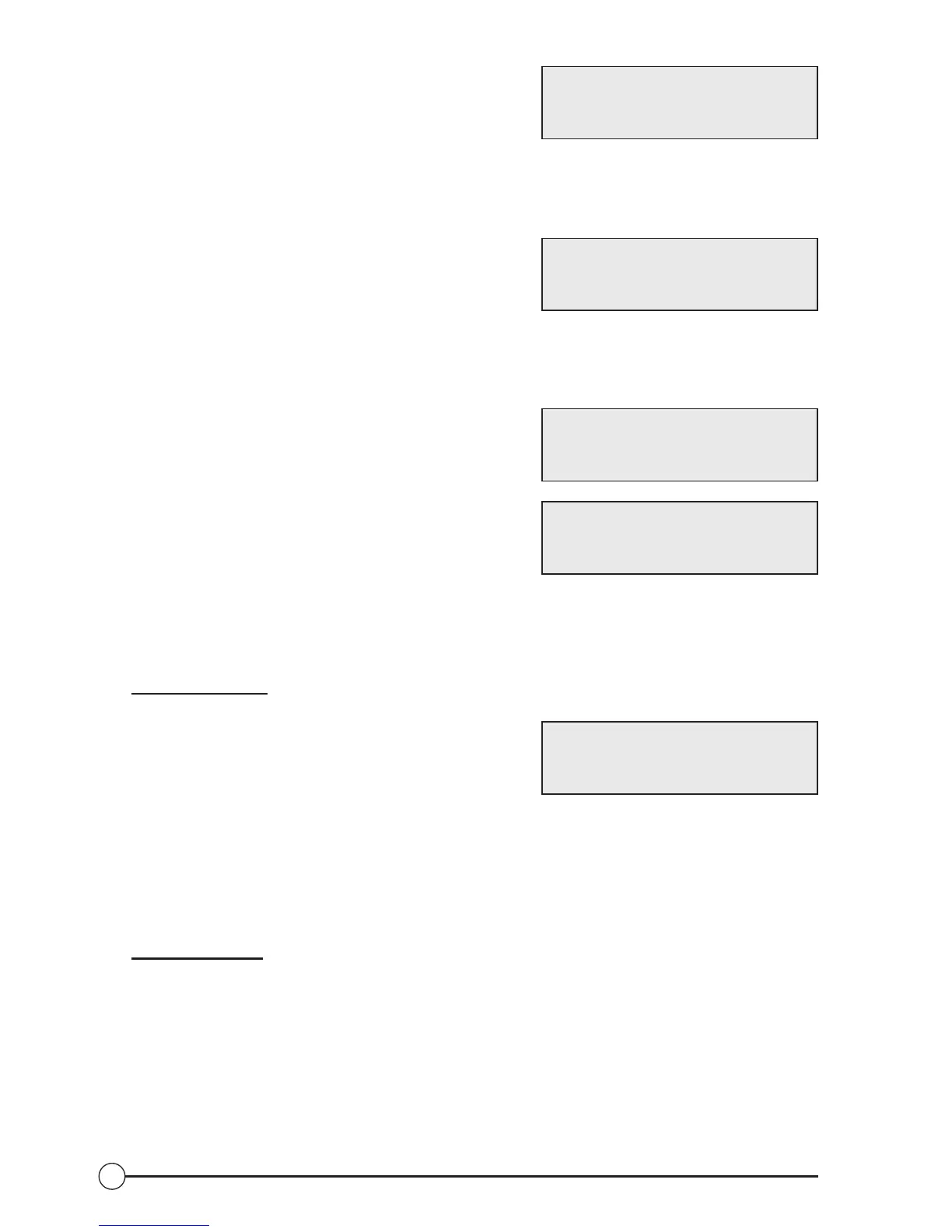
SET DATE - YEAR: The next selection in the
SET-UP MODE is the year. The unit defaults to
05, for 2005. To change the year, press the (-)
and (+) buttons. Holding the buttons will make the value change faster. Once the
desired year value is selected, press the SET button to save it and skip to the next
function.
SET DATE – MONTH: The next selection in
the SET-UP MODE is the month. The unit
defaults to 01 for January. To change the month,
press the (-) and (+) buttons. Holding the buttons will make the value change faster.
Once the desired month value is selected, press the SET button to save it and skip to
the next function. Setting the month will cause the day value to reset to 01.
SET DATE – DAY: The next selection in the
SET-UP MODE is the day of the selected month.
The unit defaults to 01 for the day. To change the
day, press the (-) and (+) buttons. Holding the
buttons will make the value change faster. Once
the desired day value is selected, press the SET
button to save it and exit back to the OFF MODE.
NOTE: The maximum day count will change for different months, e.g., 31 days
in January, 28 days in February, etc. The unit does not account for leap years,
where there are 29 days in February.
Of
f/Stop Modes
Select the OFF/STOP MODE by pressing the
OFF/STOP button. The pump and heater are
shut off immediately, and remain off indefinitely.
In the OFF/STOP mode, the static pressure or vacuum level is displayed
continuously, as is the date and time.
NOTE: Freeze protection via the external “REMOTE SW-IN” will not
function!
On/Run Modes
With the unit in the OFF/STOP MODE, select between the three run modes (timed,
continuous, or remote) by pressing the ON/RUN button. The TIMED MODE is
selected first, where the pump runs according to the chosen pump start and stop
times. Pressing the ON/RUN button again selects the CONTINUOUS MODE,
where the pump runs continuously until shut off by pressing the OFF/STOP button.
Of course, a fault condition or an under or over-suction alarm condition will cause
the unit to exit the selected RUN MODE and shut down. Pressing the ON/RUN
SET DATE (-/+)
YEAR (00-99) 05
SET DATE (-/+)
MONTH (01-12) 01
SET DATE (-/+)
DAY (01-31) 01
UNIT SUCCESSFUL!
SET TO CONTINUE
SYS OFF 2.3 “Hg
01/01/04 12:00
36


 To Next Page