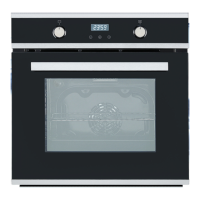
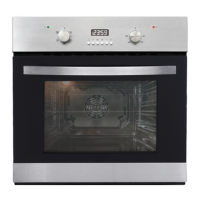
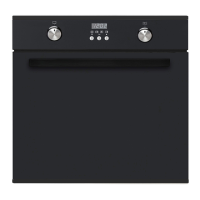
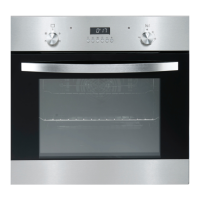
Turning the oven on (into standby mode) and off
• Press the ON/OFF power button to turn the oven on and into standby
mode. The time [ 0:00 ] and Timer symbol will be displayed.
• To turn the oven off and into standby mode, or to cancel a set function, press
the ON/OFF power button. The oven light will switch off automatically
after 2 minutes, the oven will switch off after about 5 minutes and the cooling
fan will switch off when the oven interior has cooled down sufciently.
Setting and changing the current time
First of all, you must set the clock time for the oven and timer to work. You can
set the clock when the Timer symbol ashes on the display. It will ash
automatically after initial connection to the electricity supply, or when there has
been a power outage.
• Set the current time using the PLUS/MINUS [ +/- ] buttons. Set the current
hours when the
symbol is ashing.
• After about three seconds, the set time stops ashing and the clock is set.
The appliance is now ready for use.
• To change a time that has already been set, press the TIMER button
repeatedly until the Timer symbol starts ashing. Then set the clock
following the steps above.
Selecting or changing an oven function
The oven can be operated in manual mode, where you select the desired oven
function from a range of 13 (see pages 18-20). In this mode [ F ] will show on
the display. Alternatively, you can operate the oven in programmed cooking
mode [ P ] and choose from 8 auto cooking programs (see pages 21-22).
(A) Manual (function) cooking
• Press the FUNCTION [ F ] button. The function cooking symbol [ F ] will start
ashing on the display.
• Press and hold the FUNCTION UP/DOWN selector / button until the
desired oven function appears. A suggested temperature is set and appears
on the temperature display. If the suggested temperature is not changed
within approximately ve seconds, the oven begins to heat up.
• To change the suggested oven temperature, press the PLUS/MINUS [ +/- ]
button(s) while [ F ] is ashing, until the desired oven temperature is selected,
then press the [ OK ] button.
Instructions


 To Next Page