Other functions
Thermometer symbol
The slowly rising thermometer symbol indicates how hot the oven is as
it heats up.
Child lock
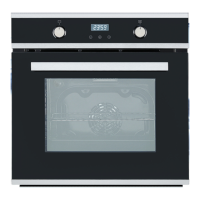
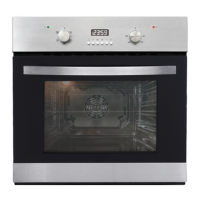
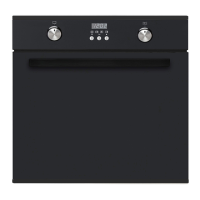
The oven features a child lock which, when activated, locks the control panel,
except for the power button.
• To activate the child safety lock, press and hold the CHILD LOCK
button until the Child lock symbol appears on the display. The child
lock is now activated. If you turn off the oven now, the control panel will
still be locked after the oven is turned on again.
• We suggest you set the child lock after you nish all settings, in order to
avoid changing settings unintentionally.
• To deactivate the child lock, press and hold the CHILD LOCK button
until the child lock symbol disappears on the display.
Oven lamp
• The oven light comes on automatically when a function has been
selected, and turns off 2 minutes after switching the oven off.
• When the oven is not operating, press and hold the PLUS [ + ] button,
and then use another nger to press the MINUS [ - ] button to turn the
oven light on or off.
Temperature scale selection
The oven temperature can be displayed in degrees Celsius (°C) or degrees
Fahrenheit (°F). To change from one to the other, press both FUNCTION UP/
DOWN selector / buttons at the same time.
Instructions (Cont.)


 To Next Page