4. WEB BASED MANAGEMENT
Please bear in mind that some of the settings set through the browser options work independently to those set
through the Camera Manager Software. For example, any alarm settings made are in addition to those set through
the Camera Manager software.
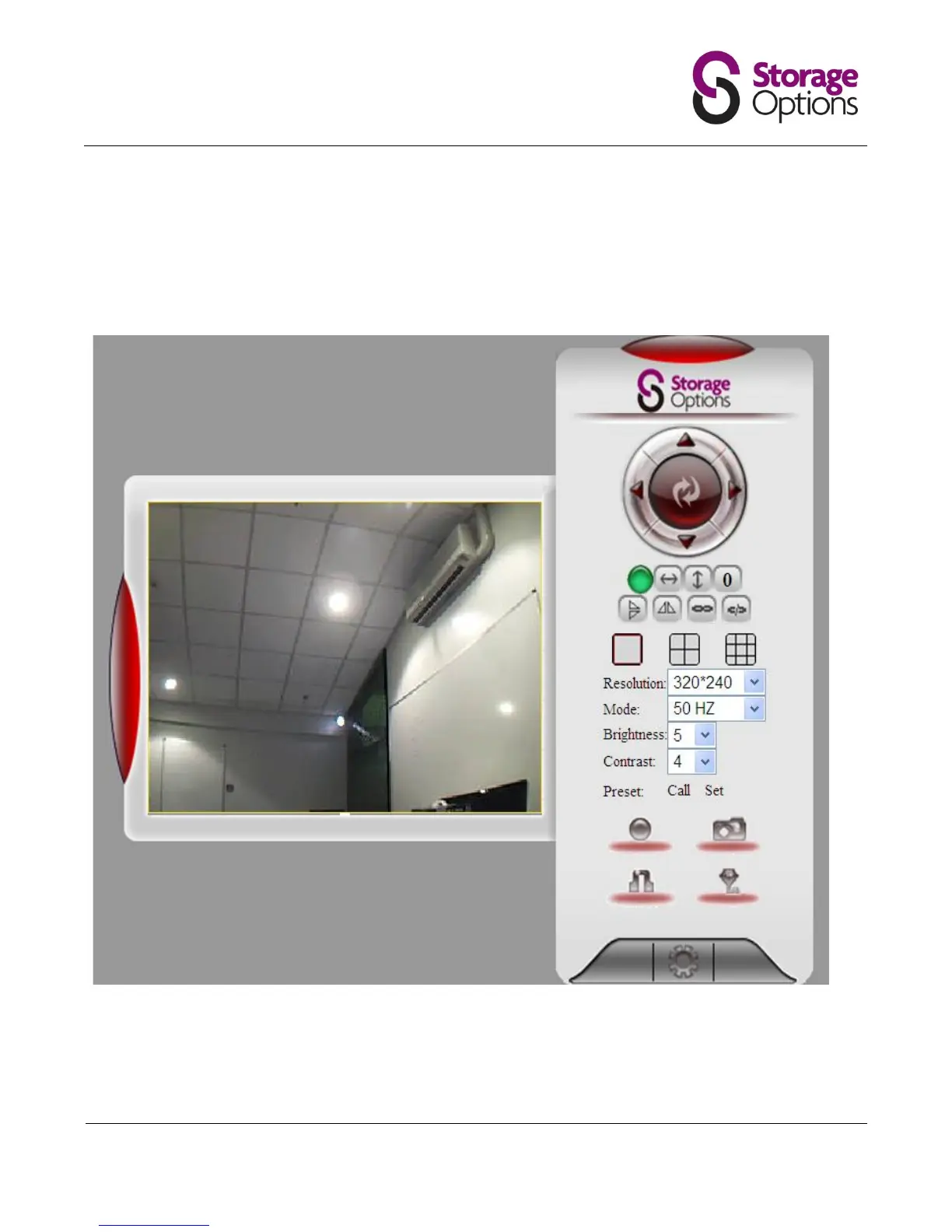
The status indicator (currently shown in green) is as follows:
When the camera is normal, the light is green.
When the camera is disconnected, the light is yellow.
When the camera is alarming, the light is red/green flash.


 To Next Page