7. Click Apply.
8. You then need to link the custom rule to the camera device picked up by your router. You can do this by its IP
address (e.g. 192.168.1.126 – yours maybe different) or device name (if you have renamed it in the router).
Remotely the access link was http://myname.dyndns.org:81
BT HOMEHUB PORT FORWARDING
Your router might be on a different IP address such as 192.168.1.1 or 192.168.1.254 or a completely different
address. Check your connection by going to your command prompt “cmd” and run “ipconfig”.
The default gateway will normally be the router’s address.
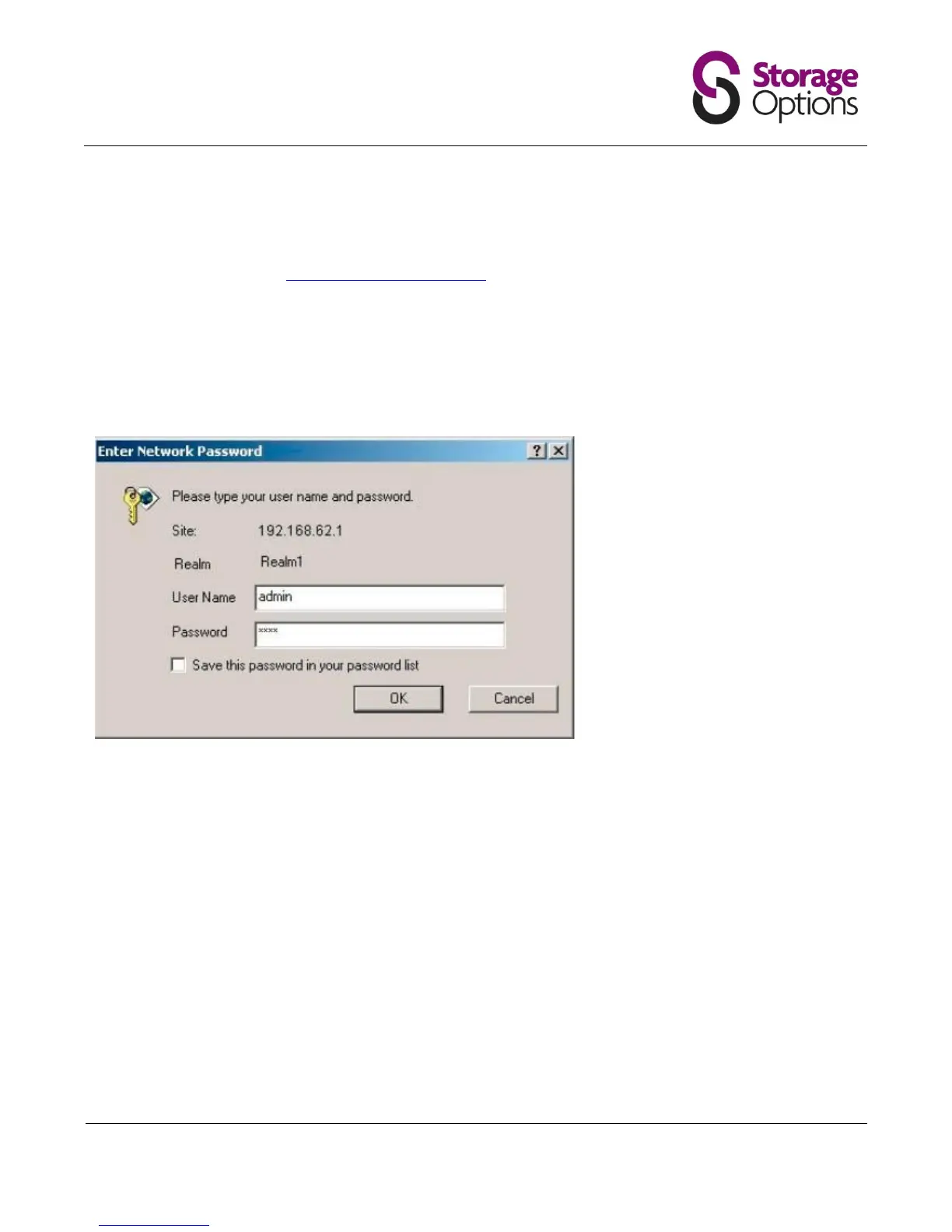
You should see a box prompting you for your username and password. Enter your username and password now. By
default both the username and password are admin. Click the Ok button to log in to your router.
Click the Continue to Advanced link near the center of the page. The menu on the left should change. In this new
menu, click Application Sharing.


 To Next Page