5-124
Gen 1 Electrical Components
Power Distribution Board (PDB)
Required Tools
• Phillips screwdriver
•
1
⁄
4
” nut driver or standard screwdriver
• Grounding wrist strap
Removing the Power Distribution Board:
1. Power down the system using the power-down switch. Once the system is powered down,
switch the circuit breaker to the off position.
2. Unplug the AC power cord, RJ-45 network cable and UPS cable (if used) from the rear of
the printer.
3. Remove the rear door. See “Removing the Rear Door:” on page5-9.
4. Wear a grounding wrist strap and connect the end to the electronics bay pan.
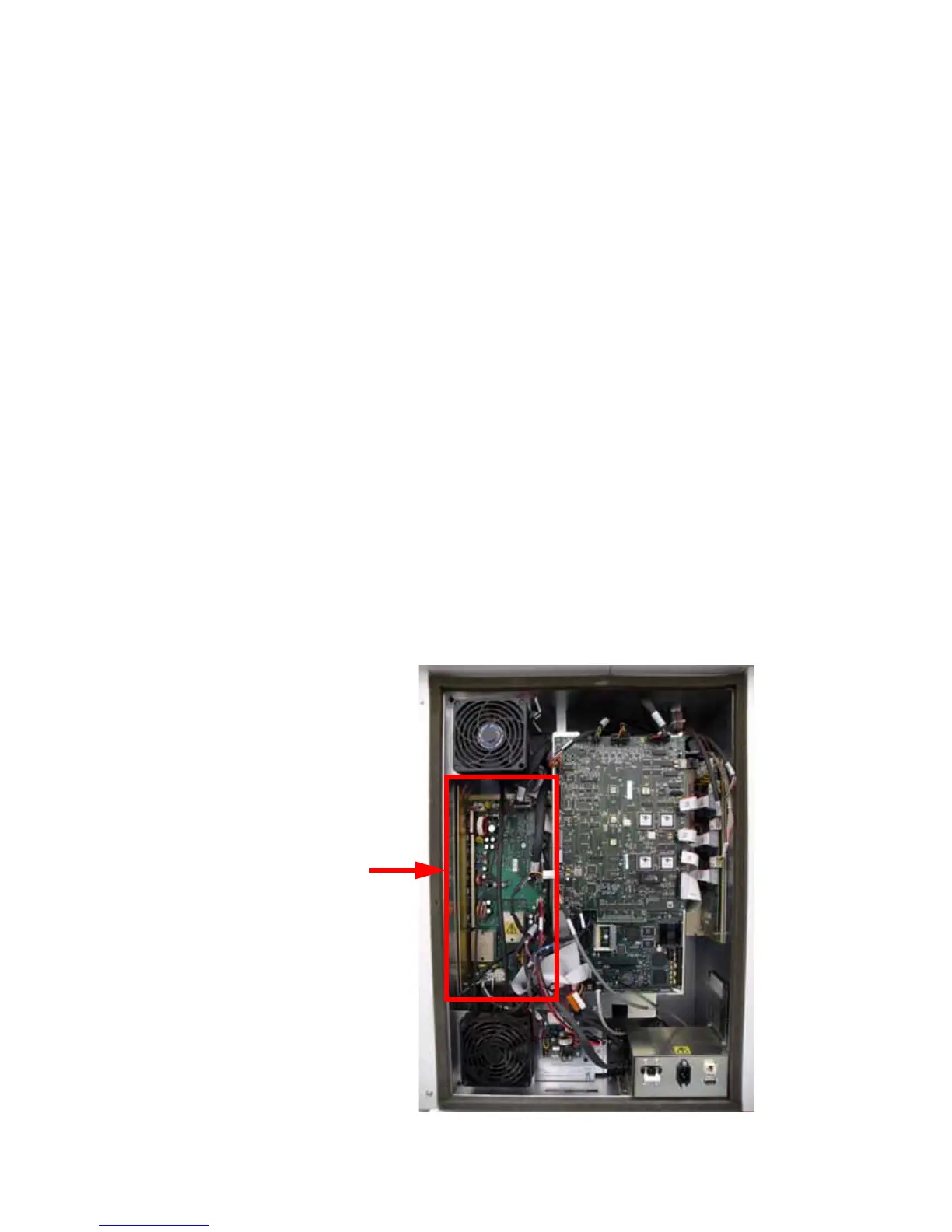
5. Locate the power distribution board. See Figure 134.
Figure 134: PDB location














 To Next Page