EasyManua.ls Logo

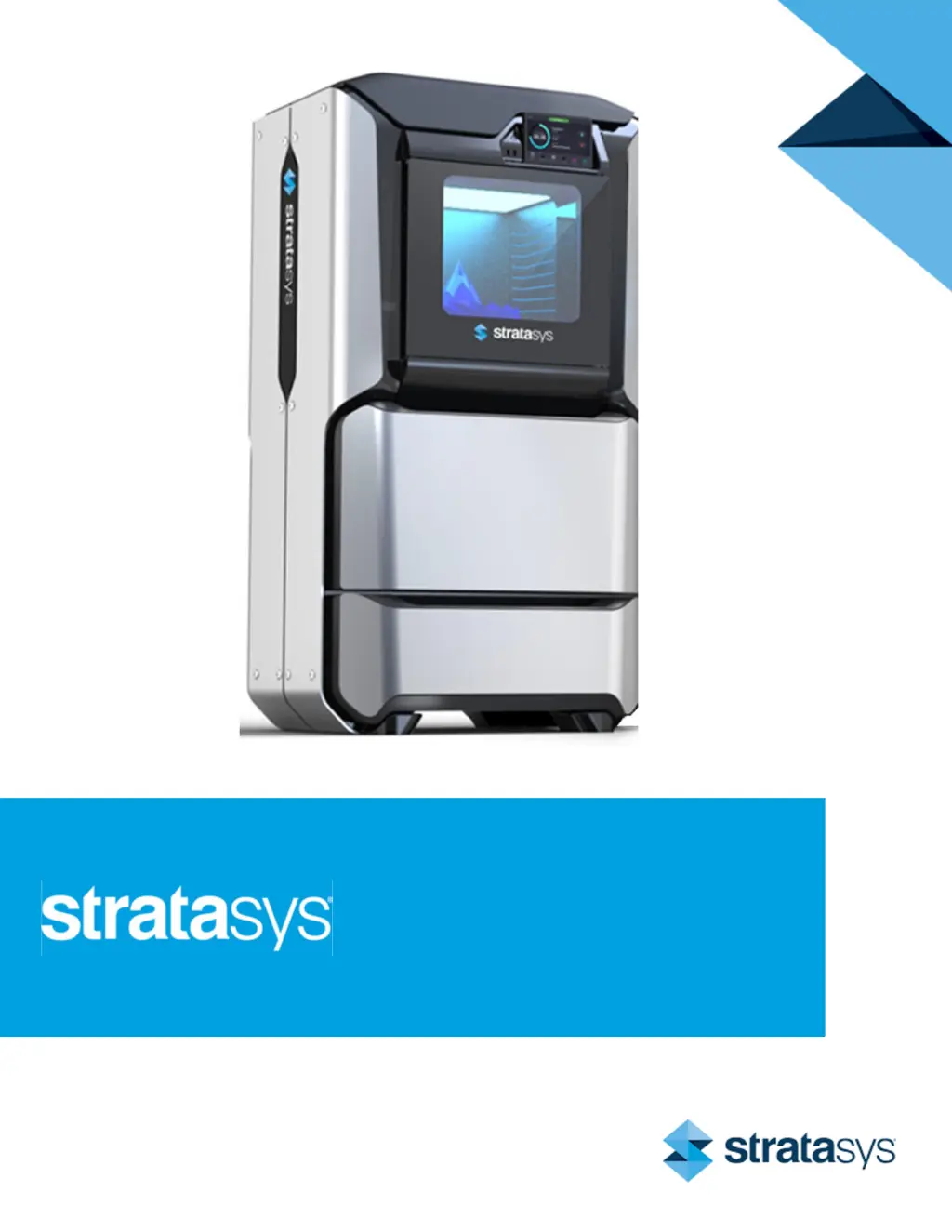
Stratasys F170 - User Manual

Stratasys F170
230 pages
Print Icon
To Next Page IconTo Next Page
Loading...
Part No. 401691-0001_REV_D
F123 Series
Shared Office 3D Printers
USER GUIDE

Table of Contents

Other manuals for Stratasys F170

Questions and Answers

  • H
    Heather SmithSep 8, 2025
    What to do if task already running on Stratasys F170 3D Printers?
    • V
      villanuevabrookeSep 8, 2025
      If a task is already running on your Stratasys 3D printer, wait until the load/unload in process is complete before attempting to load material to or unload material from another material bay.
  • A
    Andrea TranAug 25, 2025
    What to do if my Stratasys F170 is out of support material?
    • C
      Cindy FisherAug 25, 2025
      If your Stratasys 3D printer is out of support material, remove the empty material spool(s) and replace them as needed.
  • T
    tkimAug 25, 2025
    When to replace model head in Stratasys F170?
    • M
      Michael HumphreyAug 26, 2025
      If the model head on your Stratasys 3D printer has reached its odometer limit of 1500 build hours, it is recommended that you change the head prior to starting a new build.
  • A
    Alexander ColeSep 18, 2025
    What to do if Stratasys F170 3D Printers shows file not found?
    • M
      Michael RodriguezSep 18, 2025
      If your Stratasys 3D printer displays 'File not found', ensure that the USB flash drive containing the selected job file is securely inserted into one of the USB ports.
  • K
    Kyle WalshSep 8, 2025
    What to do if cannot load model in to support head in Stratasys F170 3D Printers?
    • L
      Lauren HenrySep 9, 2025
      If your Stratasys 3D printer indicates that you cannot load model in to support head, remove the model spool from its current location within the material bay and insert it into a model material bay.
  • W
    William MeadowsSep 13, 2025
    What to do if model filament broken in Stratasys F170 3D Printers?
    • M
      Michael SheaSep 13, 2025
      If the model filament is broken in your Stratasys 3D printer, remove the material spool and clear all filament from the filament tubes.
  • S
    Stephanie GrahamSep 3, 2025
    What to do if support head not initialized in Stratasys F170?
    • B
      Brittney JensenSep 3, 2025
      If the support head is not initialized on your Stratasys 3D printer, wait at least 60 seconds after the error is first displayed.
  • A
    Amanda MorganSep 4, 2025
    What to do if Stratasys F170 is busy?
    • L
      ldavisSep 4, 2025
      If your Stratasys 3D printer is busy, wait a couple of minutes and then attempt to restart the build.
  • B
    Brett BrownSep 23, 2025
    How to fix close the door error on Stratasys F170?
    • W
      walkertinaSep 23, 2025
      To resolve the 'Close the door' message on your Stratasys 3D printer, close the oven door.
  • G
    Grace HernandezAug 29, 2025
    What to do if support material does not match selected job in Stratasys 3D Printers?
    • J
      Jeffrey MartinAug 29, 2025
      If the support material does not match the selected job on your Stratasys 3D printer, unload the incorrect support material and load the correct support material for the selected job.

Summary

Service and Support

Safety Instructions

Essential safety guidelines for printer installation, operation, and maintenance.

Service Contact Information

How to contact Stratasys Customer Support for assistance with printer issues or parts.

Printer Setup Guide

Welcome Kit Contents

Details on items included in the printer's welcome kit, such as documents and cables.

Basic Printer Setup

Steps for initial printer setup, including stabilizing the unit and ensuring proper placement.

Network Configuration

Guide to setting up wired or wireless network connections for the printer.

User Interface Navigation

Navigation Menu Overview

Explanation of the printer's navigation menu and its button functions for accessing printer features.

Build Page Operations

Procedures for managing print jobs, including loading files, starting, pausing, and aborting builds.

Materials Page Usage

How to view and manage material status, load/unload materials, and check head temperatures.

Calibration Procedures

Tip Calibration Guide

Procedures for calibrating printer tips, including automatic and manual methods for accuracy.

XY Gantry Calibration

Explanation of the automatic XY Gantry Calibration performed during printer startup for proper movement.

Troubleshooting Printer Issues

Warnings and Errors

Information on identifying and understanding printer warnings and errors that may affect builds.

Finding a Remedy

A table of common troubleshooting scenarios, their possible causes, and recommended remedies.

Stratasys F170 Specifications

General IconGeneral
Build Volume254 x 254 x 254 mm (10 x 10 x 10 in)
SoftwareGrabCAD Print
Print TechnologyFused Deposition Modeling (FDM)
Material CompatibilityASA
ConnectivityUSB, Ethernet, Wi-Fi
Nozzle Diameter0.4 mm
Build Plate Temperature120°C (248°F)
Operating System CompatibilityWindows 7/8/10
Power Requirements100–240 VAC, 50/60 Hz
Layer Thickness0.178 mm or 0.254 mm

Related product manuals