EasyManua.ls Logo

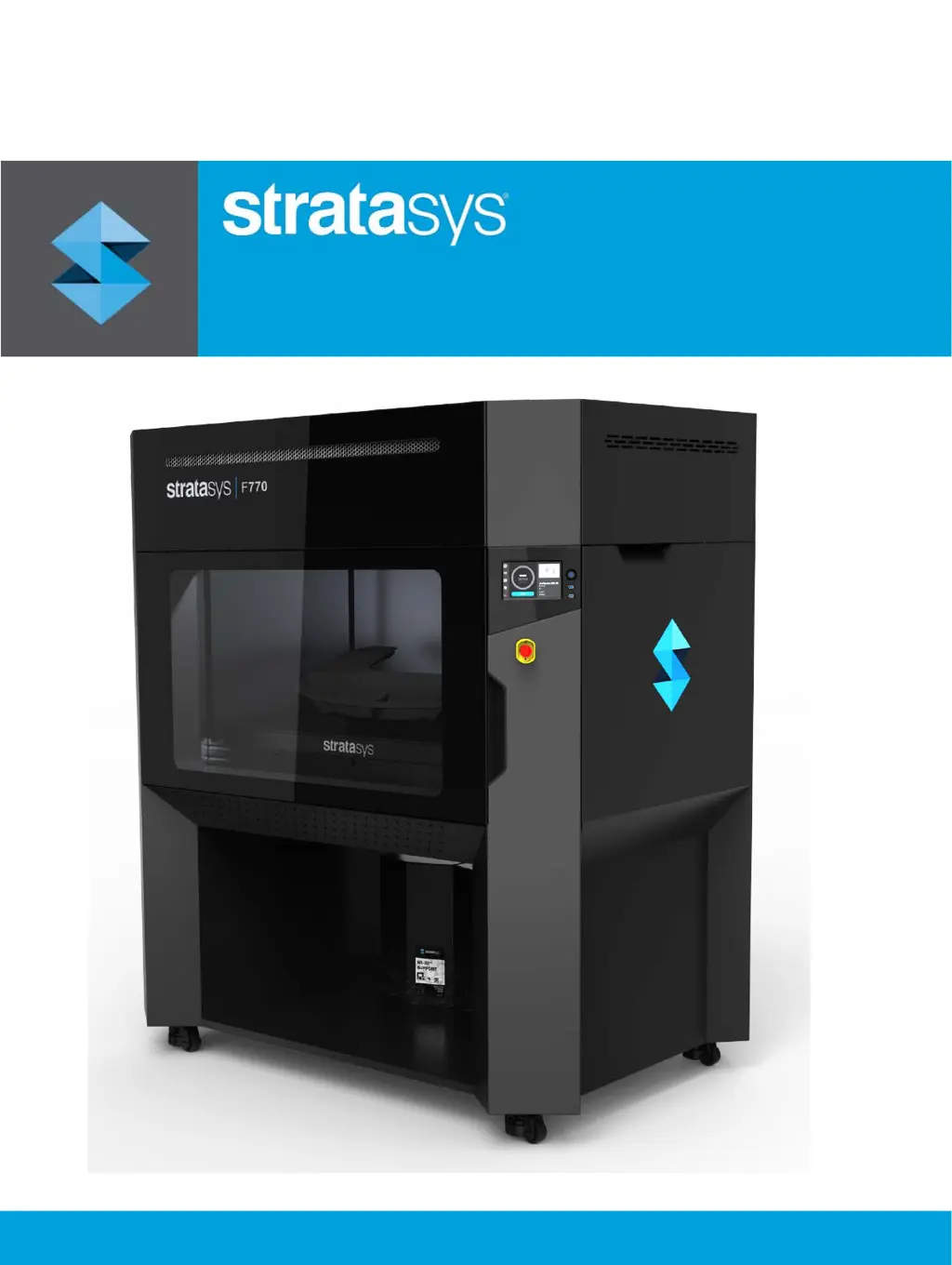
Stratasys F770 - User Manual

Stratasys F770
262 pages
Print Icon
To Next Page IconTo Next Page
Loading...
Part No. 477001-0001_REV_A
F770
®
3D Printer
User Guide

Table of Contents

Other manuals for Stratasys F770

Questions and Answers

  • S
    Scott HarperSep 12, 2025
    How to fix 'Model head removed' error on Stratasys F770?
    • L
      leblancsamuelSep 12, 2025
      The 'Model head removed' message on Stratasys 3D printers indicates that the printer lost contact with the model head. Ensure that the head is seated correctly within the gantry. If so, remove the head and then reinstall it.
  • A
    aschultzAug 25, 2025
    What to do if Stratasys F770 3D Printers show insufficient model material?
    • E
      epachecoAug 25, 2025
      If your Stratasys 3D printer indicates insufficient model material for a part build, connect a material coil box to the printer that contains a sufficient amount of model material. Instructions for loading material can be found in the manual.
  • M
    Melissa MarksAug 25, 2025
    What to do if Stratasys 3D Printers show insufficient support material?
    • C
      Catherine GonzalezAug 26, 2025
      If your Stratasys 3D printer indicates insufficient support material for a part build, connect a material coil box to the printer that contains a sufficient amount of support material. You can find loading instructions in the manual.
  • J
    Jessica DavisSep 23, 2025
    What to do if Stratasys 3D Printers show 'Debris under build sheet'?
    • K
      Kristen RamirezSep 23, 2025
      Inspect underneath build sheet, particularly around the edges, and remove all debris.
  • T
    Tyler PerezSep 12, 2025
    How to fix 'Support head removed' error on Stratasys F770?
    • A
      Austin HowardSep 12, 2025
      The 'Support head removed' message on Stratasys 3D printers indicates that the printer lost contact with the support head. Ensure that the head is seated correctly within the gantry. If so, remove the head and then reinstall it.
  • M
    melissawernerSep 16, 2025
    What to do if Stratasys 3D Printers show 'Loss of vacuum during build'?
    • J
      Jeffery BrooksSep 16, 2025
      If your Stratasys 3D printer displays a 'Loss of vacuum during build' message, it indicates that the build sheet has separated from the platen during build. Ensure the build sheet is installed smooth side down, that no debris is under the build sheet and that the build sheet is completely covering all platen grid lines.
  • A
    Anthony RamirezSep 5, 2025
    How to fix 'Cannot load model in to support head' error on Stratasys F770 3D Printers?
    • J
      Jesse JonesSep 5, 2025
      The 'Cannot load model in to support head' message on Stratasys 3D printers indicates that you have inserted a model material coil box’s filament key into the wrong filament port in the printer. Remove the material key from its current location and insert it into the upper filament port.
  • S
    sanderskristySep 5, 2025
    How to fix 'Cannot load support in to model head' error on Stratasys F770 3D Printers?
    • M
      Michael BlackSep 5, 2025
      The 'Cannot load support in to model head' message on Stratasys 3D printers indicates that you have installed a support material coil box’s filament key into the wrong filament port in the printer. Remove the material key from its current location and insert it into the lower filament port.
  • D
    Daniel HigginsSep 17, 2025
    What to do if Stratasys 3D Printers show 'File not found'?
    • M
      Martha Turner PhDSep 17, 2025
      If your Stratasys 3D printer displays a 'File not found' message, it indicates that the printer was unable to locate the job file that was selected for building. Ensure that the USB flash drive containing the selected job file is securely inserted into one of the USB ports within the interface panel.
  • M
    Monica MartinezAug 30, 2025
    How to fix 'Model head not communicating' error on Stratasys F770?
    • C
      Cameron BushAug 30, 2025
      The 'Model head not communicating' message on Stratasys 3D printers indicates that the model head is not enabled or communicating. Open the top cover and unclip the head cable from the model head. Wait a few seconds, then reconnect the head cable to the model head and close the top cover.

Summary

Service and Support

Safety Instructions

Basic safety tips for printer installation, operation, and maintenance.

Hazard Types and Signs

Explanation of hazard classifications and product safety symbols used in the guide.

Potential Hazard Areas

Highlights components and areas of the printer as potential safety hazards.

General Safety Practices

General safety guidelines to follow when working with the printer.

Printer Setup

Software Configuration

Details on configuring network settings and setting up Insight/FDM Control Center.

Operating the Printer

Head Replacement Procedures

Instructions for replacing the printer's model or support heads.

Basic Job Build Tasks

Steps involved in preparing, selecting, and executing a print job.

Calibration and Adjustments

Tip Calibration

Procedures for calibrating the printer's tips.

Maintenance

Troubleshooting

Warnings and Errors

Explanation of how warnings and errors are displayed and interpreted.

Finding a Remedy

Troubleshooting table listing common issues and their resolutions.

Stratasys F770 Specifications

General IconGeneral
Print TechnologyFused Deposition Modeling (FDM)
ConnectivityEthernet, USB
SoftwareGrabCAD Print
Build Volume1000 x 610 x 610 mm
Material CompatibilityASA
Print SpeedNot found
Power Requirements230 VAC, 50/60 Hz

Related product manuals