EasyManua.ls Logo

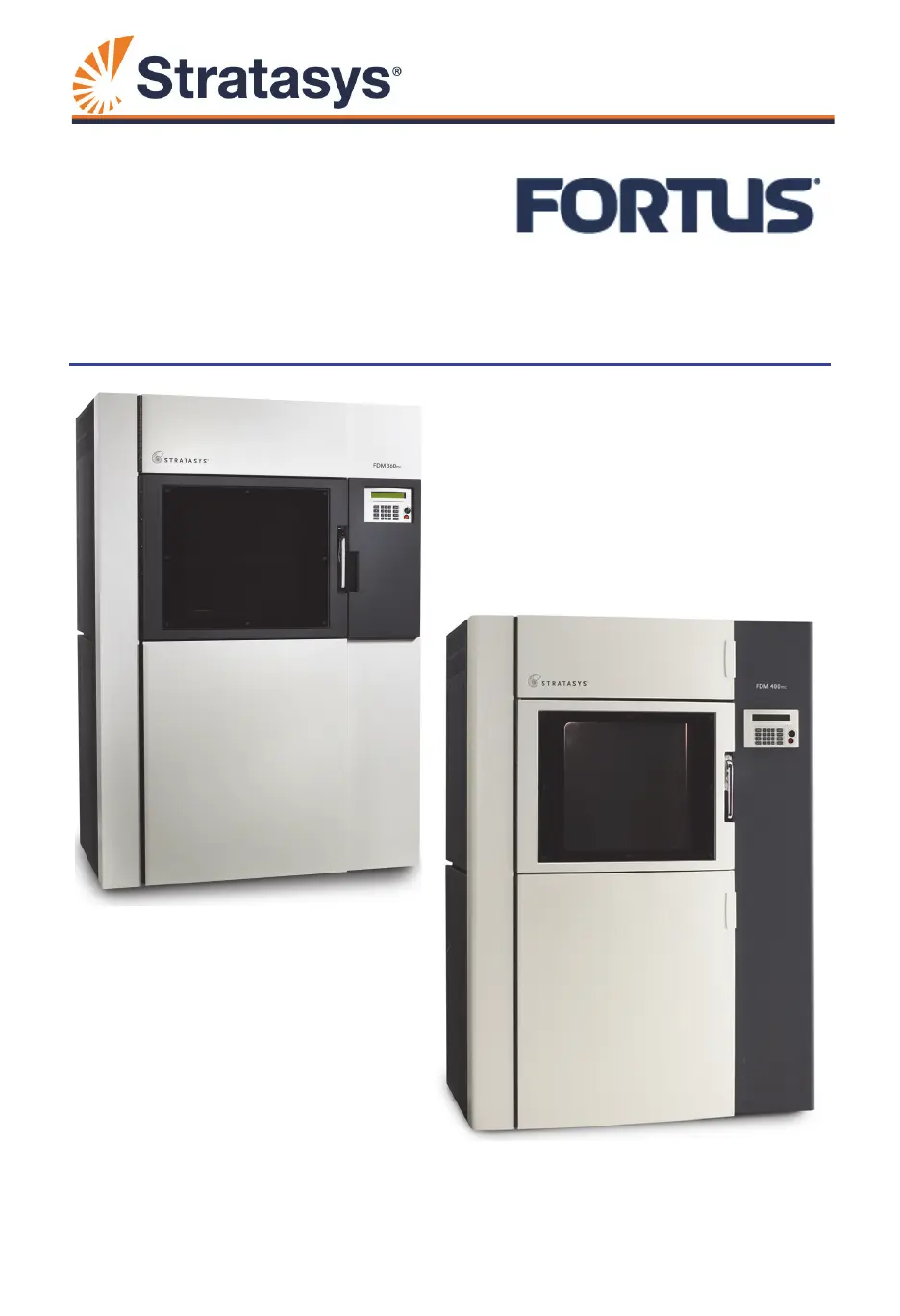
Stratasys Fortus 400mc - User Manual

Stratasys Fortus 400mc
162 pages
Print Icon
To Next Page IconTo Next Page
Loading...
www.stratasys.com | c-support@stratasys.com
360mc/400mc
User Guide
Part No. 107166-0010, Rev. J

Table of Contents

Other manuals for Stratasys Fortus 400mc

Questions and Answers

  • M
    Melissa MaddenAug 18, 2025
    Why is the vacuum low on my Stratasys Fortus 400mc?
    • B
      Brian CamachoAug 19, 2025
      If your Stratasys 3D Printer's vacuum gauge reads less than -15, it indicates low vacuum, and here's what you can do: First, ensure the build sheet is correctly installed, overlapping the platen equally on all sides. Next, check for and remove any filament debris on the platen's surface. For onboard air systems, inspect the vacuum pump inlet for debris and empty the vacuum system filter jars. Also, clean the vacuum screen, being careful not to remove it. Inspect the rubber O-ring for twists or cracks; reinstall it correctly or replace it if damaged.
  • M
    michelewilsonAug 29, 2025
    How to fix Stratasys Fortus 400mc 3D Printers when canister will not load?
    • N
      nicholasmcintoshAug 29, 2025
      If the canister won't load into your Stratasys 3D Printers, first, ensure that the anti-rotation plug and the rubber thumbwheel insert have been removed. Check if the canister is empty; if so, replace it. If the filament is stuck, remove the canister and gently pull out about eight feet (two meters) of material, ensuring it pulls out freely. Make sure the canister drive block is fully lowered onto the canister and that the correct tip size is selected on the operator display. If the Filament Status reads None or is blank, replace the canister. Also, inspect the pogo pins on the underside of the canister drive block for any damage, and replace any bent or broken pins.
  • R
    Ryan GilbertNov 8, 2025
    What to do if my Stratasys Fortus 400mc head will not extrude material?
    • T
      Tamara FarleyNov 8, 2025
      If the Stratasys 3D Printer's head isn't extruding material, several factors could be at play. First, the filament might be stuck in the canister; in this case, remove the canister and gently pull out about 8 feet (2 meters) of material, ensuring it moves freely. Also, check that the canister drive isn't too slow, verifying the load time from the canister to the head switch is less than 2 minutes. If the issue occurs on the first two layers, ensure material purges correctly by performing a load and running the Platen Level Diagnostic, making sure all numbers are less than +/- 0.015”. Plugged tips can also cause this issue; verify the installed tip size matches the display, the tip's life hasn't exceeded its limit, and the tips were installed correctly. Finally, ensure the system is calibra...

Summary

Service and Support

360 mc;400 mc Service

Contact Stratasys Customer Support for help with system issues not covered in the user guide.

Software Support

Contact Stratasys Customer Support for assistance with software-related problems.

Safety Instructions

Information on hazard classifications and safety practices for operating the system.

Setup and Installation

Operating the System

Basic User Interface and Operations

Overview of the operator control panel's functions and features.

Powering Up the System

Step-by-step instructions for turning the system on and initial checks.

Powering Down the System

Procedure for safely powering down the system, including cool-down cycles.

Basic Job Build Tasks

Steps involved in preparing and starting a part build job.

Changing Tips or Material Type

Procedure for changing liquefier tips or system material type.

Operating Insight

Calibration

Automatic Calibration

Overview of automatic calibration sequences after tip changes.

Auto Z Stage Zero Calibration

Sets the model liquefier tip to the Z zero location on the build sheet.

XY and Z Tip Offset Calibration

Aligns the support tip relative to the model tip for print accuracy.

Manual Calibration

Manual procedures for Z stage zero and tip offset calibration.

System Maintenance

Updating Controller Software

Methods for updating system controller software via Web or CD.

Maintenance Schedule

Overview of routine daily, weekly, and quarterly maintenance tasks.

Troubleshooting

Getting Help

Contact information and required details for Stratasys Customer Support.

Finding a Remedy

Troubleshooting table for common issues like canister loading and extrusion problems.

Stratasys Fortus 400mc Specifications

General IconGeneral
Layer Thickness0.127 mm to 0.330 mm
MaterialsABS, PC
Nozzle Diameter0.178 mm
ConnectivityEthernet, USB
SoftwareInsight
Workstation CompatibilityWindows
Network CommunicationEthernet
Power Requirements200-240 VAC, 50/60 Hz
Accuracy± 0.127 mm (± 0.005 in) or ± 0.0015 mm/mm (± 0.0015 in/in), whichever is greater

Related product manuals