Basic Job Build Tasks Information Available During a Build
Page 127
© Copyright 2021 Stratasys. All rights reserved.
Information Available During a Build
During a build, information pertaining to that build is displayed within two areas of the Build
page:
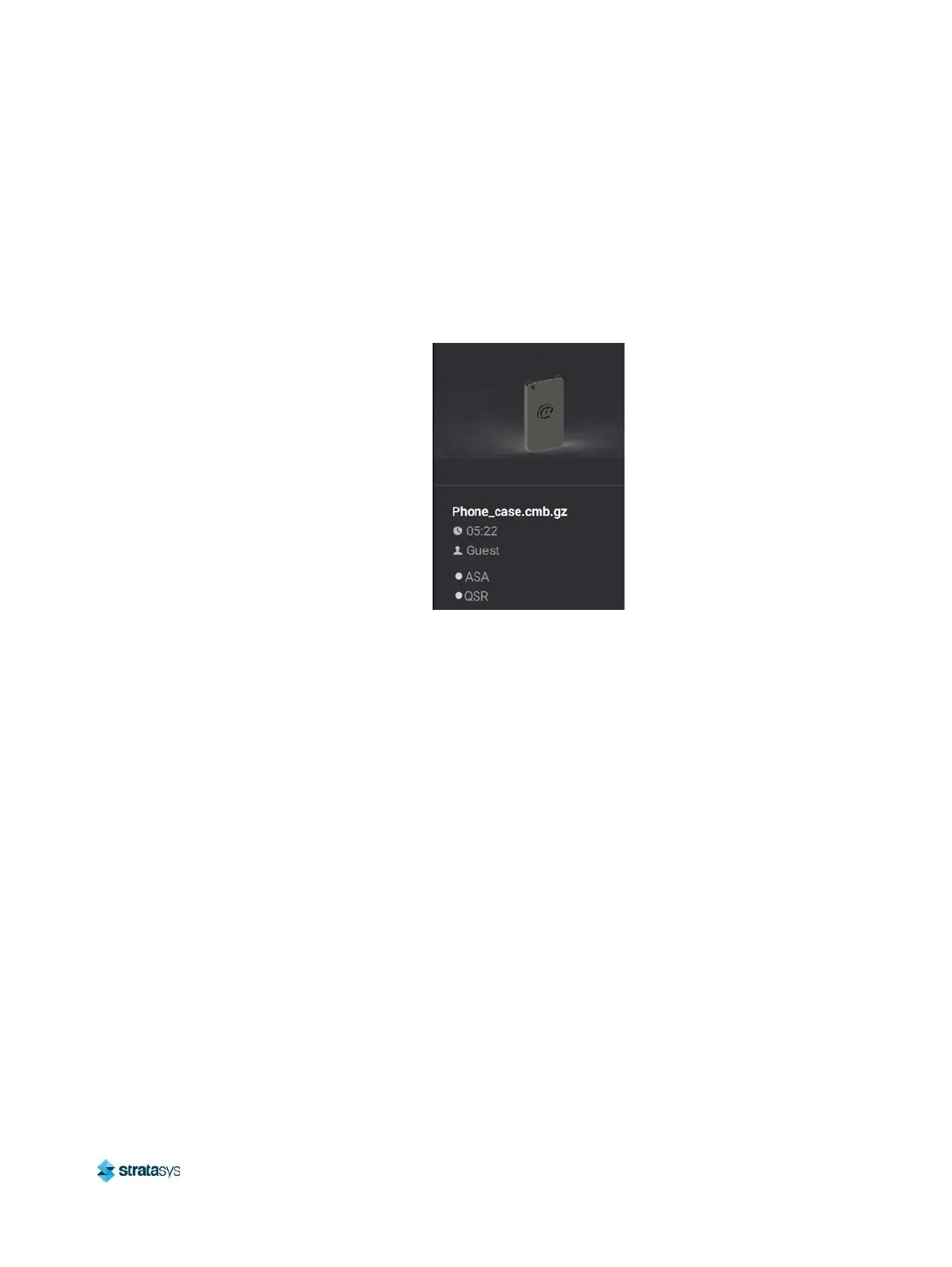
The Print Job Information Panel displays the details of a job, as submitted to the printer from
the workstation PC. This information is static and is for reference purposes only. See “Viewing
Print Job Information” (page 48) for detailed information.
Figure 21: Print Job Information Panel - Building
Information displayed within this panel for a selected job includes:
• Name of the job.
• Estimated build time for the job.
• Name of the user that submitted the job.
• Model and support materials associated with the job.
The Build Status Display section of the Build page is composed of a two-part graphic which
provides information on a building job. See “Build Status Display” (page 49) for detailed
information.
• The Build Status Information portion of this graphic provides information on a selected and/
or building job. Text pertaining to the current status of the build is displayed within the upper
portion of the graphic, while the amount of build time remaining is displayed within the
lower portion of the graphic.
• The outer Build Progress Ring corresponds with the build information displayed. As build
progress is made, the build’s percentage of completion is also displayed by radially filling in
the outer progress ring, in blue, in a clockwise direction.














 To Next Page