Working with the Tools Page Settings
Page 80
© Copyright 2021 Stratasys. All rights reserved.
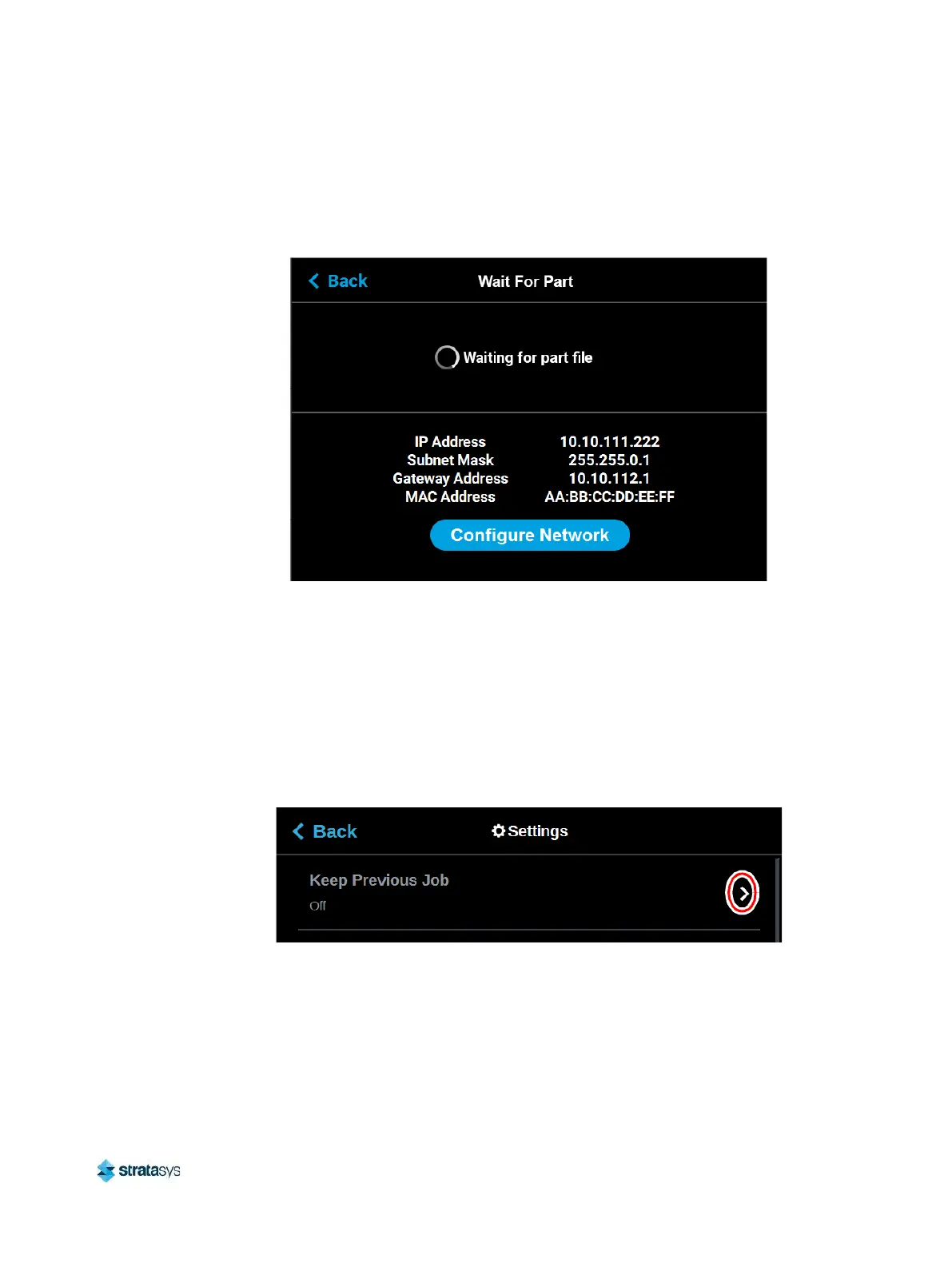
printer via GrabCAD Print. Once the job file is received by the printer, the job will automatically
start building. As such, ensure that the printer has been properly prepared for the start of a
build (see “Before a Build” (page 124) and “Preparing the Printer” (page 124) for details).
Figure 38: Waiting for Part
Keep Previous Job
For privacy reasons, you have the option of choosing whether or not the printer’s previous job
is stored within the Job Queue. If you're concerned about other users of your printer seeing
what you’ve built, this setting allows you to prevent other users from accessing the printer’s
previous job. When this setting is set to On, the printer will store its previous job file making it
available for re-selection within the Job Queue. When this setting is set to Off, the printer’s
previous job file will be deleted from the Job Queue upon completion of the build. The job’s file
will need to be resent to the printer in order to be built again.
Figure 39: Keep Previous Job














 To Next Page