Working with the Tools Page Settings
Page 86
© Copyright 2021 Stratasys. All rights reserved.
UPnP
UPnP allows the printer to broadcast its Unique Device Name (UDN) address across the
network. When this setting is set to On, the printer will broadcast its UDN across the network
allowing GrabCAD Print to automatically detect the IP address of the printer for
communication. When this setting is set to Off, the printer will not broadcast its IP address
across the network and GrabCAD Print will need to be manually configured to communicate
with the printer.
Figure 53: UPnP
To configure this setting, press anywhere within the row; the UPnP page will be displayed. Use
the radio buttons within the page to turn the setting On and Off as needed; On is selected by
default.
Figure 54: Configure UPnP
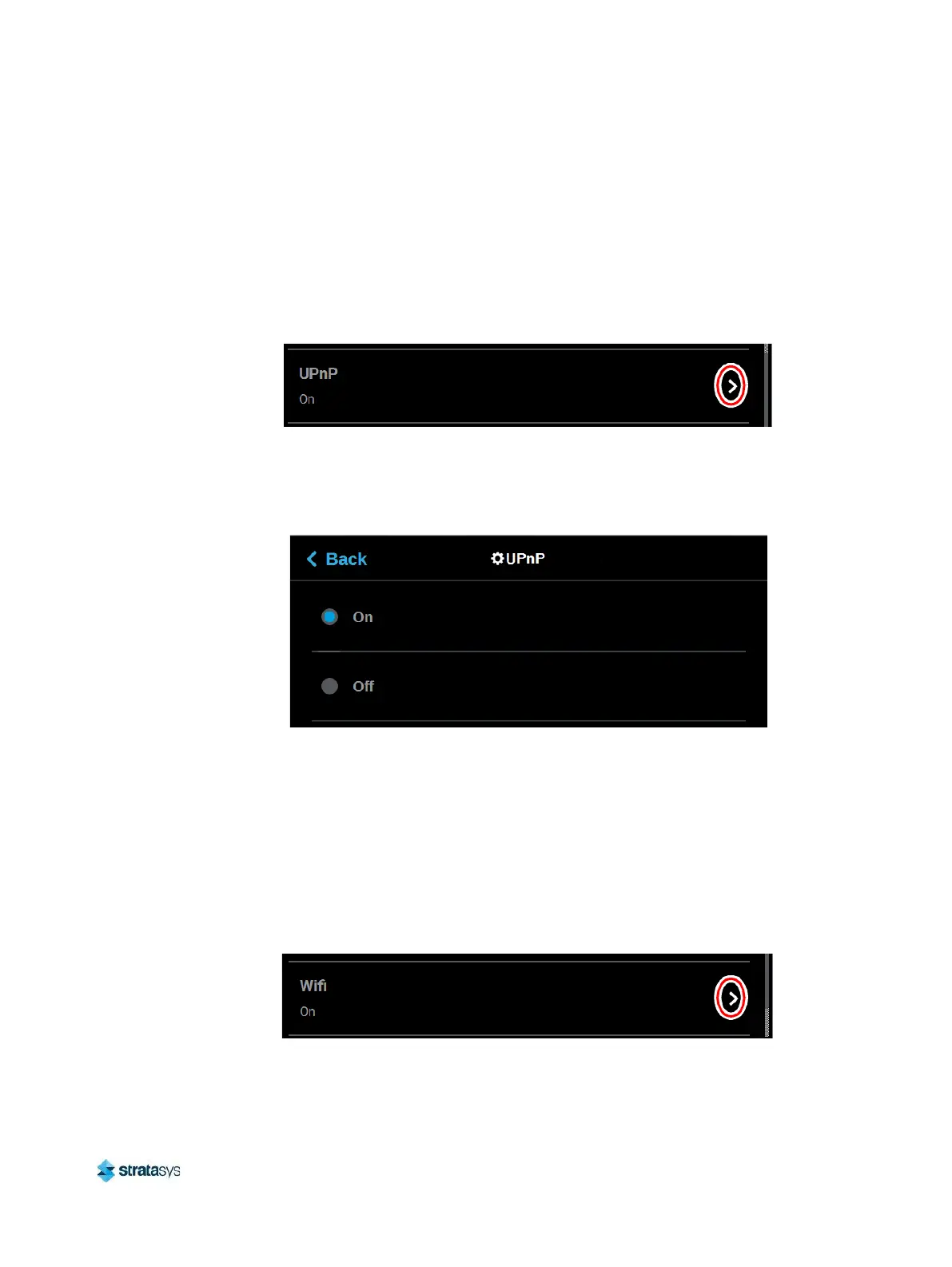
Wifi
The Wifi setting gives you control over the printer’s Wi-Fi capabilities. Please note that the
functionality of this setting is dependent upon the use of a Wi-Fi dongle purchased for use with
the printer. When this setting is set to On, you will be able to configure the printer to scan for
and connect to an available Wi-Fi network. You will then be able to send part files to the printer
via this network. When set to Off, Wi-Fi capabilities will be disabled and you will instead need to
send part files to the printer via your facility’s Ethernet connection or through the use of a USB
flash drive (see “Configuring the Network” (page 16) for details).
Figure 55: Wifi














 To Next Page