Printer Status Display Language
Page 138
© Copyright 2021 Stratasys. All rights reserved.
Display Language
By default the text within the UI is displayed in English. However, you can adjust this setting as
needed to have the UI exhibit a different language. In addition to English the display language
can be set to Spanish, French, German, Italian, Russian, Chinese, and Japanese.
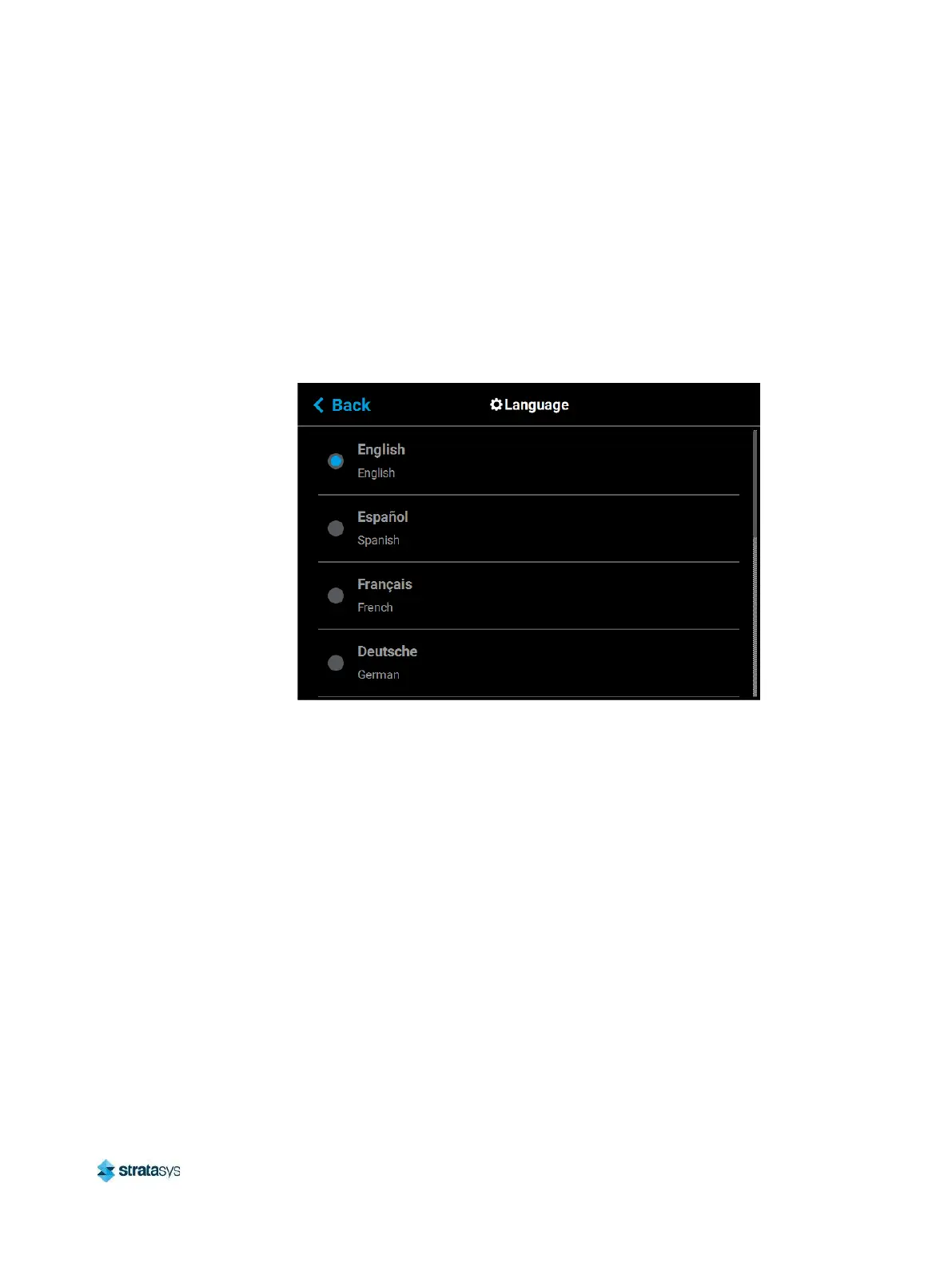
The Language setting determines the language that the UI is configured for. To configure this
setting, press anywhere within the Language row; the Language page will be displayed. Use
the scrollbar (along the right side of the page) to view the list of available languages. Select the
radio button corresponding to your desired language.
Figure 33: Configure Language
Printer Status
The various pages of the User Interface display each of the following:
• Head odometer status
• Material status
• Temperature status
• Controller Software version
• Other printer information
Head Odometer Status
The printer tracks and displays the total amount of material extruded through a head since it
was last replaced. Head odometer values can be determined via the head’s Head Details
page. To locate this information press the Materials button within the Navigation Menu, the
Materials page will be displayed. Two “Head Status Icons” (page 62), one corresponding to the
model head and the other corresponding to the support head, are displayed within the upper














 To Next Page