Basic User Operations Powering ON the Printer
Page 105
© Copyright 2021 Stratasys. All rights reserved.
5
5 OPERATING THE PRINTER
This chapter explains basic steps in operating the F770 printer
Basic User Operations
Powering ON the Printer
To power the printer ON:
1. Connect the power cord directly into a grounded electrical outlet.
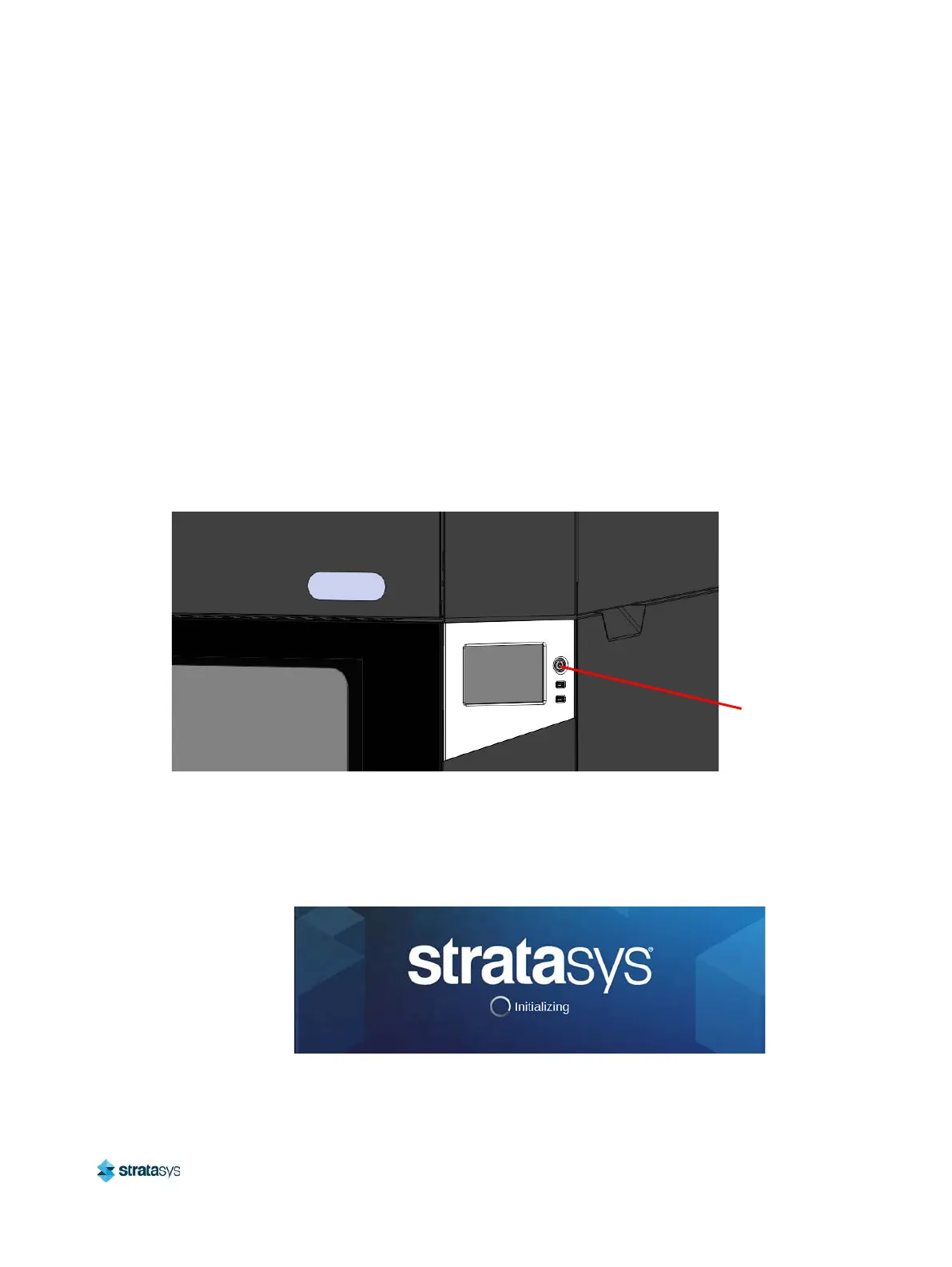
2. Press the power button located on the front of the printer.
Figure 1: Power Button Location
3. The printer will begin to boot. The touchscreen will turn on and begin initializing.
4. The first time the printer is powered ON a dialog will be displayed asking you to select your
desired language. Select the radio button corresponding to your desired language by
touching its row on the screen, then confirm your selection.
Figure 2: Initializing Start Up Screen
Power Button














 To Next Page