Working with the Tools Page Calibration
Page 90
© Copyright 2021 Stratasys. All rights reserved.
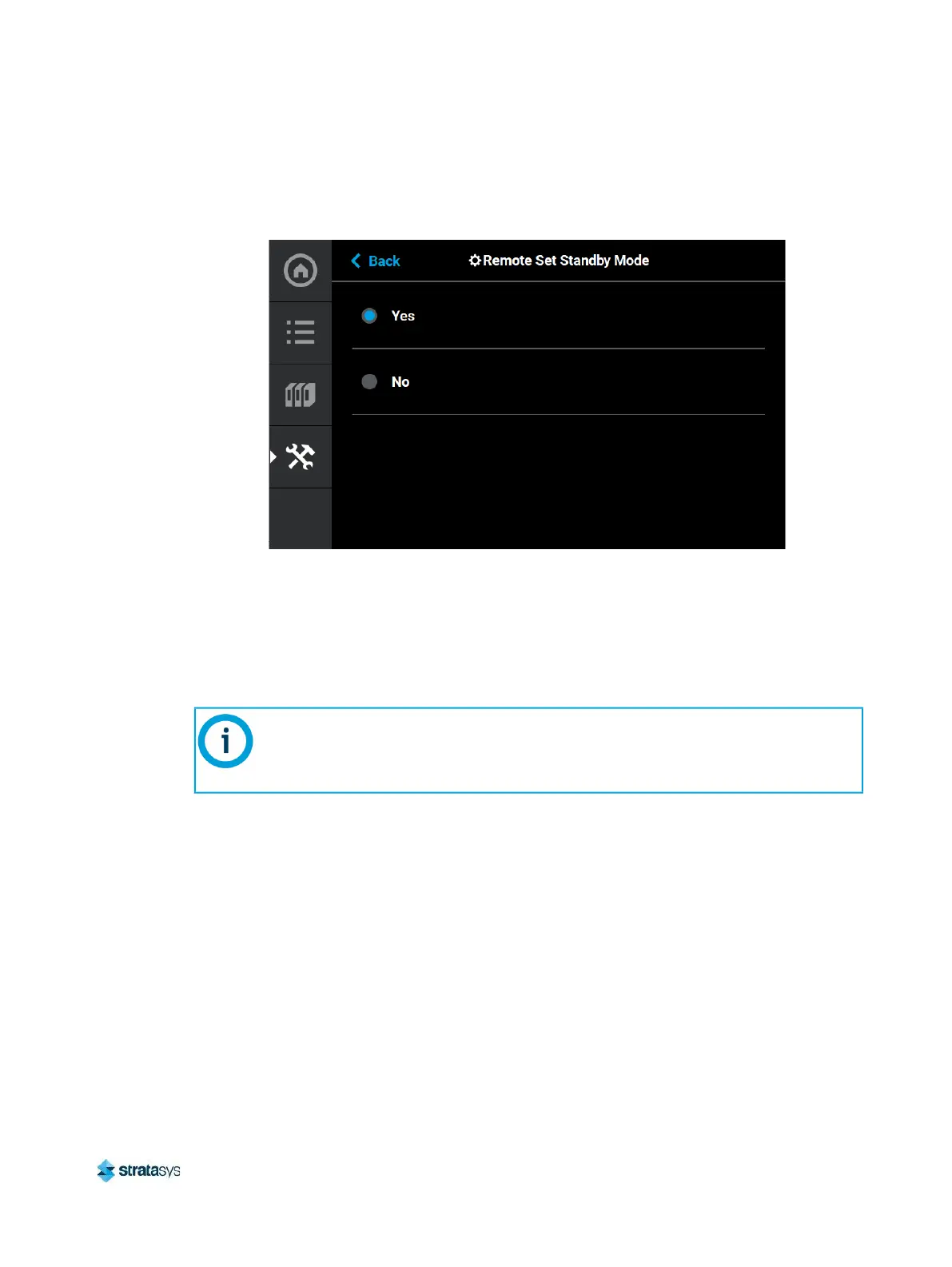
To change the Remote Set Standby setting to Yes, press anywhere within the row; the Remote
Set Standby dialog displays.
Figure 64: Remote Set Standby
Setting the Remote Set Standby radio button to Yes allows for setting the printer to Standby
mode via the GrabCAD Print mobile application and a cellular phone. Once the printer is set to
Standby mode, the printer mode cannot be changed remotely.
Calibration
The Calibration page allows you to perform a variety of calibration procedures on the printer,
including:
• Tip Calibration
• Touchscreen Calibration
This section provides an overview of the Calibration page and its features, but does
not go into detail regarding calibration procedures. See “6 Calibration and
Adjustments” (page 150) for detailed calibration procedure information and
instructions.














 To Next Page