Changing Printer Defaults Display Units
Page 136
© Copyright 2021 Stratasys. All rights reserved.
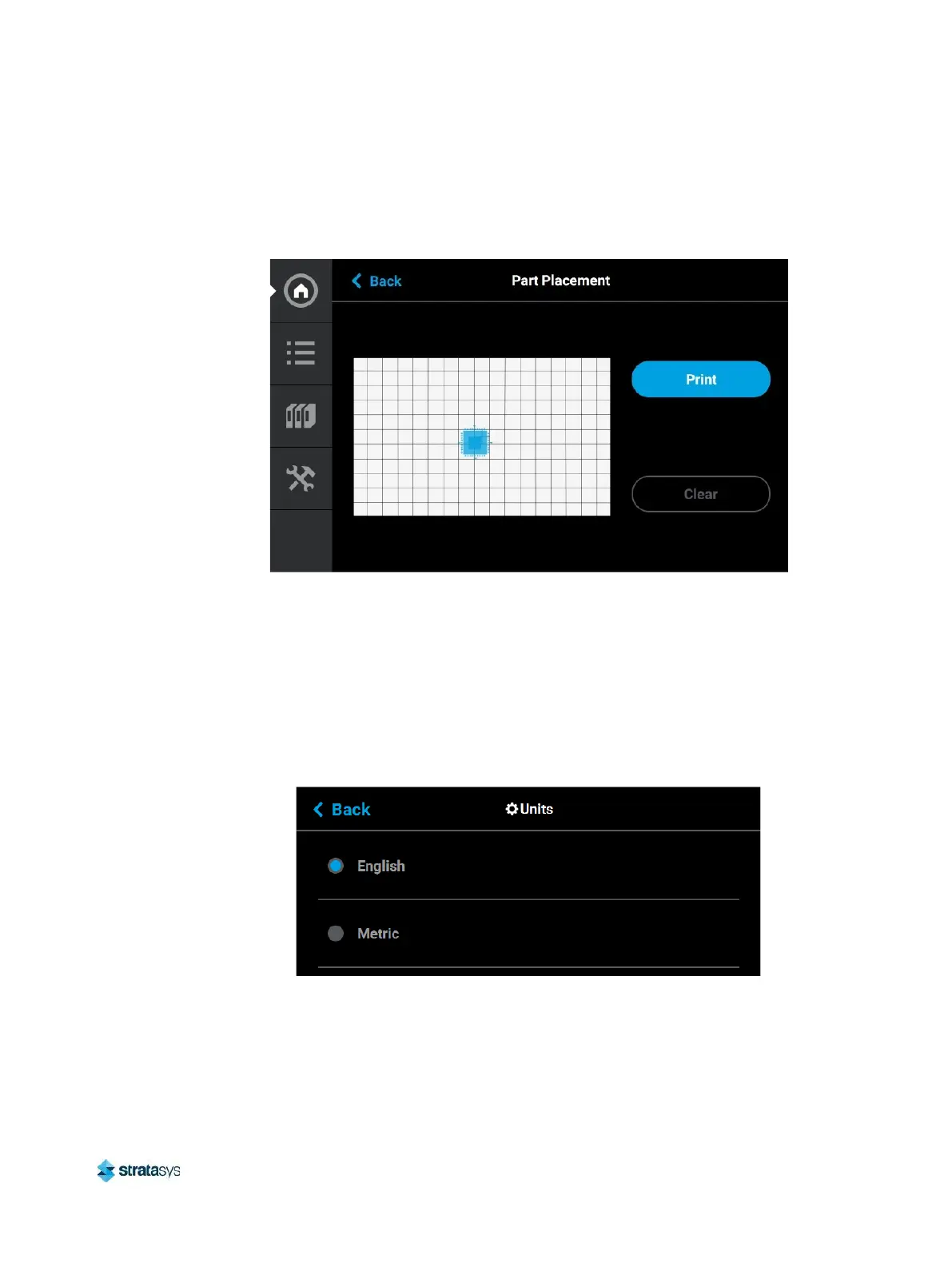
When this setting is set to Off the Part Placement dialog will not be displayed prior to the start
of a build. Single part jobs will be built in the center of a build sheet while packs will be built
according their selected placement within GrabCAD Print.
Figure 29: Part Placement Dialog
Display Units
By default the UI is configured to display English units (inches). However, you can adjust this
setting as needed to have the UI display metric units.
The Units setting determines the type of units that the printer is configured for, English or
Metric. To configure this setting, press anywhere within the Units row; the Units page will be
displayed. Use the radio buttons within this page to select between English and Metric units.
Figure 30: Configure Units














 To Next Page