Working with the Tools Page Light
Page 104
© Copyright 2021 Stratasys. All rights reserved.
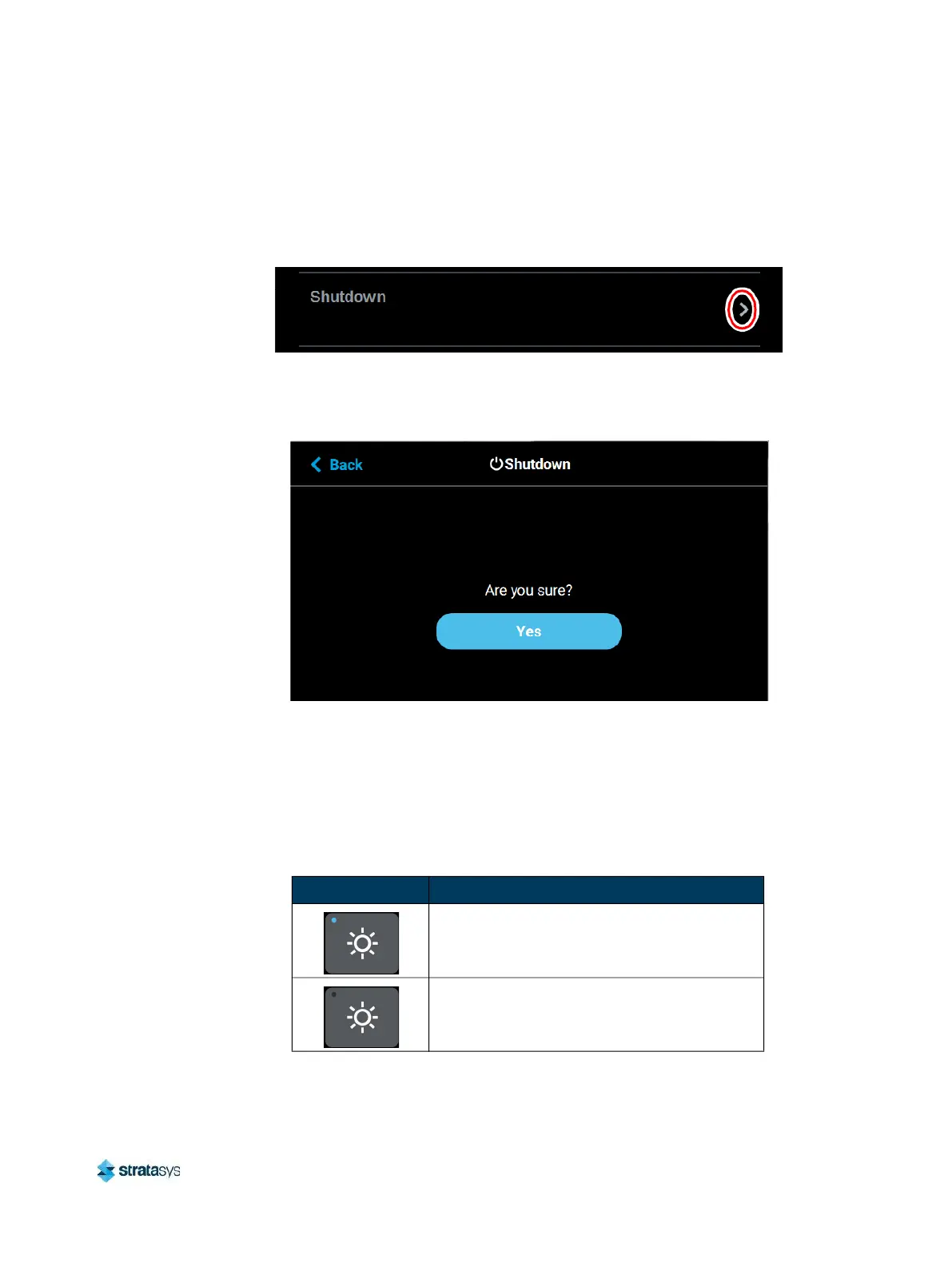
Shutdown
Pressing anywhere within the Shutdown row will open a dialog allowing you to power the
printer down.
Figure 93: Shutdown
Pressing the Yes button within this dialog will cause the printer to power down. Press the Back
button to exit the page and return to the Power page.
Figure 94: Restart Confirmation Dialog
Light
The light button is the only option within the Tools page that does not open a new page after
being pressed. Instead, the light button allows you to turn the oven light ON and OFF. An
indicator within the upper-left corner of the button displays the current state of the oven light
(ON or OFF). The light button can appear in the following states:
Table 13: Light Button - Button States
Button State Description
Oven light is ON.
Selecting the light button in this state will turn
the oven light OFF.
Oven light is OFF.
Selecting the light button in this state will turn
the oven light ON.














 To Next Page