Customer Replaceable Units Camera
Page 225
© Copyright 2021 Stratasys. All rights reserved.
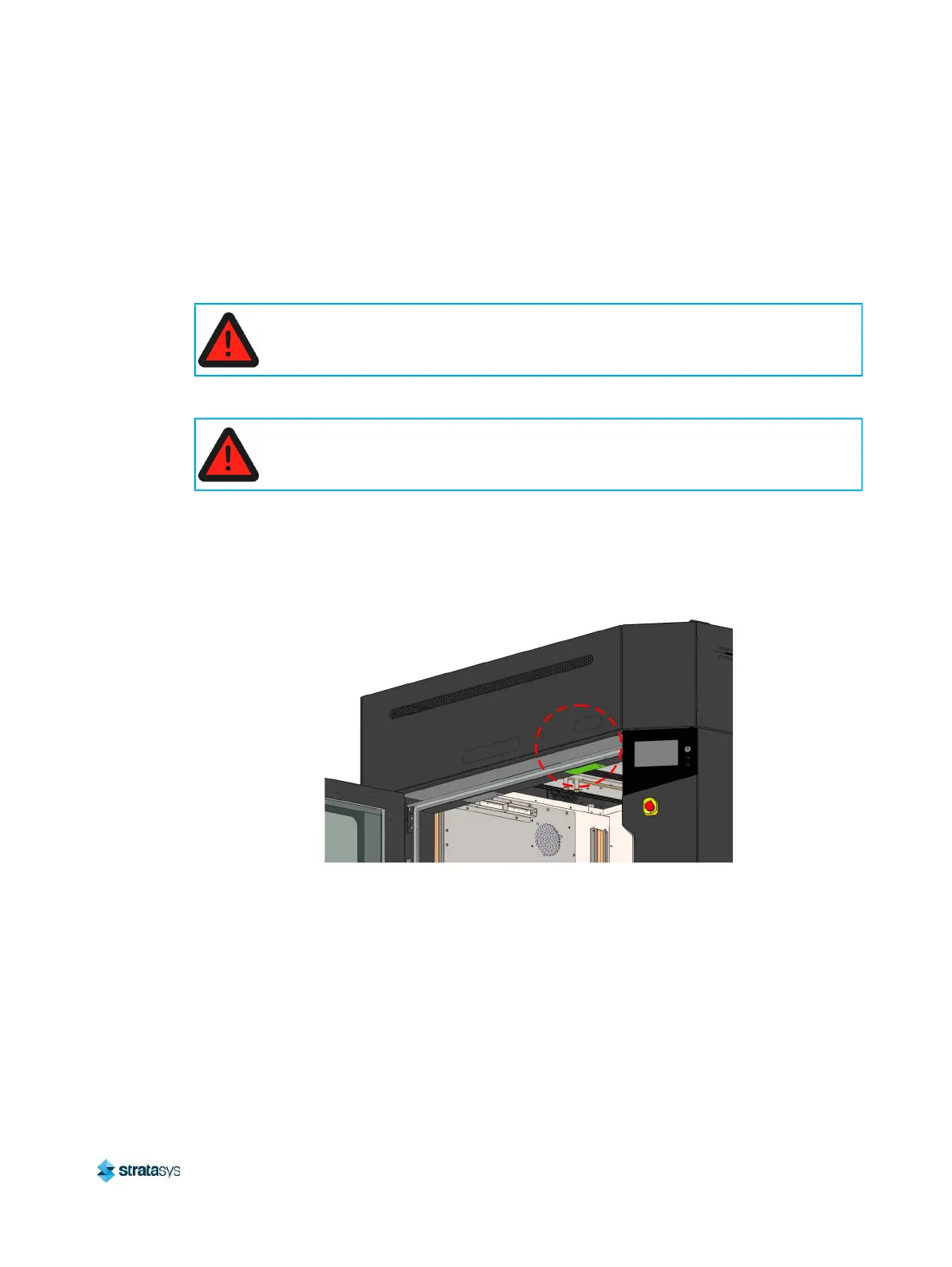
Camera
Required Tools
• 3 mm Hex Wrench
Removing the Camera
1. Power OFF the printer. See “Powering Off” (page 182).
2. Open the oven door.
3. Using a 3 mm hex wrench, remove the screws (2) that secure the camera cover plate to the
bottom of the oven frame above the oven enclosure entrance. Support the plate to prevent
it from falling.
Figure 57: Oven Camera Location
Always perform lockout-tagout of the AC power cord in accordance with customer
site procedures.
Allow the oven to cool for approximately 30 minutes before performing procedures
inside the oven chamber














 To Next Page